

SalesPlay POS
Seamless Billing, Inventory, CRM and Analytics platform

Reduce Long Lines & Queues, Speed Up Ordering
Long queues, slow ordering, and order mistakes can affect service during busy hours. SalesPlay Self-Order Kiosk lets customers order themselves, helping businesses reduce waiting times, improve accuracy, and serve more customers efficiently.
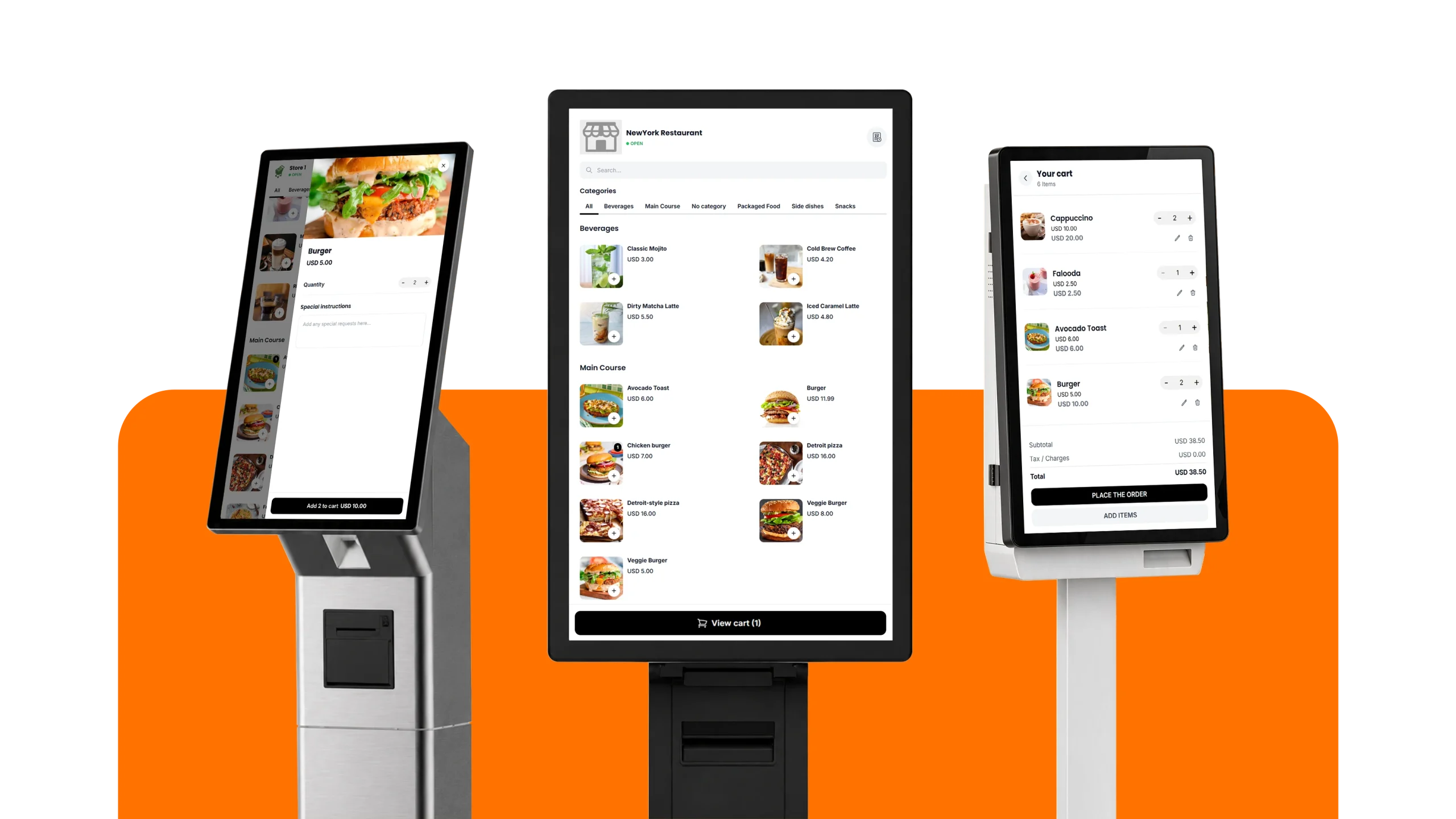
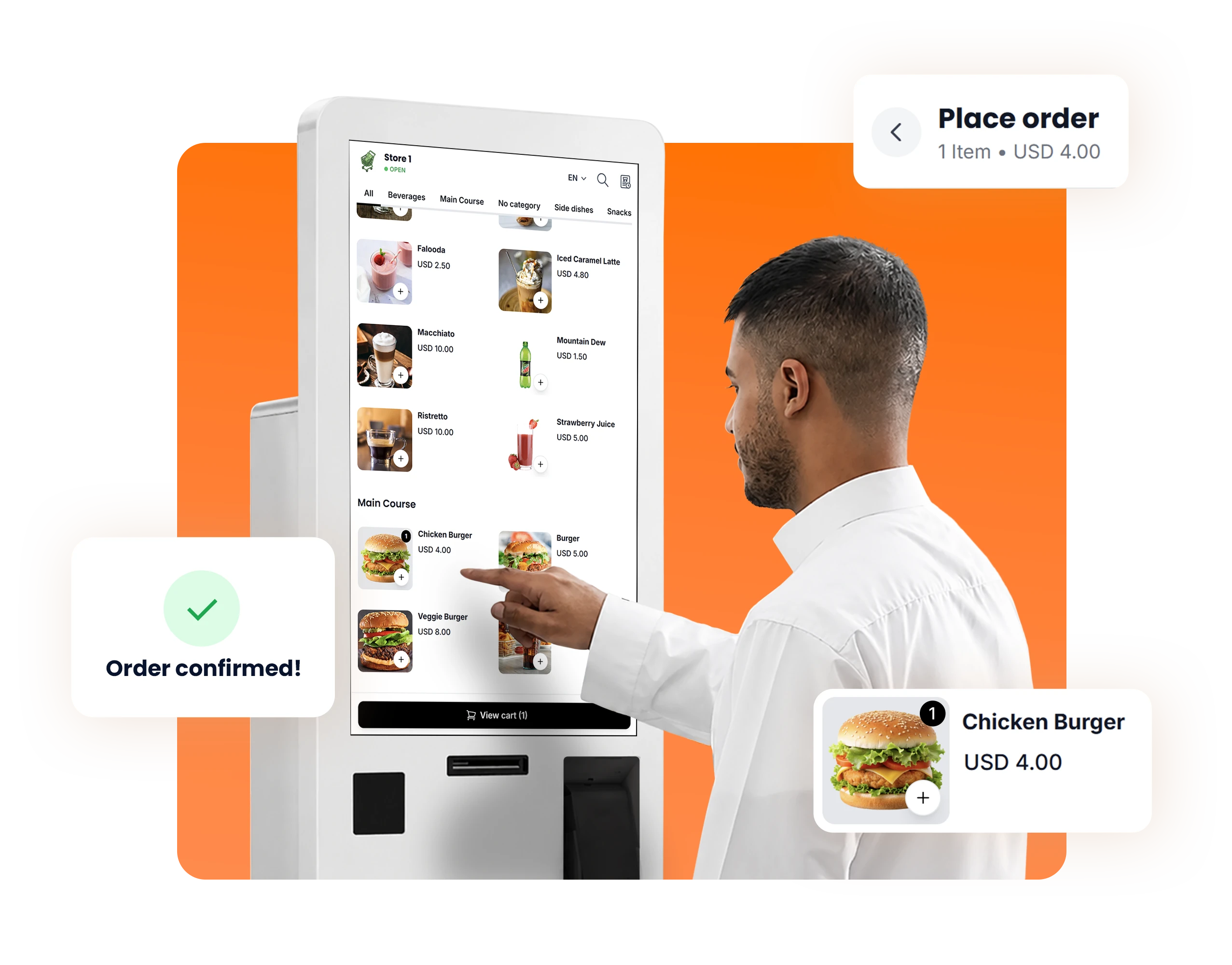
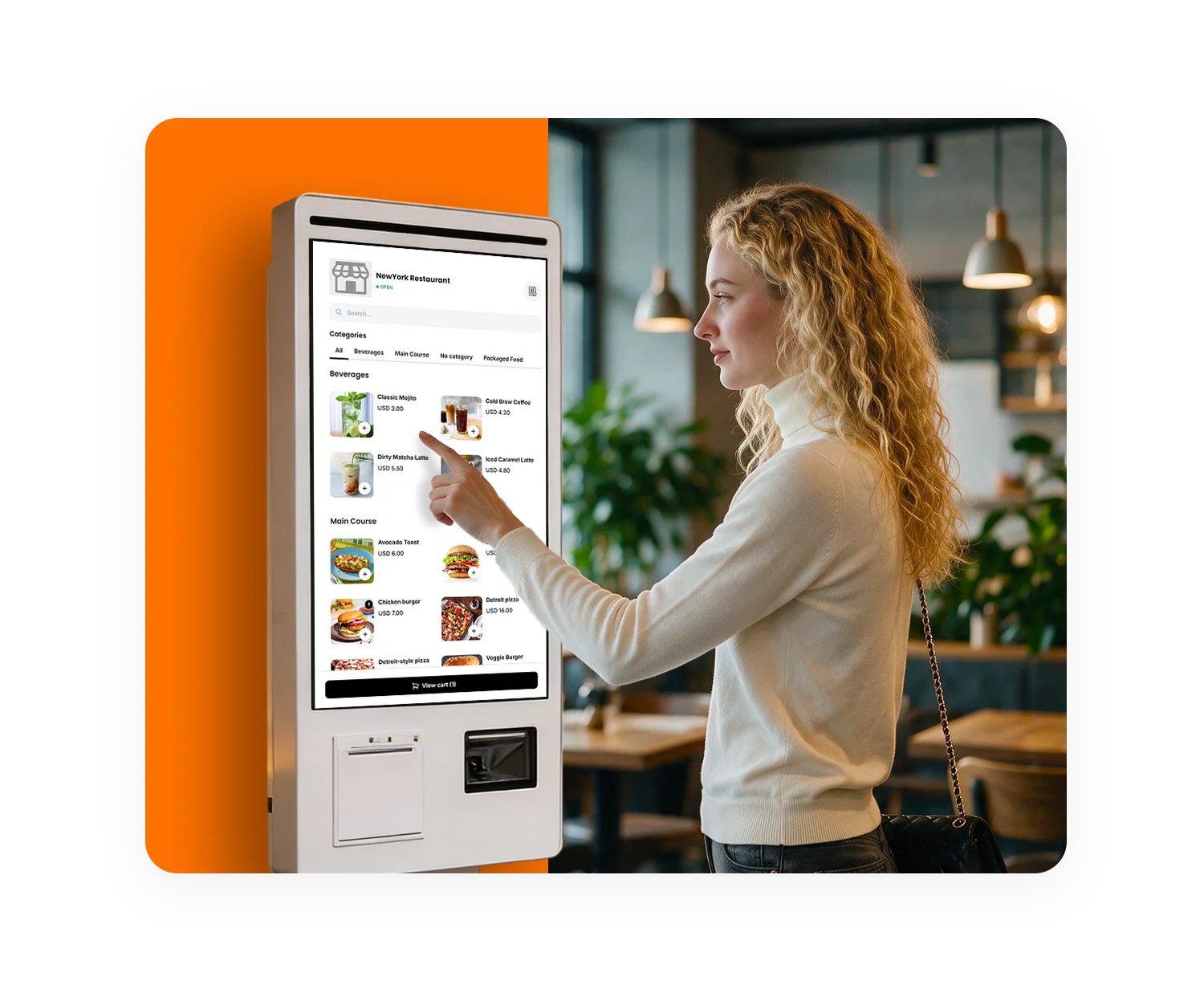
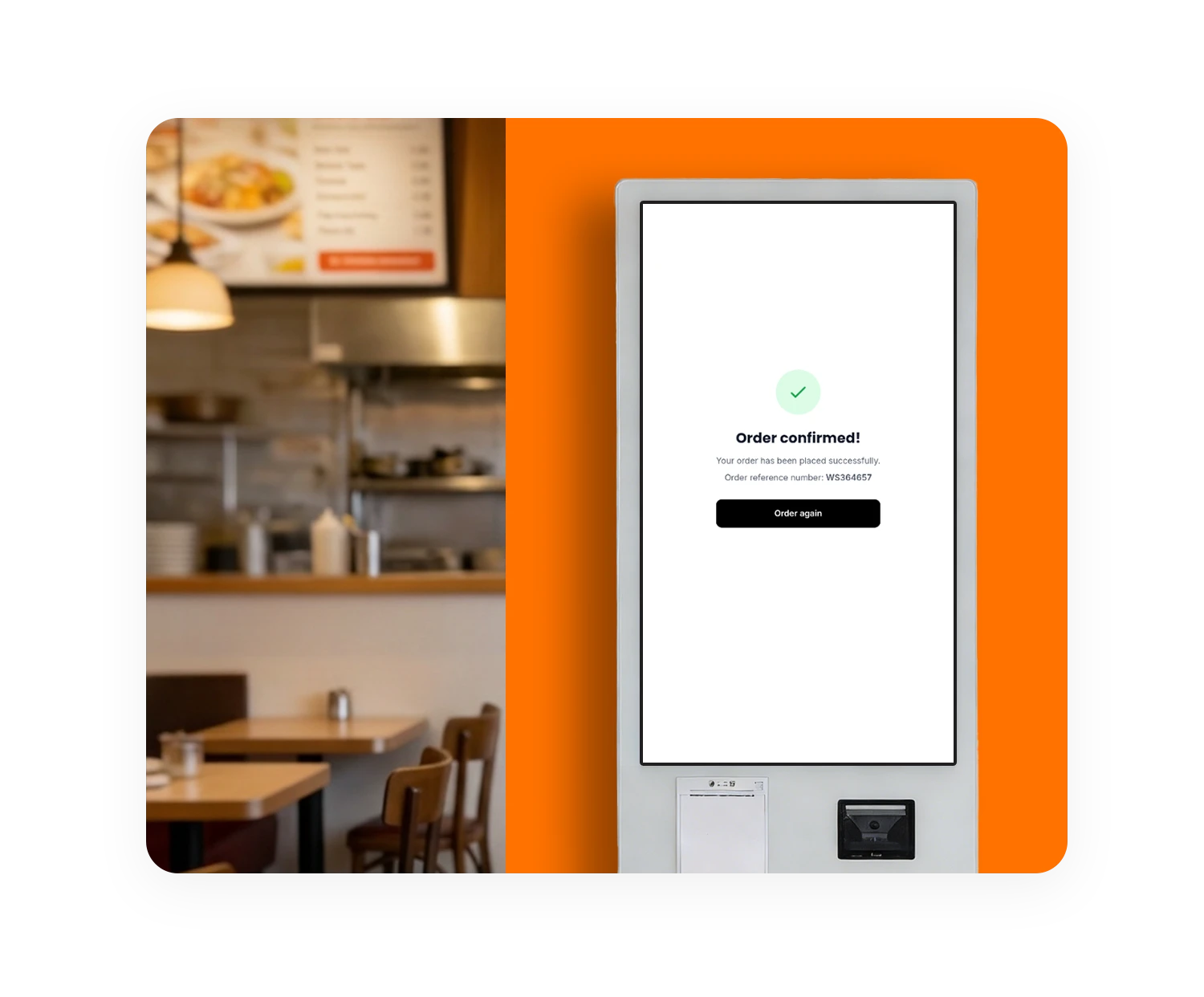
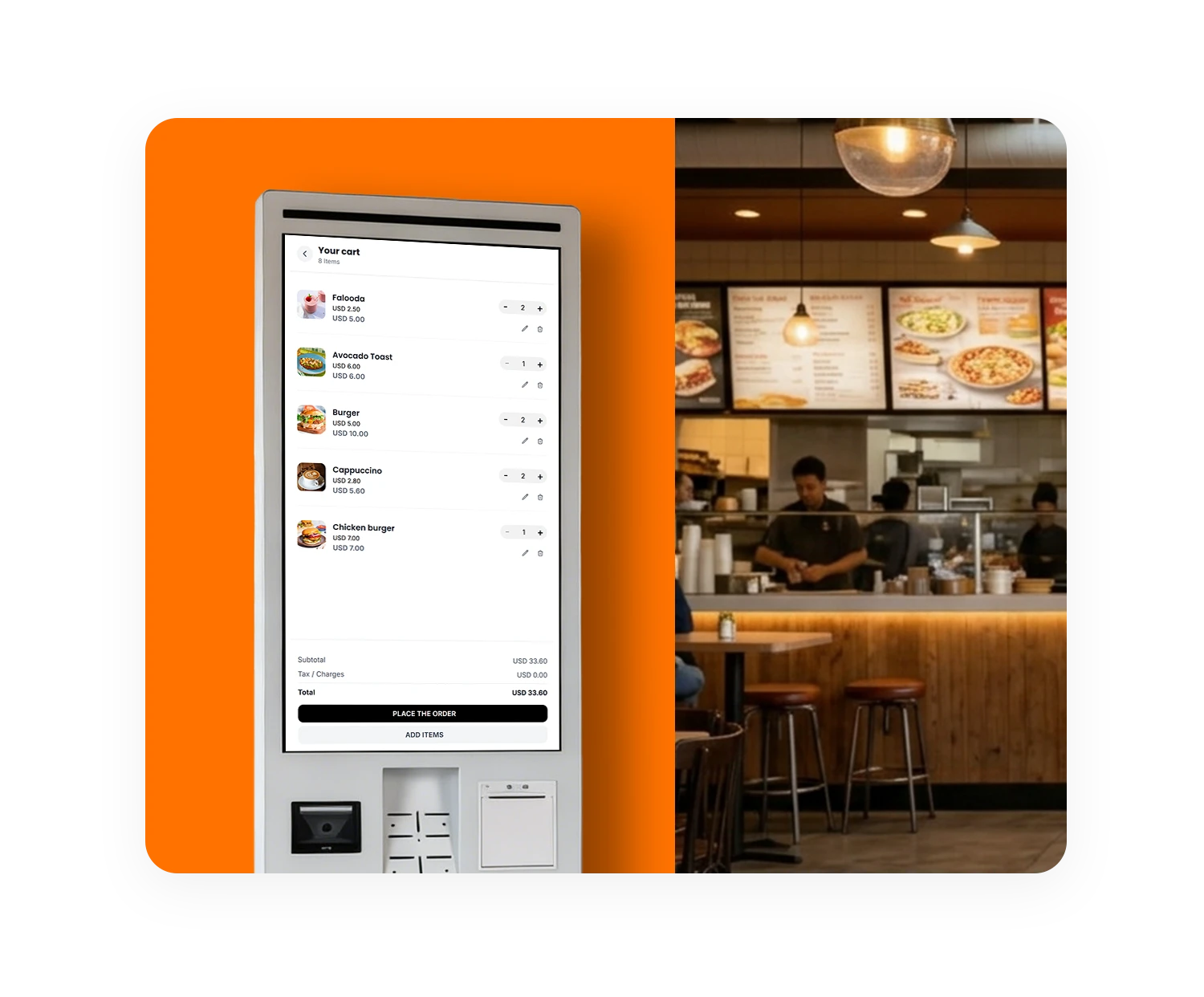
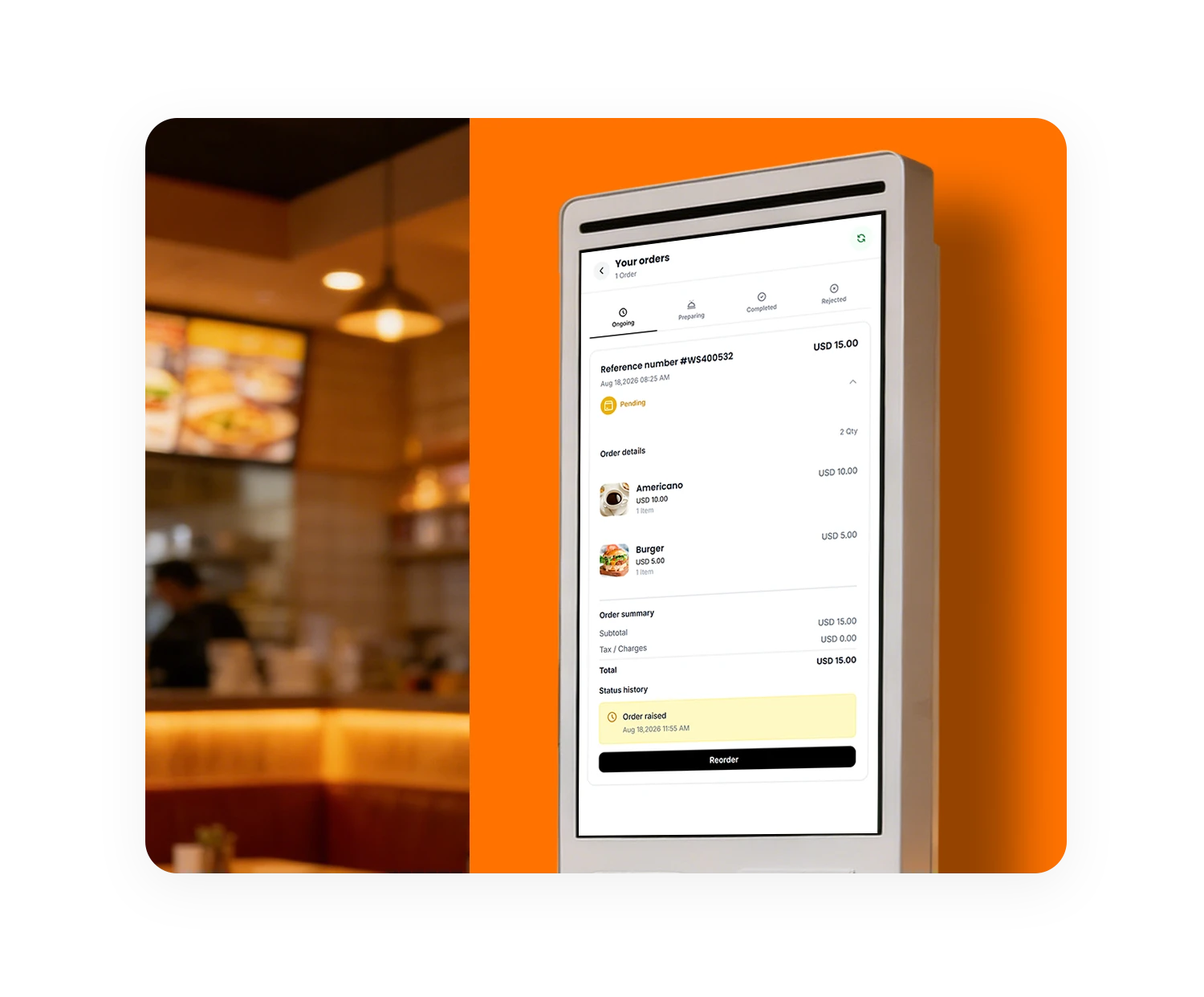
SalesPlay Self-Order Kiosk works with SalesPlay POS. Install the Self-Order App on a compatible Android device or kiosk terminal and connect it to your SalesPlay account to start offering self-service ordering.
Seamless Billing, Inventory, CRM and Analytics platform

Self-service kiosk for faster ordering and reduced queues.
A self-order kiosk system lets customers browse products, customize their orders, pay online, and place orders without waiting for staff assistance.
Customers select and customize their products, choose an order type, and place the order. The order is sent to SalesPlay POS and the kitchen for preparation. Customers receive an order number and receipt, then collect their order when it is ready or have it delivered to their table for dine-in.
It helps businesses reduce long queues, shorten waiting times, reduce order mistakes, and reduce the pressure on staff. Customers can place their own orders while staff focus on preparing and serving customers, helping the business serve more customers efficiently.
Yes. Customers can select available product variants and modifiers when placing their orders.
Yes. The Self-Order App supports more than 15 languages, allowing customers to choose their preferred language.
Yes. Customers can pay online where supported. Businesses can also allow customers to pay at the counter when collecting their orders.
Yes. A compatible receipt printer can be connected to the kiosk to print receipts after an order is placed.
Yes. When KOT/BOT printing is configured, orders can be automatically sent to the appropriate kitchen or bar printer through SalesPlay POS.