Restaurant POS

Restaurant POS Software That Keeps Your Business Moving

Manage your restaurant, café, food truck, or other food business with a POS system designed for faster ordering, smoother kitchen operations, and better control of your daily business. SalesPlay POS helps you manage sales, menus, tables, kitchen, customers, employees, and reports from one easy-to-use platform.

Everything You Need to Manage Your Restaurant

Manage orders, tables, menus, kitchen operations, payments, customers, staff, and business performance with SalesPlay Restaurant POS.

Products & Menu Management

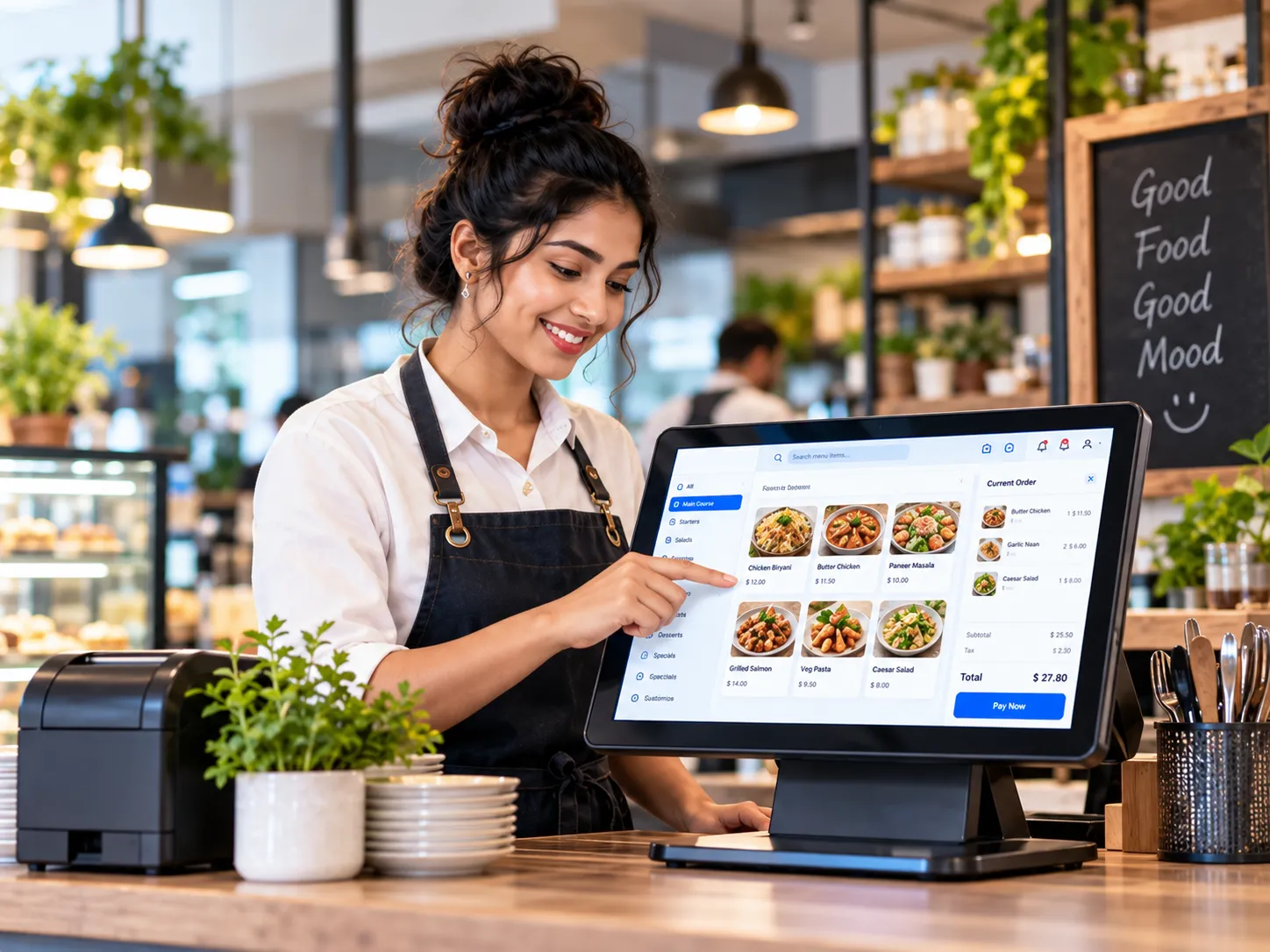
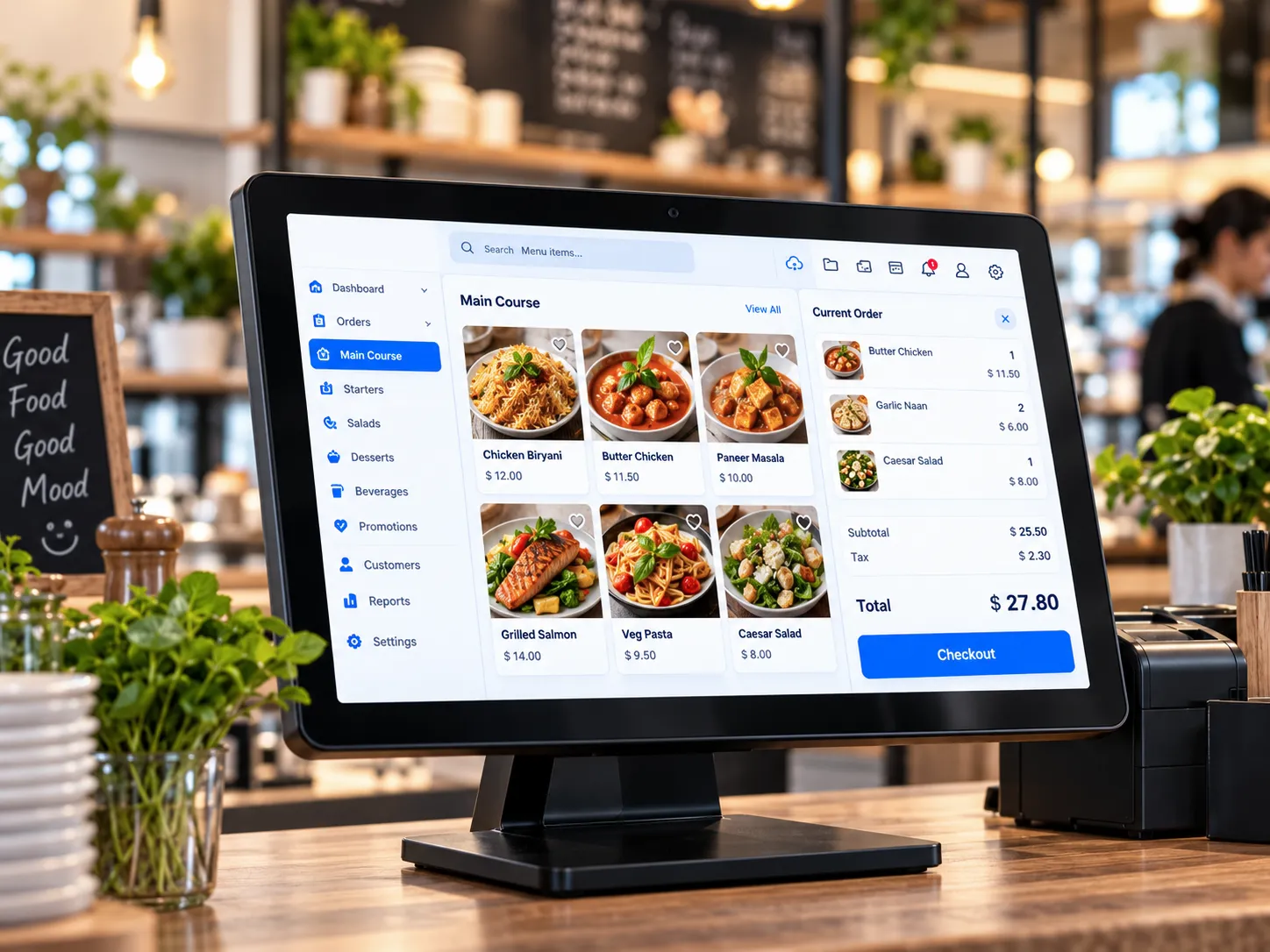
Manage your restaurant menu easily by adding products, categories and images. Add modifiers, combos, toppings, and special instructions. Customize your sales screen and group items by meal times or popular products.

Table & Floor Management

Create standard or graphical table/ room layouts for service areas. Track orders by table, manage the number of guests, move orders, split bills, merge orders, and manage dining areas.

Order Management

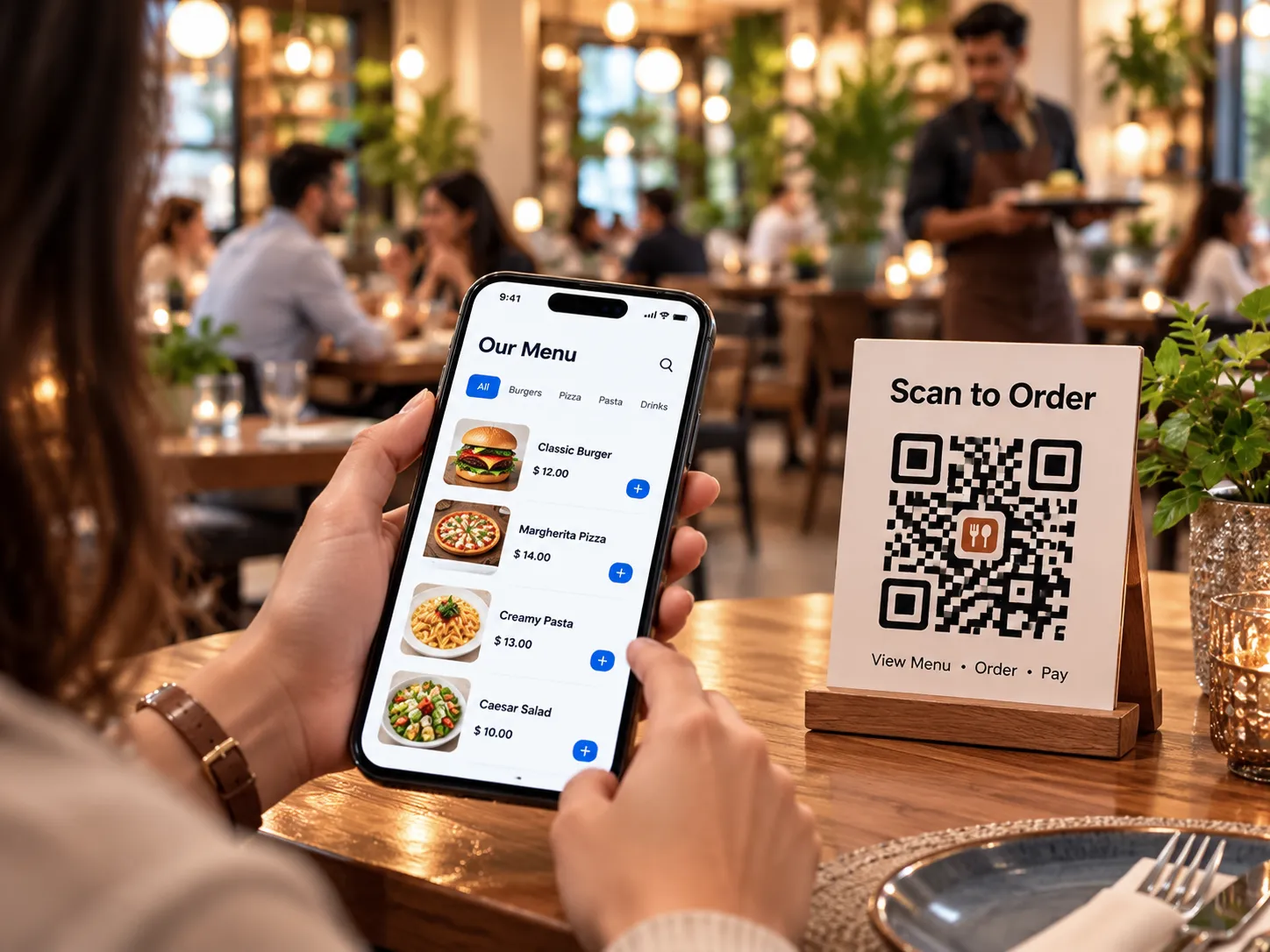
Give customers and staff flexible ordering options, including customer orders, advance payments, QR ordering, tablets, smartphones, Web Store, and self-ordering kiosks for faster service.

Flexible Billing & Payments

Handle restaurant billing with split bills, multiple payment methods, multi-currency payments, discounts, offers, combo deals, taxes, tips, pre-bills, and other food and beverage payment requirements.

Kitchen Management

Send orders directly to kitchen and bar displays or printers. Manage KOT and BOT with clear instructions, add notes for special requests, and print single-product KOTs when needed.

Staff & Shift Management

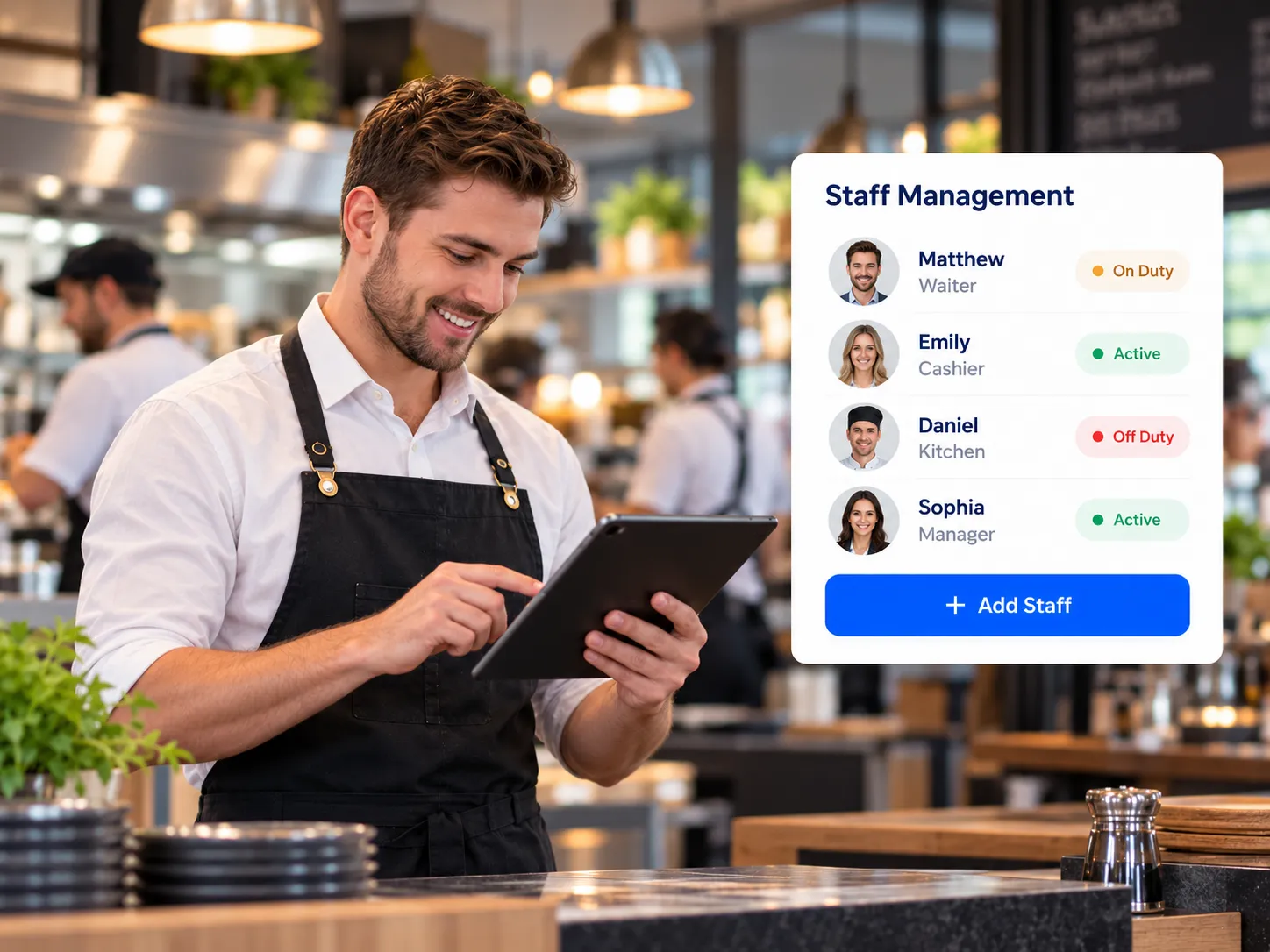
Manage staff access, assign orders to waiters and other employees, track attendance and shifts, and monitor staff activity. Give each team member the right access based on their role.

Customer Management

Build customer loyalty with discount plans, seasonal offers, vouchers, pricing plans, and Buy 1 Get 1 promotions. Manage loyalty points and let customers redeem points on future purchases.

Restaurant Reports & Dashboard

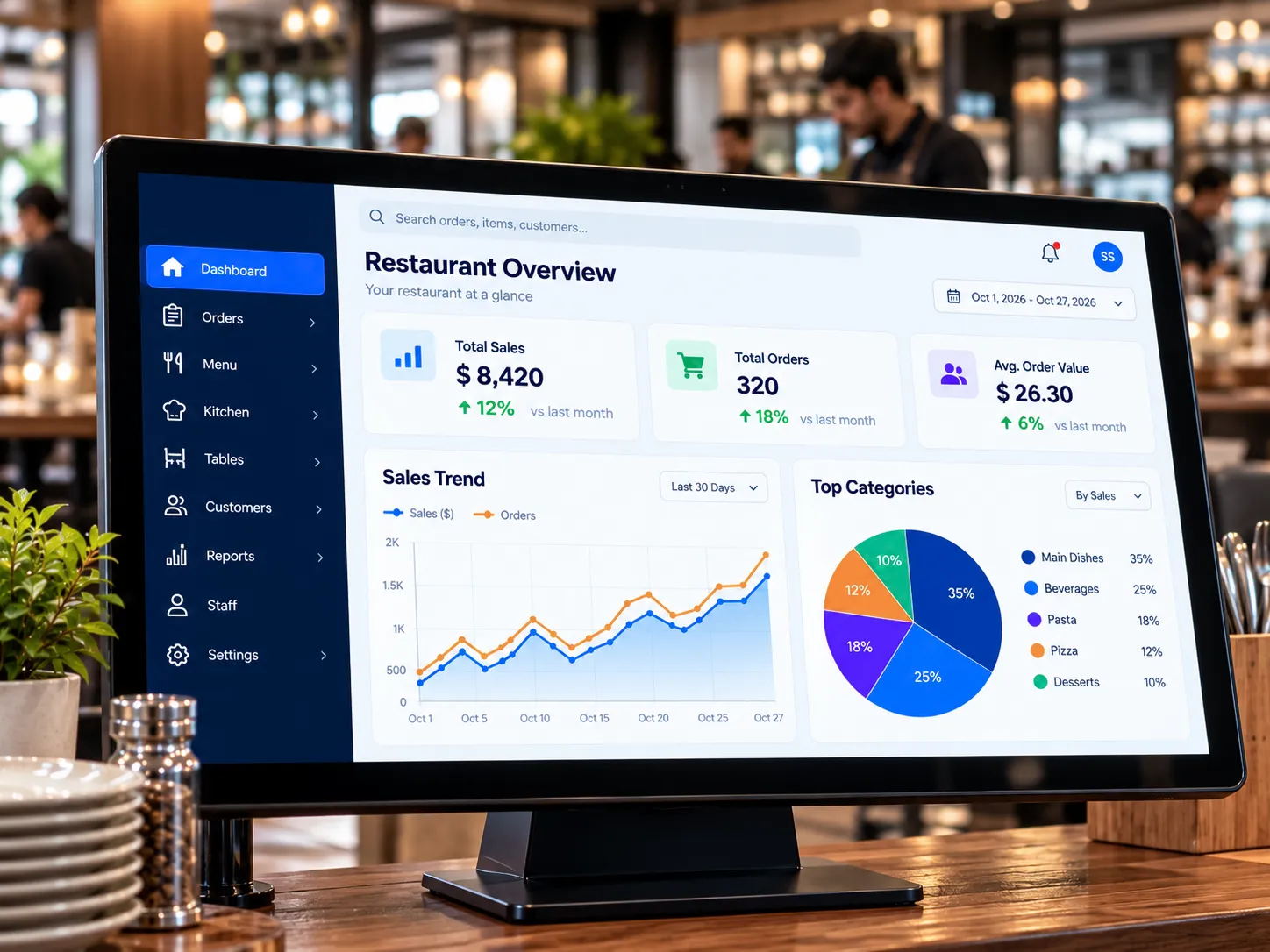
Monitor sales and business performance through Back Office and the Dashboard App. Use SalesPlay AI to explore data, understand trends, create visual insights, and make better business decisions.

Security & Fraud Prevention

Protect your business with user access levels, PINs, passwords and permissions. Restrict order/KOT edits or deletion, receipt edits, product deletion, discounts and refunds to authorized staff or cashiers.

Manage Every Order from One Place

Manage Every Order from One Place

Restaurant service can become complicated quickly when multiple tables, waiters, takeaway orders, and delivery orders are being handled at the same time. SalesPlay helps your team keep every order organized from the moment it is created until it is paid
  • Manage Open Orders – Save, edit, update and continue orders without losing information during busy service.
  • Choose the Right Order Type – Handle dine-in, takeaway, delivery, and other order types from one system.
  • Split, Merge, and Move Orders – Make changes to orders when customers change tables or request separate bills.
  • Assign Orders to Staff – Assign orders to waiters or other staff for better accountability and commission tracking.
  • Add Notes, Discounts, and Taxes – Give staff the flexibility to handle special requests and different billing requirements.
Keep Your Kitchen in Sync with Every Order

Keep Your Kitchen in Sync with Every Order

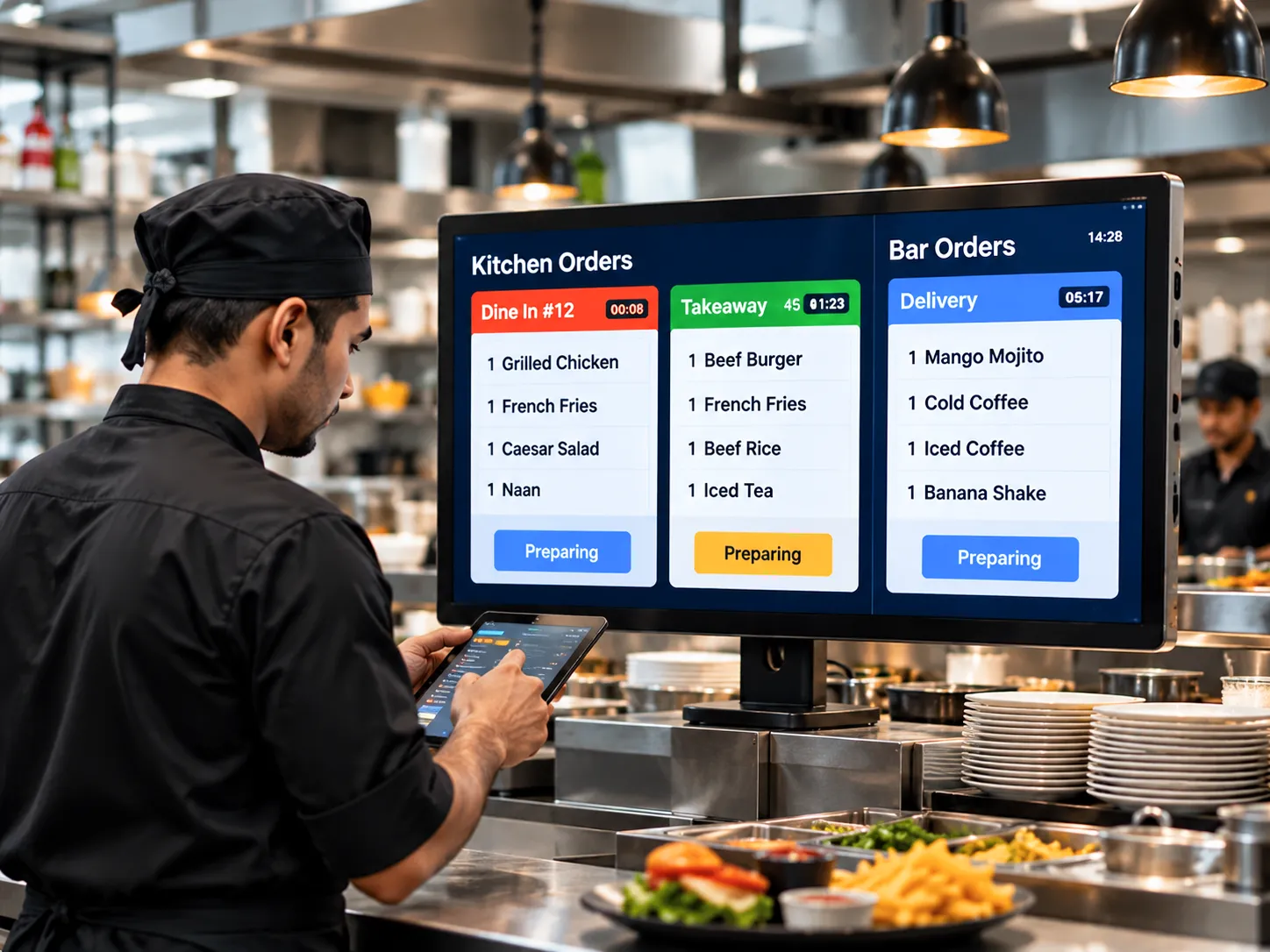
A good restaurant POS should connect the front of the house with the kitchen. SalesPlay sends order information directly to your kitchen or bar, helping your team work from the same information and reducing unnecessary communication.
  • Kitchen Display System (KDS) – Show incoming orders clearly on kitchen or bar displays.
  • KOT and BOT Management – Send Kitchen Order Tickets and Bar Order Tickets directly to the appropriate printers.
  • Real-Time Kitchen Notifications – Alert kitchen staff when new orders are placed or updated.
  • Clear Order Details – Display products, quantities, modifiers, and order information clearly for accurate preparation.
  • Multiple Kitchen Devices – Connect multiple displays and KOT printers with multiple POS devices for larger restaurant operations.
Make Table Service Faster and Easier

Make Table Service Faster and Easier

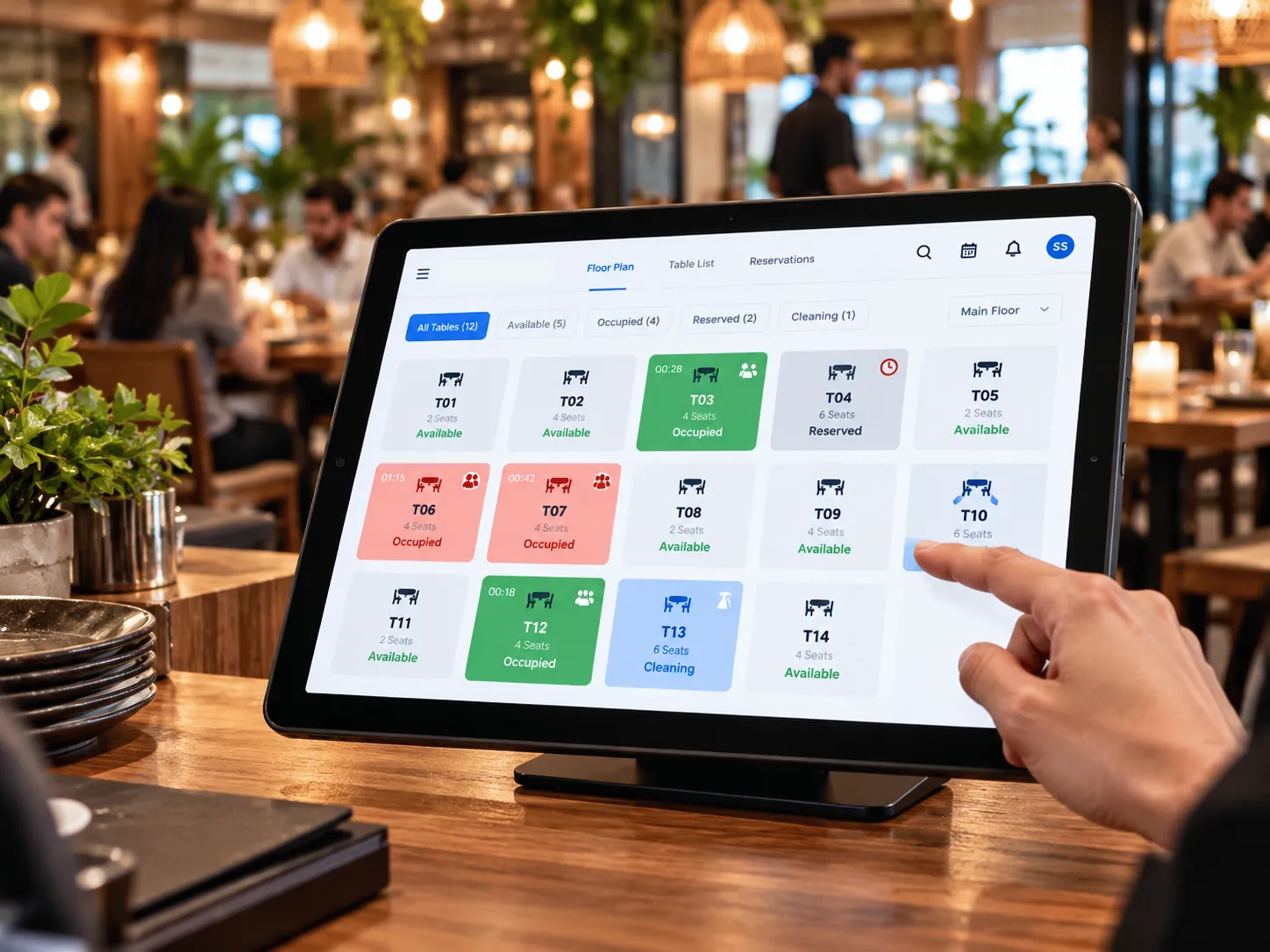
Managing tables is about more than knowing whether a table is occupied. Your team needs to know which customers have ordered, what they ordered, who is serving them, and whether the bill is ready. SalesPlay gives restaurant staff a visual way to manage tables and open orders throughout service.
  • Graphical Table Layout – Create a table layout that matches your restaurant floor.
  • Table Order Tracking – View and manage open orders by table.
  • Move Orders Between Tables – Easily transfer orders when customers move.
  • Split and Merge Bills – Divide bills by items or seats and combine orders when needed.
  • Track Number of Guests – Record the number of guests at a table to better understand seating and service activity.
Give Customers More Ways to Order

Give Customers More Ways to Order

Customers expect convenience, whether they are dining at a table, ordering takeaway, or purchasing from a restaurant online. SalesPlay supports different ordering methods so you can choose the options that work best for your business.
  • QR Ordering – Let customers scan a QR code and place orders digitally.
  • Tablet Ordering – Give waiters tablets or smartphones to take orders directly at the table.
  • Web Store – Accept online orders and give customers another way to order from your business.
  • Self-Order Kiosk – Allow customers to browse, customize, and place orders themselves.
  • Digital Menu – Present your menu digitally with product information and availability.
Give Your Staff the Tools to Serve Better

Give Your Staff the Tools to Serve Better

Your restaurant team is at the centre of the customer experience. SalesPlay provides tools that help staff take orders faster, manage their work, and maintain better accountability.
  • Simple Sales Screen – Organize menu items by categories, popularity, or time of day so staff can find products quickly.
  • Customizable Modifiers – Add toppings, add-ons, and other choices to menu items.
  • Modifier Rules – Make options required or optional and control the minimum and maximum selections.
  • Staff Order Assignment – Assign orders to waiters and other staff members.
  • 4-Digit PIN Login – Allow staff to quickly switch between users while maintaining individual access.
  • Shift Management – Open and close shifts while maintaining better control over cash and daily operations.
Stay in Control of Your Restaurant Business

Stay in Control of Your Restaurant Business

Running a restaurant means making decisions every day about sales, staff, customers, stock, and costs. SalesPlay gives owners and managers the information they need to understand what is happening across the business.
  • 50+ Business Reports – Review sales, products, customers, inventory, and other business information through the Back Office.
  • SalesPlay AI – Ask questions about your business data and use AI-powered insights to support better decisions.
  • Dashboard App – Check key business information from your Android or iOS device.
  • Business Hours Reporting – Report sales according to your actual operating hours, which is especially useful for restaurants that operate past midnight.
  • User Permissions and Activity Tracking – Control access and maintain visibility over staff actions.
  • Deleted Open Order Report – Review deleted open orders and maintain better accountability.

Ready to Run Your Restaurant Smarter?

Bring your restaurant orders, tables, kitchen, staff, customers, and business information together with SalesPlay POS. Serve faster. Stay organized. Understand your business better.

Salesplay app png

SalesPlay POS

Seamless Billing, Inventory, CRM and Analytics platform

SalesPlay Kitchen Display 2 png

SalesPlay Kitchen Display

Informs kitchen staff of the pending customer orders

SalesPlay Dashboard

Monitor sales, gross profit, net profit, taxes, and other business information.

SalesPlay Self-Order

Self-service kiosk for faster ordering and reduced queues.

FAQs

What is a restaurant POS system?

A restaurant POS system is software that helps restaurants manage orders, tables, payments, menus, staff, and business information. SalesPlay combines these functions with kitchen, digital ordering, reporting, and business management tools.

Is SalesPlay POS suitable for restaurants and cafés?

Yes. SalesPlay is designed for food and beverage businesses including restaurants and cafés. It supports table service, takeaway, delivery, kitchen operations, digital ordering, staff management, and reporting.

Does SalesPlay support table management?

Yes. You can create standard / graphical table layouts, assign orders to tables, move orders, split and merge bills, and manage open orders by table.

What is KOT/BOT in a restaurant POS?

KOT means Kitchen Order Ticket, while BOT means Bar Order Ticket. SalesPlay can send orders digitally to kitchen or bar displays or printers so staff can see and manage pending orders.

Can restaurant staff take orders using tablets or smartphones?

Yes. SalesPlay supports tablet and mobile ordering. Staff can take orders using supported devices and send them directly to kitchen displays or printers.

Does SalesPlay support dine-in, takeaway, and delivery orders?

Yes. SalesPlay supports different order types, including dining, takeaway, and delivery, allowing restaurants to manage different types of orders from the same POS.

Can customers order themselves without a waiter?

Yes. SalesPlay supports QR Ordering and a Self-Order/Kiosk App, giving customers the option to browse the menu and place their own orders.

Can I manage restaurant staff with SalesPlay?

Yes. SalesPlay includes staff and user management features such as order assignment, user access, 4-digit PIN switching, time clock, and shift management. These tools can help restaurant owners improve accountability and manage daily staff operations.

Can I see my restaurant sales and business reports?

Yes. SalesPlay's Back Office provides access to business reports, while the Dashboard App gives owners and decision-makers quick access to key business information. SalesPlay also supports Business Hours Reporting for restaurants that operate past midnight.

Does SalesPlay have AI-powered restaurant business insights?

Yes. SalesPlay AI can analyze available POS data and help business owners explore sales performance, trends, products, and other business information through AI-powered insights, charts, and graphs.

✖