

SalesPlay POS
Seamless Billing, Inventory, CRM and Analytics platform

Looking for retail POS software? SalesPlay POS helps you manage sales, billing, products, inventory, customers, employees, promotions, and reports from one easy-to-use platform. Perfect for clothing, footwear, book, gift, electronics, pharmacy, hardware, jewelry, boutique, and other retail stores.


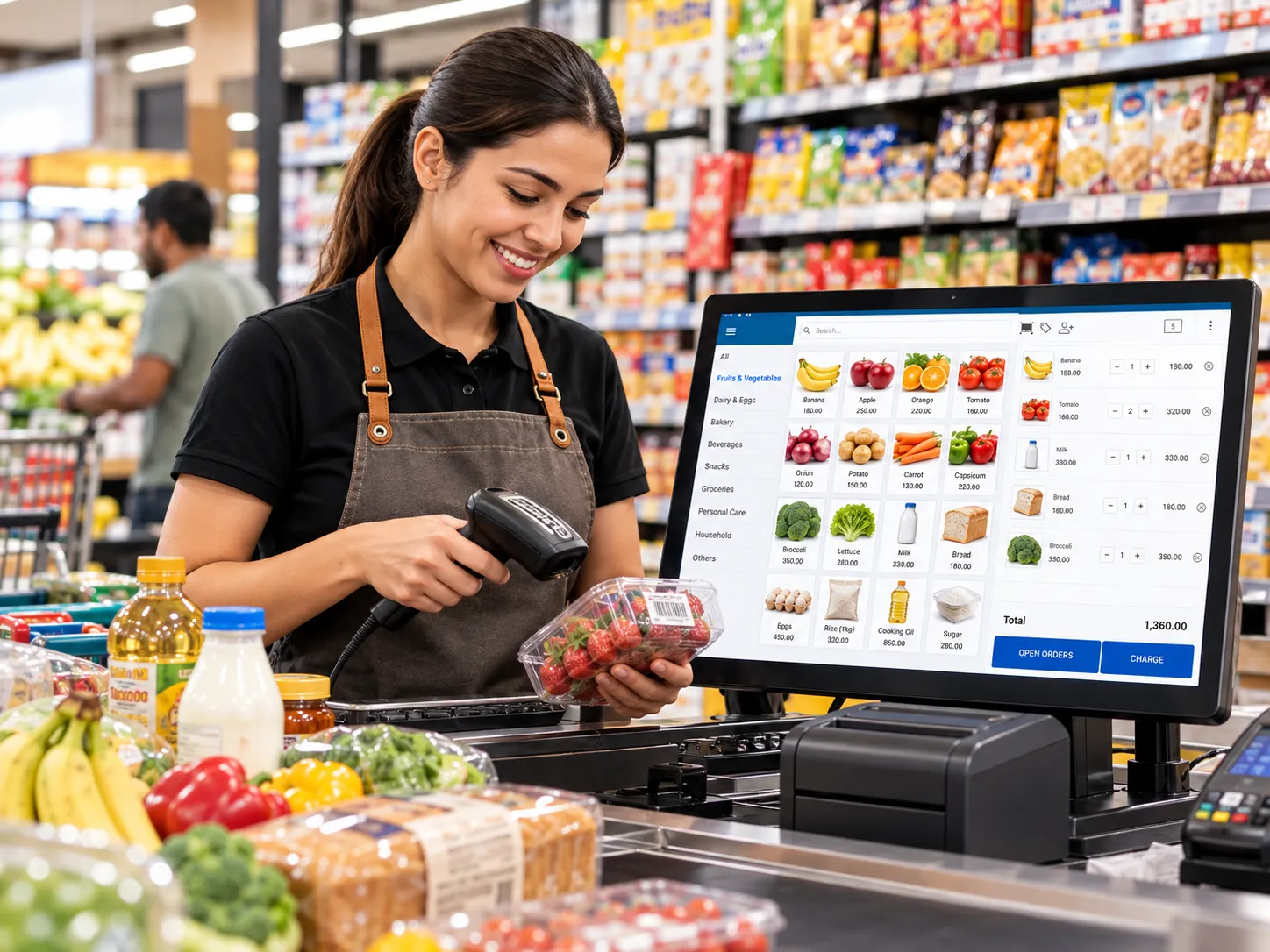
Manage sales, products, inventory, customers, and business performance with SalesPlay POS.

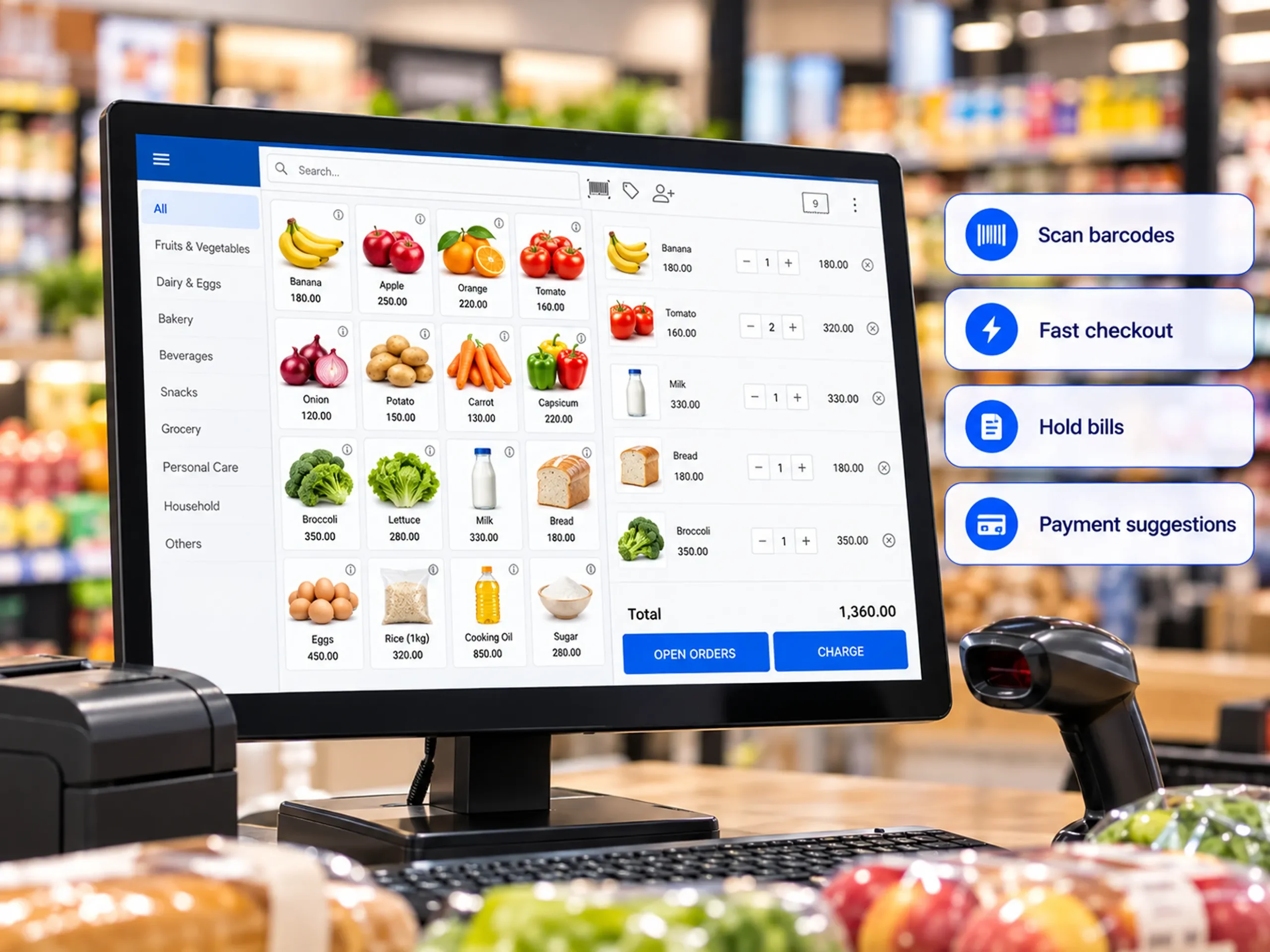
Complete sales in three simple steps: scan barcodes, hold bills, apply discounts, and quickly find popular products to keep checkout fast and reduce customer waiting times during busy store hours.

Import products in bulk, organize categories and variants, update product details, and set retail, wholesale, or location-based prices for flexible and accurate selling.

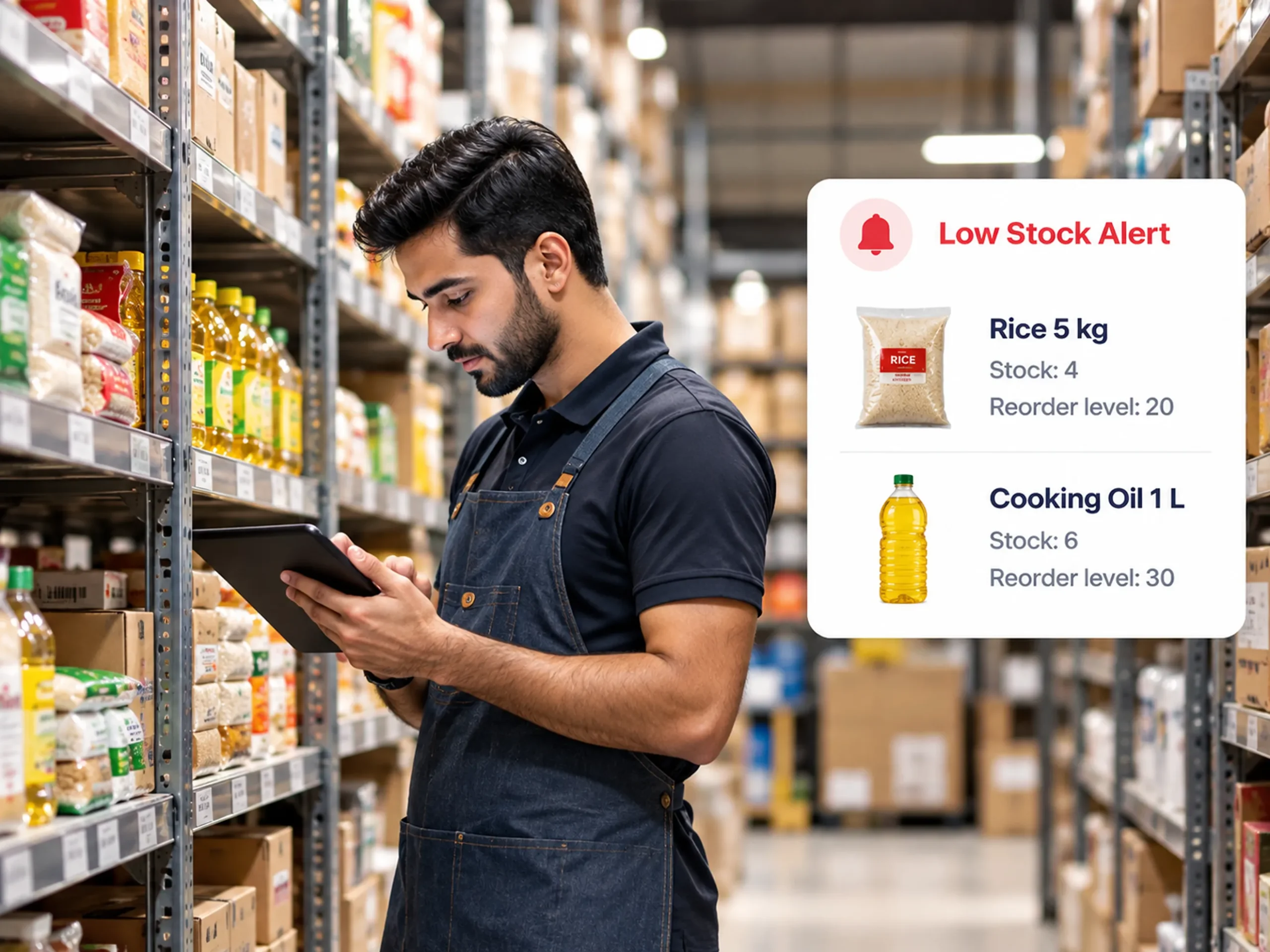
Track stock levels, receive reorder alerts, transfer products between stores, create purchase orders, and record goods received from suppliers to keep inventory accurate and organized.

Create customer profiles, manage loyalty cards and points, offer discounts and promotions, and encourage repeat purchases with targeted customer offers and rewards.

Manage multiple stores from one Back Office. Monitor products, inventory, sales, customers, and business performance across locations with centralized control and real-time visibility.

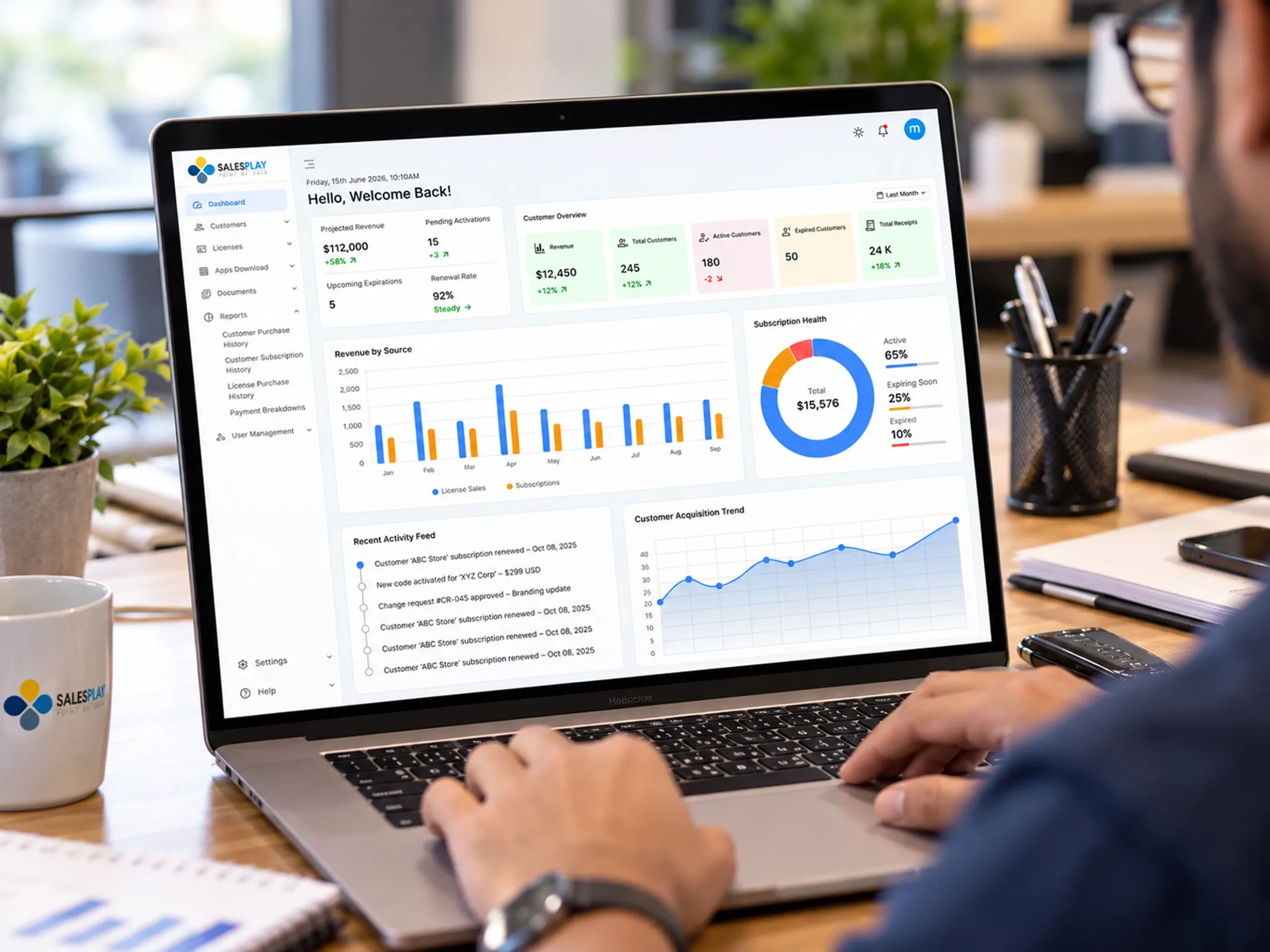
Access 50+ business reports, download data in PDF or Excel, and use SalesPlay AI to ask questions about your business and make faster, data-driven decisions.

Sell faster. Keep your inventory under control. Build customer relationships. Understand your business.
Start using SalesPlay POS to manage your retail business from one platform.
Seamless Billing, Inventory, CRM and Analytics platform

Monitor sales, gross profit, net profit, taxes, and other business information.

Retail POS software helps businesses manage sales, billing, products, customers, inventory, payments, and reports. SalesPlay can be used by clothing stores, electronics shops, furniture stores, pharmacies, hardware shops, jewelry stores, boutiques, and other retail businesses.
Customize the sale screen, organize products with categories and variants, choose a suitable POS layout, scan barcodes, use automatic payment suggestions, and hold unfinished bills.
Yes. SalesPlay WebPOS can be used on a Windows PC or laptop. Minimum requirements include Windows 8 or newer, Intel Core i3, and 8 GB RAM. SSD storage is recommended.
Yes. You can manage and monitor multiple outlets or branches from one central Back Office, including locations with different types of businesses.
Yes. SalesPlay includes tools for stock, purchase orders, goods receiving, stock transfers, stock counts, stock adjustments, purchase returns, suppliers, and reorder levels.
Yes. You can use retail, wholesale, and location-based pricing plans.
Yes. You can create customer profiles, view purchase history, manage loyalty points and cards, and create discounts and promotions such as Buy 2, Get 1 Free.
Yes. SalesPlay Web Store lets you create an online store, showcase products, accept online orders, and manage online and in-store sales from one platform.
SalesPlay provides 50+ reports covering sales, products, inventory, customers, taxes, and profitability. You can download reports in PDF and Excel formats.
Yes. SalesPlay AI lets you ask questions about your business data and get insights, charts, and graphs.