SalesPlay Web Store

Launch Your Online Store and Accept Orders Directly from Customers

Expand your business beyond your physical store with SalesPlay Web Store. Let customers browse products, place orders online for pickup or delivery, and send them directly to your SalesPlay POS for faster order management.
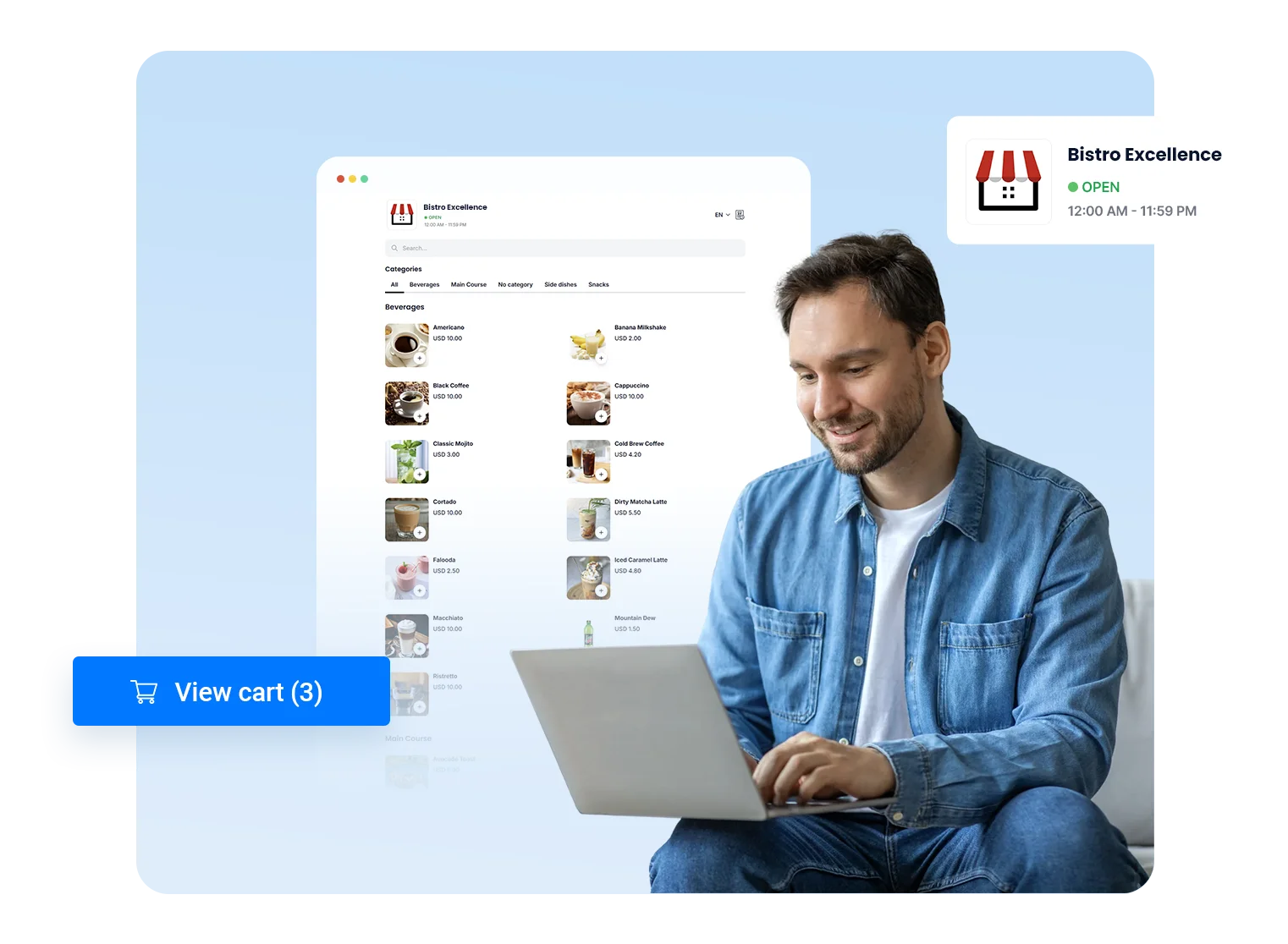
SalesPlay Web Store
Why Choose SalesPlay Web Store?

Why Choose SalesPlay Web Store?

  • Sell online through your branded web store.
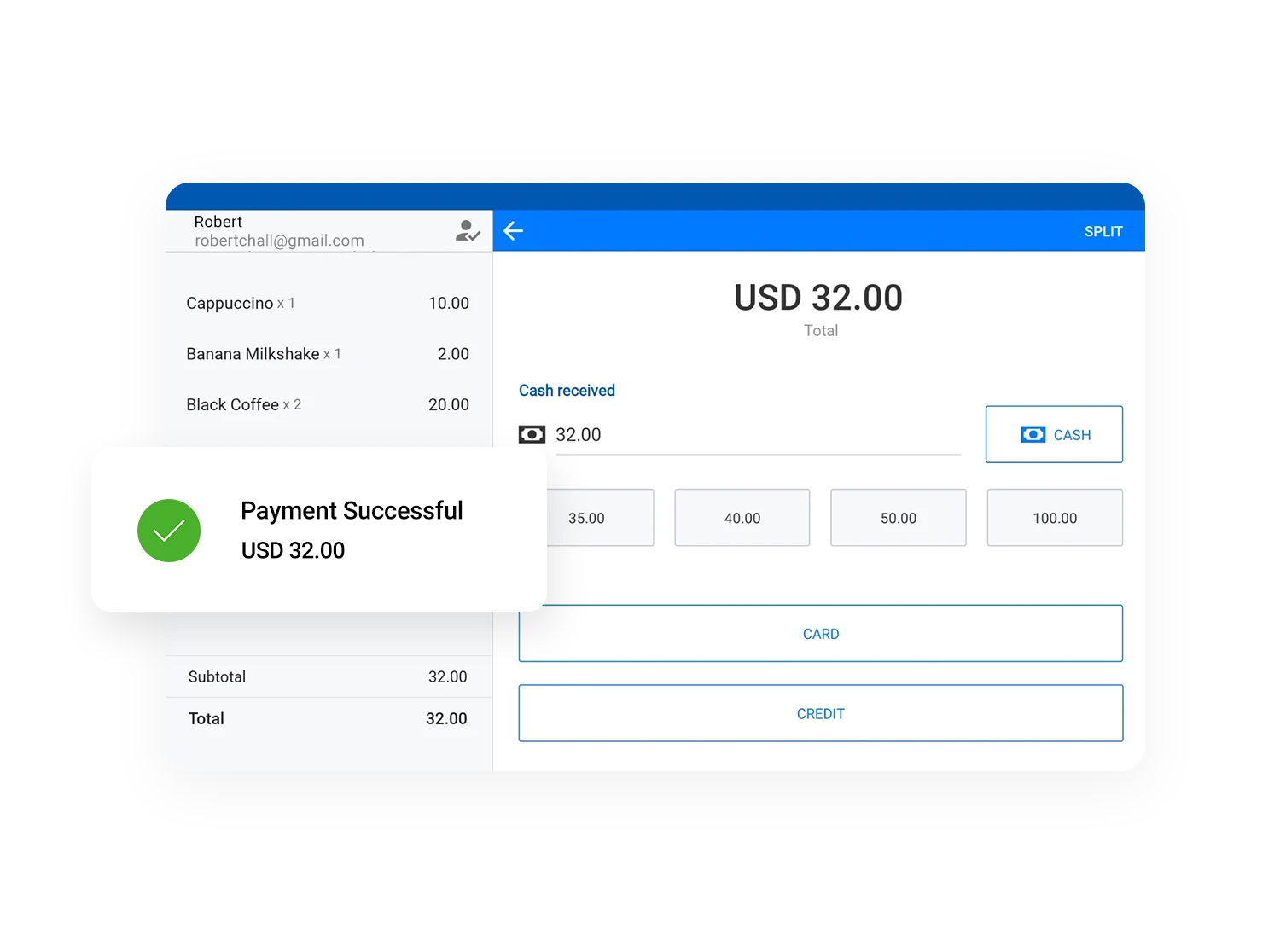
  • Receive online orders directly in your SalesPlay POS.
  • Support online payments including Stripe.
  • Reduce manual order entry and improve order accuracy.
  • Accept customer notes for delivery and payment preferences.
  • Manage every order from a single platform.
  • Web store interface supports over 15 languages.
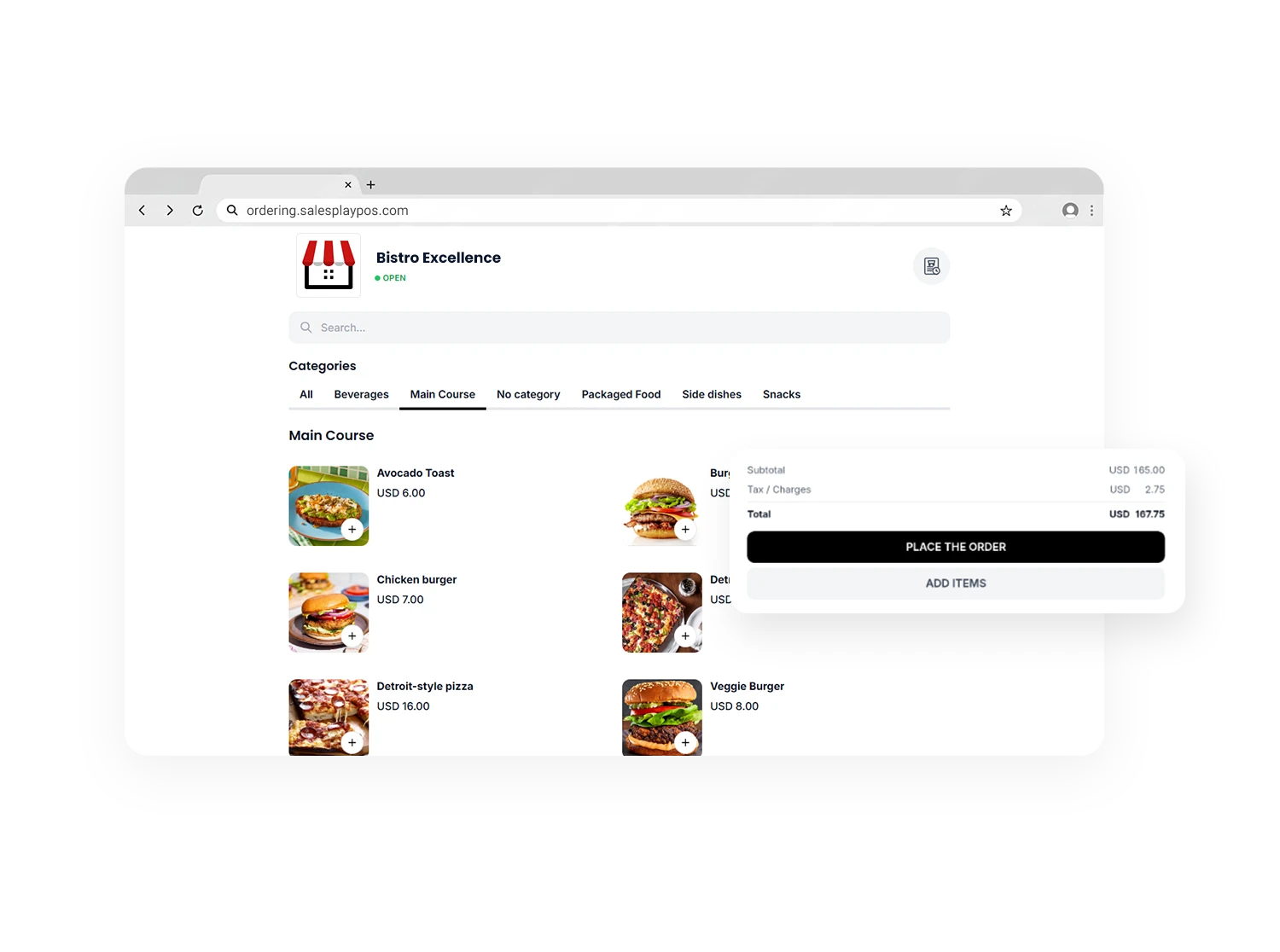
Branded Online Store

Branded Online Store

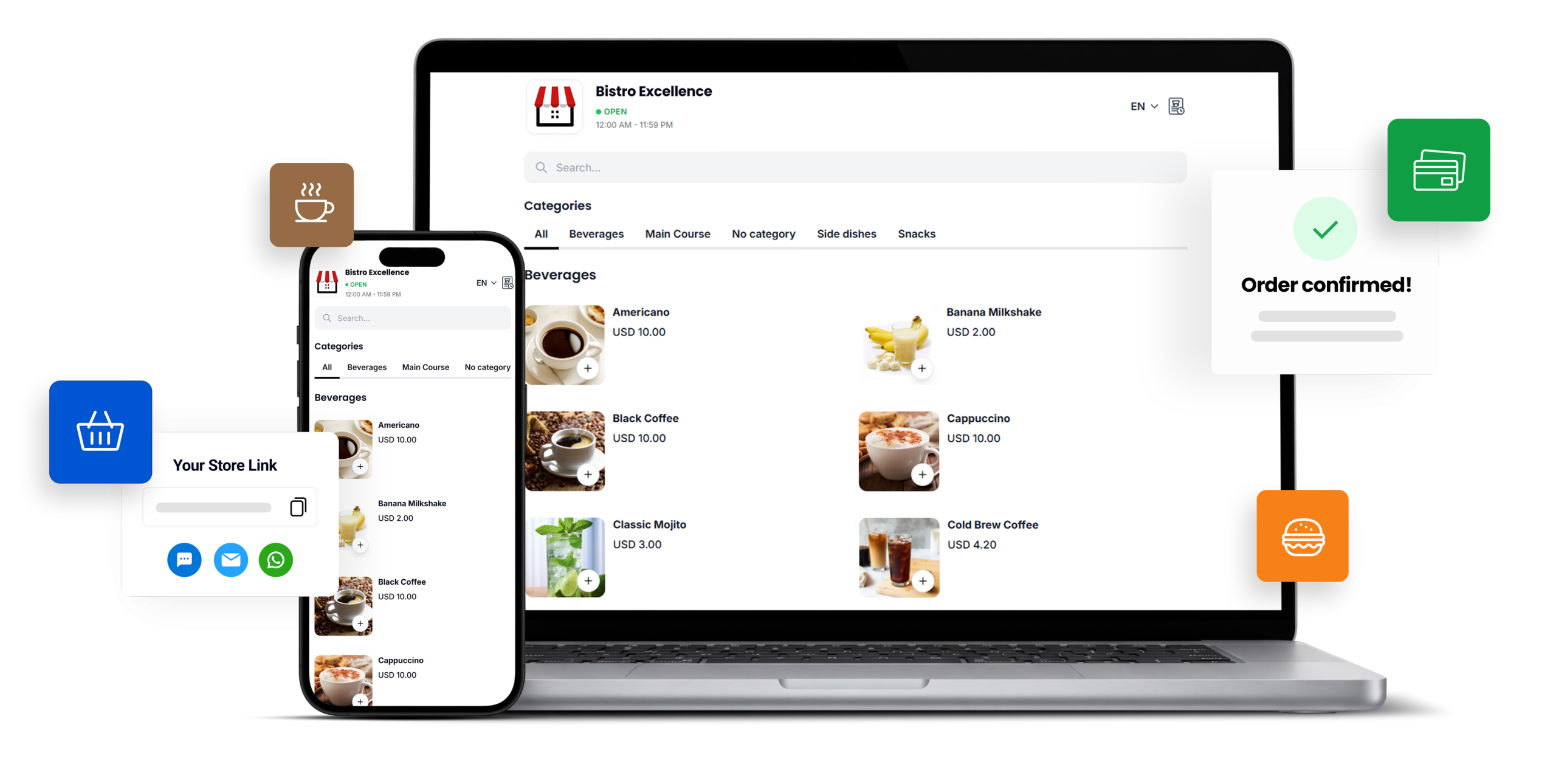
  • Launch your own branded web store in minutes.
  • Display your business name, logo, products, images and business hours.
  • Give customers a fast and convenient way to order online.
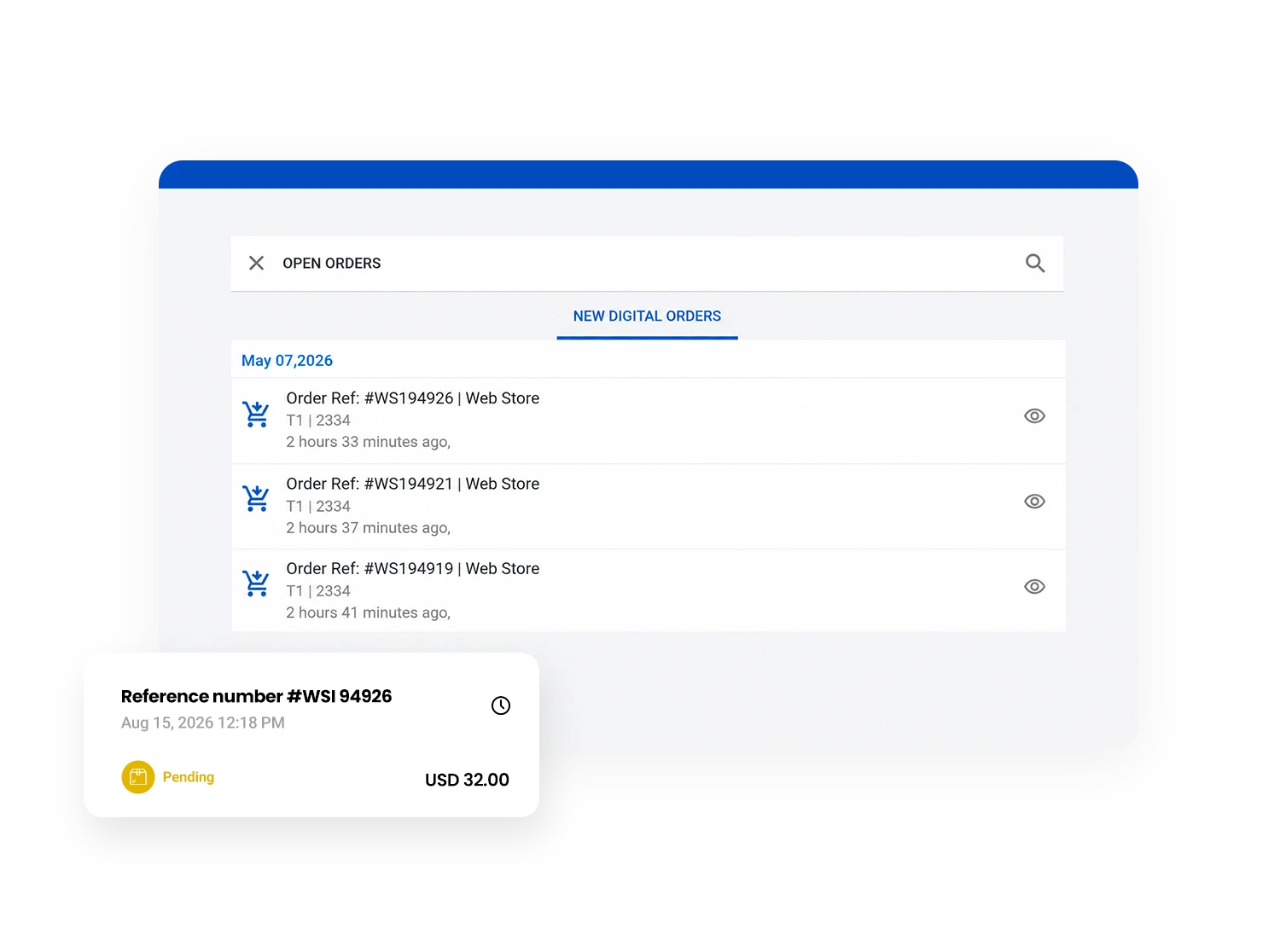
Direct POS Integration

Direct POS Integration

  • Receive online orders directly in your SalesPlay POS.
  • Automatically sync every order from your web store.
  • Save time by reducing manual order entry.
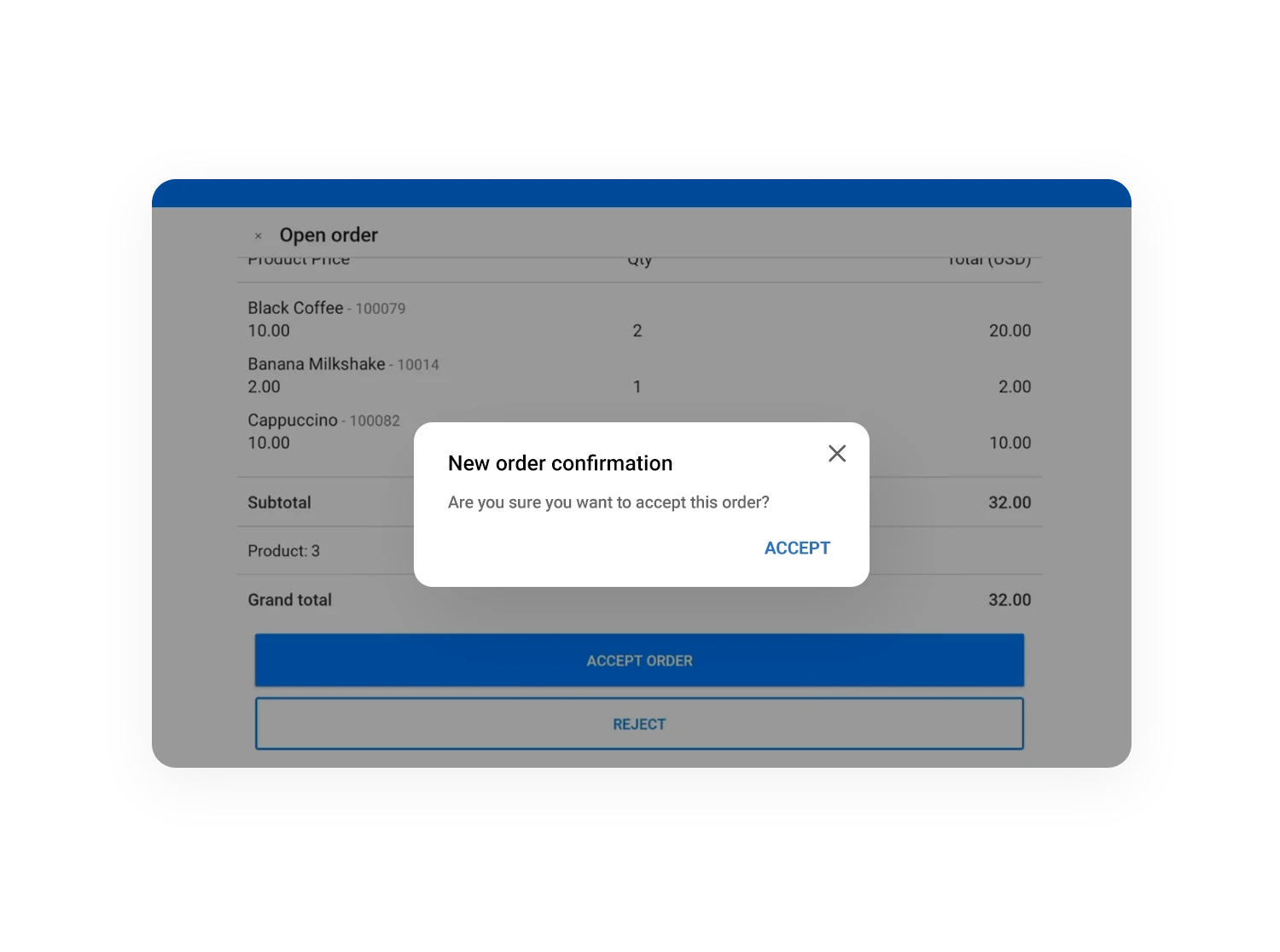
Order Approval Workflow

Order Approval Workflow

  • Review every online order before processing.
  • Accept or reject orders with a custom response.
  • Maintain full control of your online ordering process.
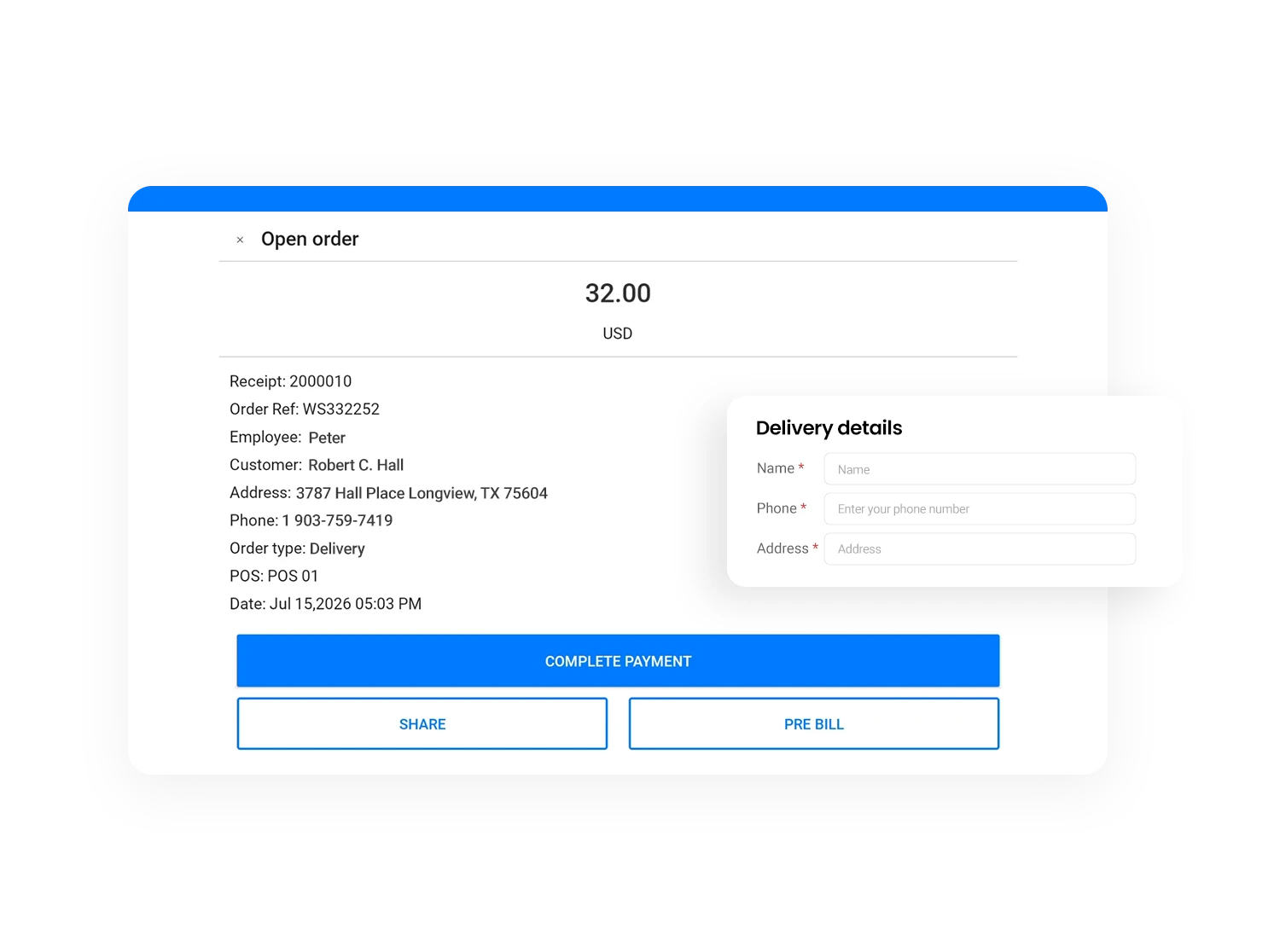
Customer Information Collection

Customer Information Collection

  • Collect customer details during the ordering process.
  • Capture names, contact information, and delivery addresses with every order.
  • Improve communication and ensure accurate order fulfillment.
Online Payment Support

Online Payment Support

  • Accept online payments through your web store.
  • Offer customers a faster and more convenient checkout experience.
  • Choose the payment methods that best suit your business.
Customer Order Notes

Customer Order Notes

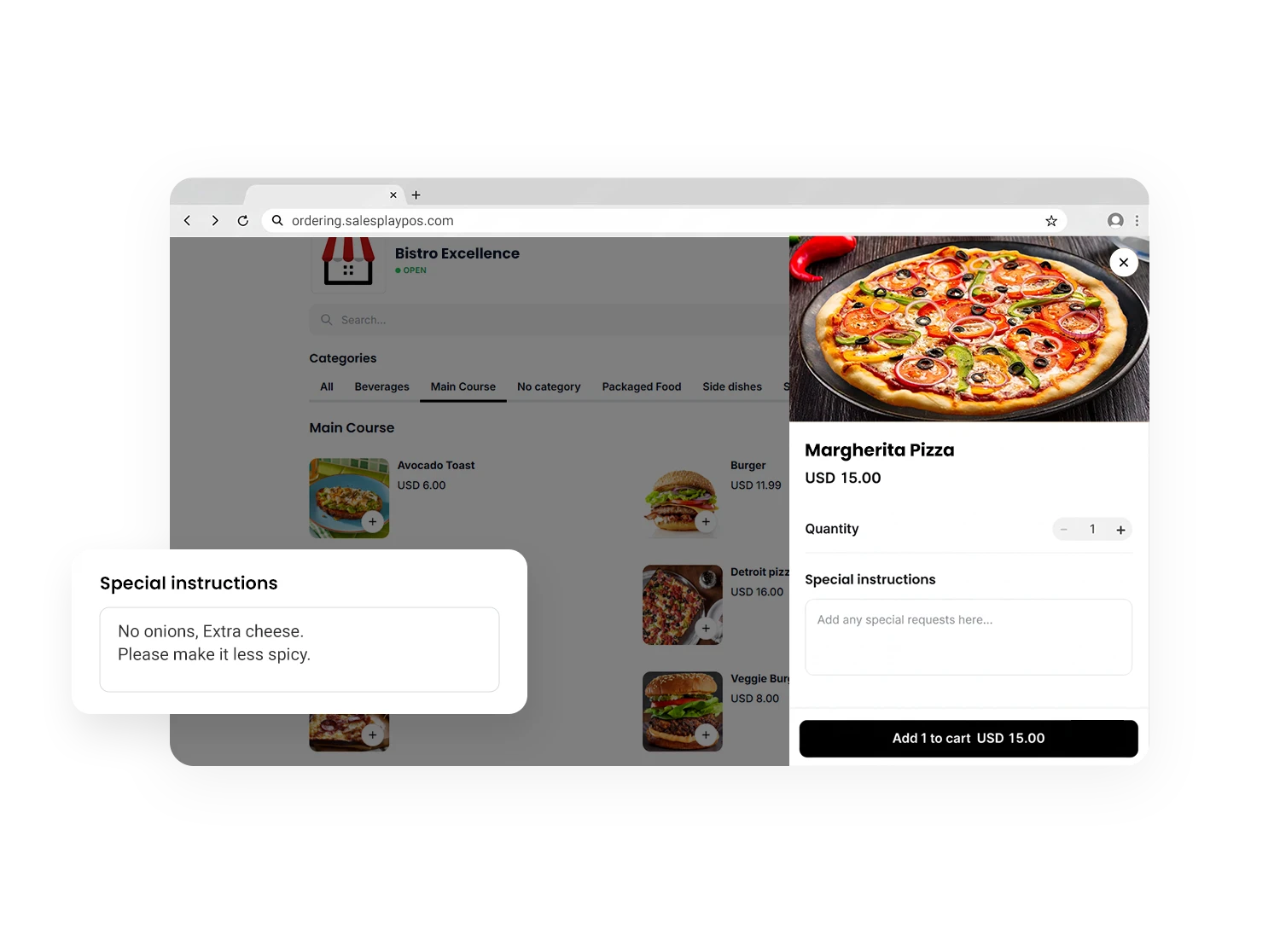
  • Allow customers to add special instructions to their orders.
  • Receive order notes directly in your SalesPlay POS.
  • Deliver every order exactly as requested.
Real-Time Order Notifications

Real-Time Order Notifications

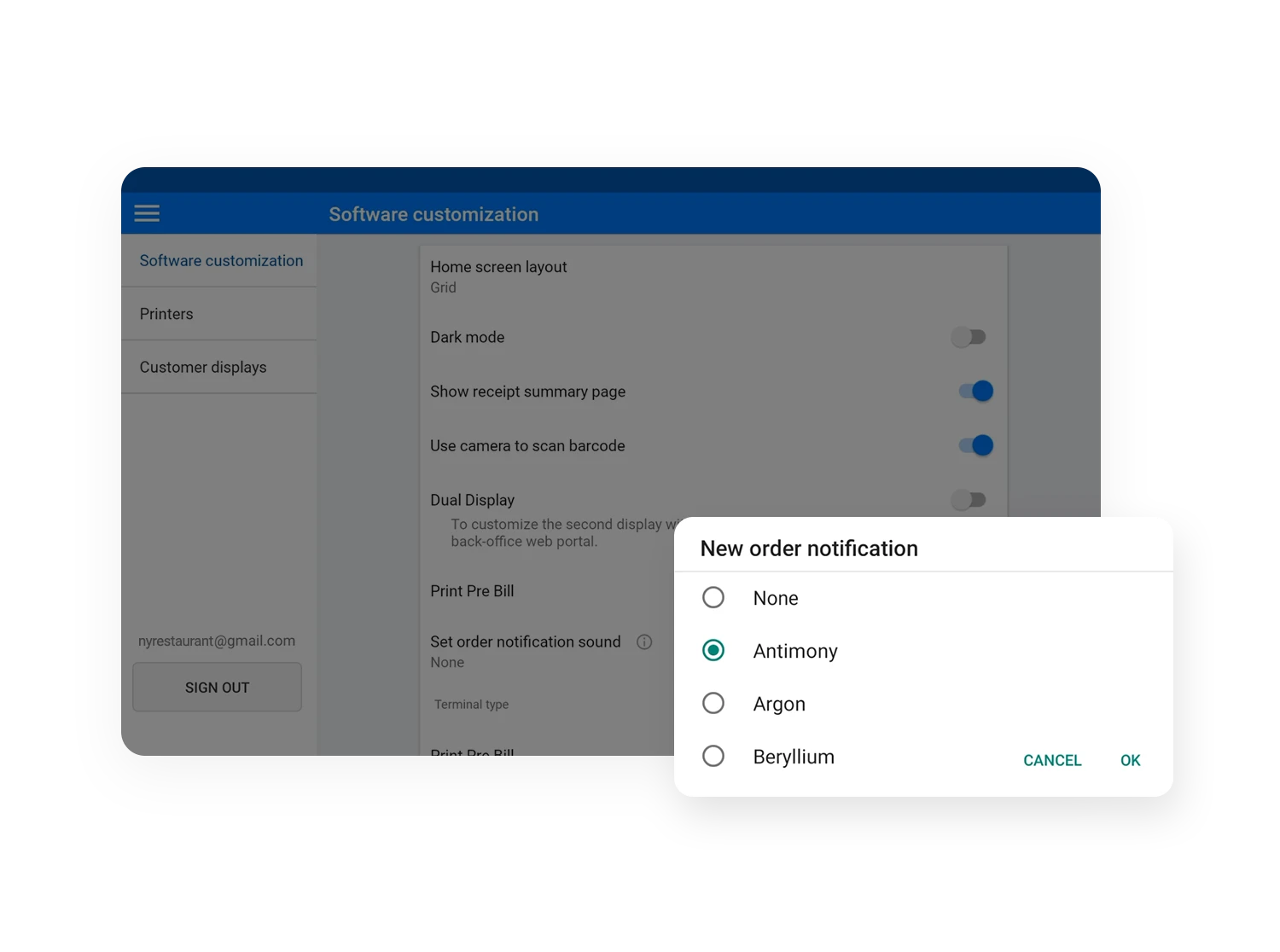
  • Get notified whenever a new online order arrives.
  • Help your staff respond to orders without delay.
  • Keep your online ordering process running smoothly.
READY TO GET STARTED?

Let’s get started with SalesPlay POS

Create your SalesPlay Web Store, share your store link with customers, and manage online orders directly from your SalesPlay POS.
Get Started Free
Already have a SalesPlay account?

FAQs

What is SalesPlay Web Store?

SalesPlay Web Store allows businesses to create an online storefront where customers can browse products and place orders that are automatically synced with SalesPlay POS.

Can customers place orders online?

Yes. Customers can browse products, place orders, add comments, and choose available payment options.

Do online orders appear in the POS?

Yes. Every online order is sent directly to the selected SalesPlay POS terminal for processing.

Can I collect customer information?

Yes. You can collect customer name, phone number, email address, and delivery address during checkout.

Does SalesPlay Web Store support online payments?

Yes. You can enable online payments and configure supported payment methods, including Stripe.
Note: To enable additional payment gateways, please contact our support team at [email protected]

Can I temporarily close my online store?

Yes. You can manually close your web store and reopen it whenever you're ready to accept new orders.