SalesPlay Customer Display

Enhance Customer Transparency at Checkout

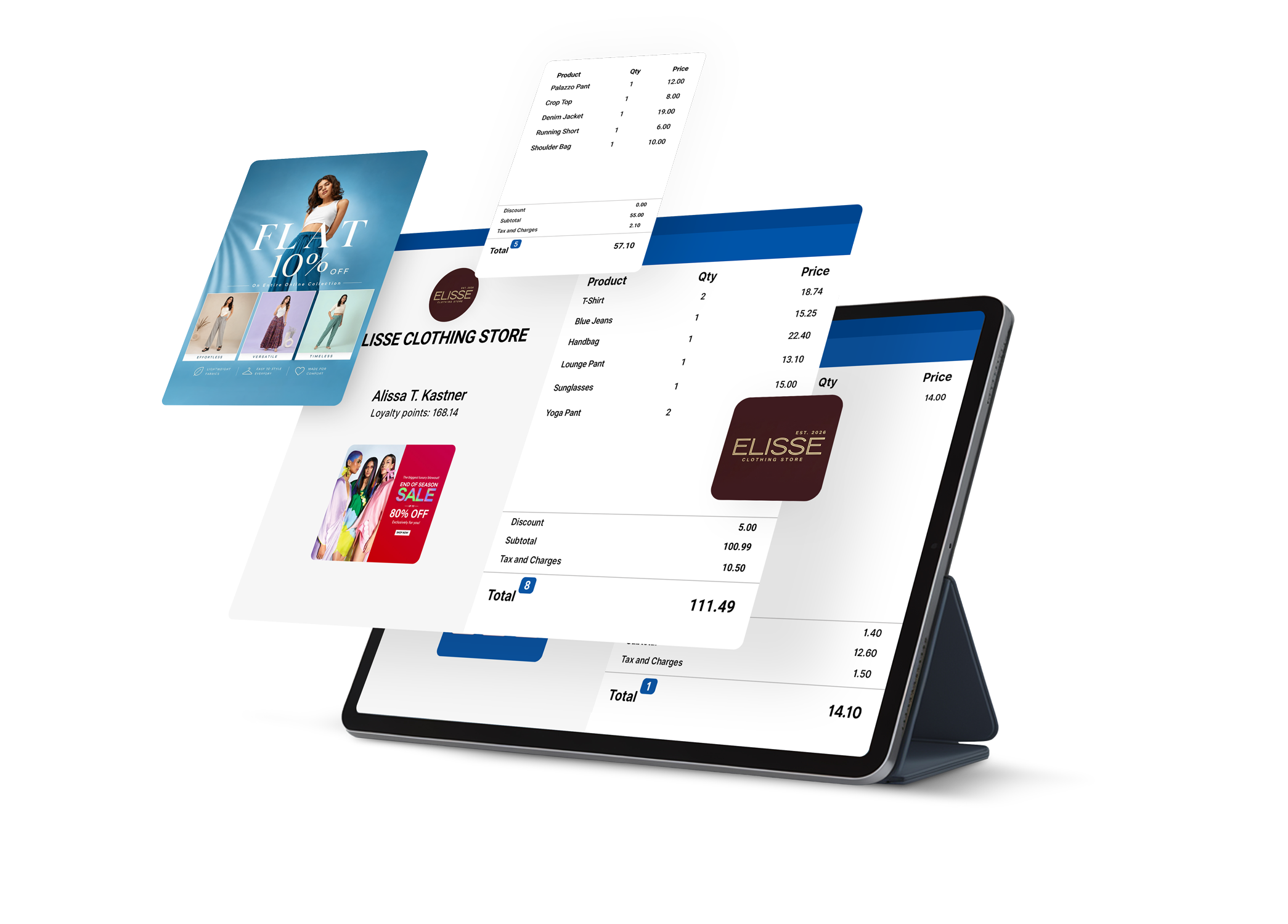
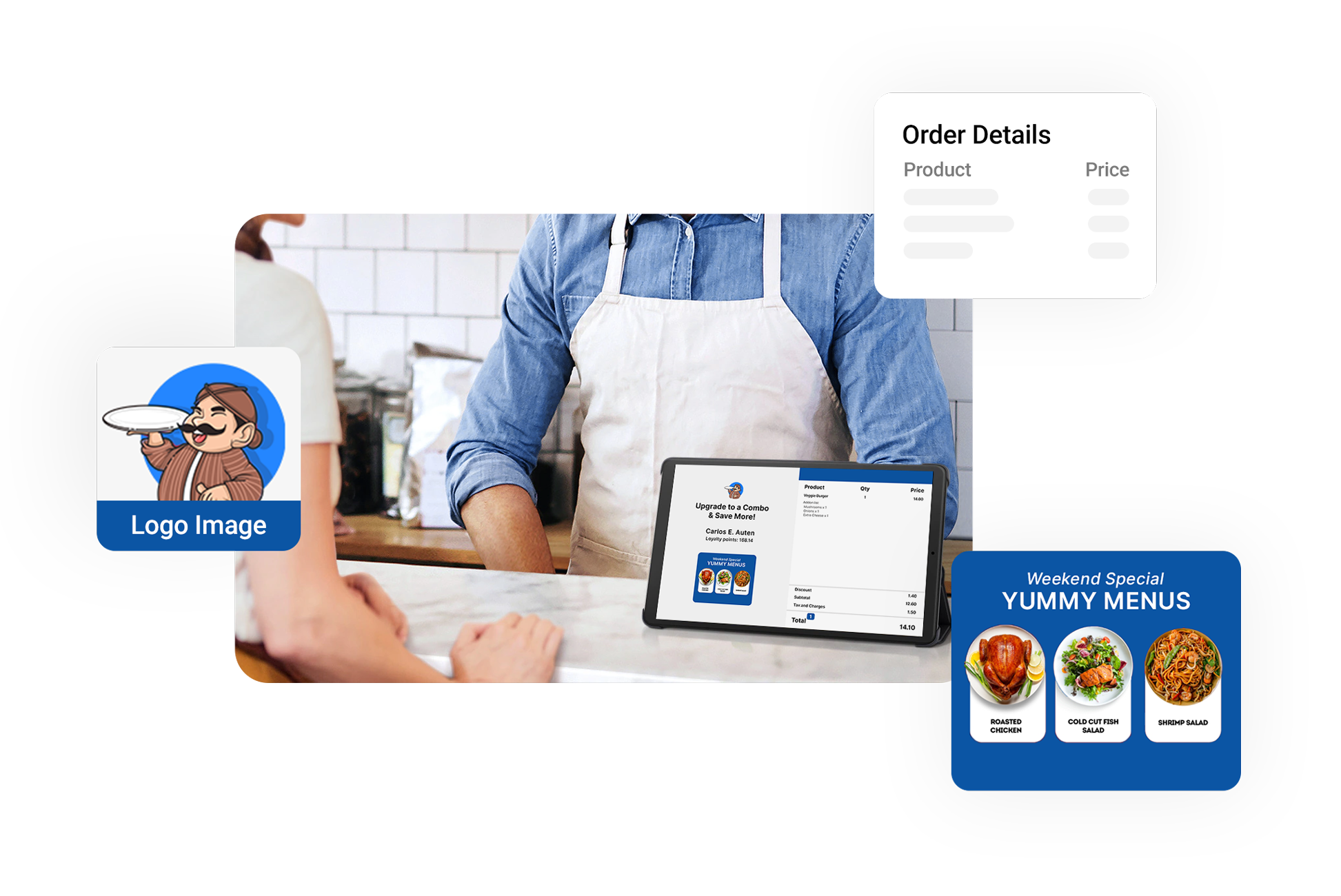
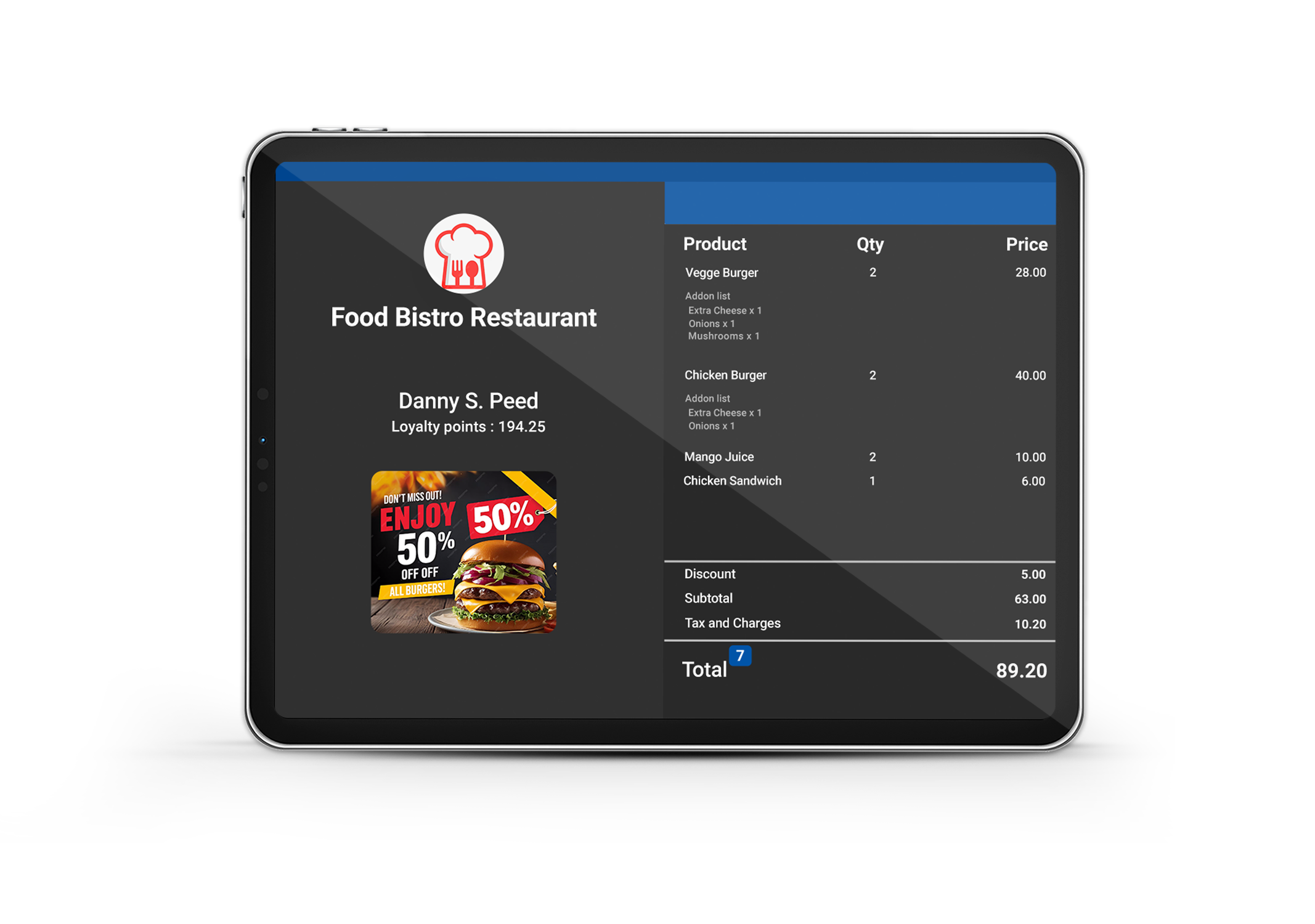
SalesPlay Customer Display shows real-time billing details, styled to your branding, with support for promotional banners to engage customers.

SalesPlay Customer Display
Benefits of SalesPlay Customer Display

Benefits of SalesPlay Customer Display

  • Show itemized order details clearly to customers
  • Increase transparency and reduce billing disputes
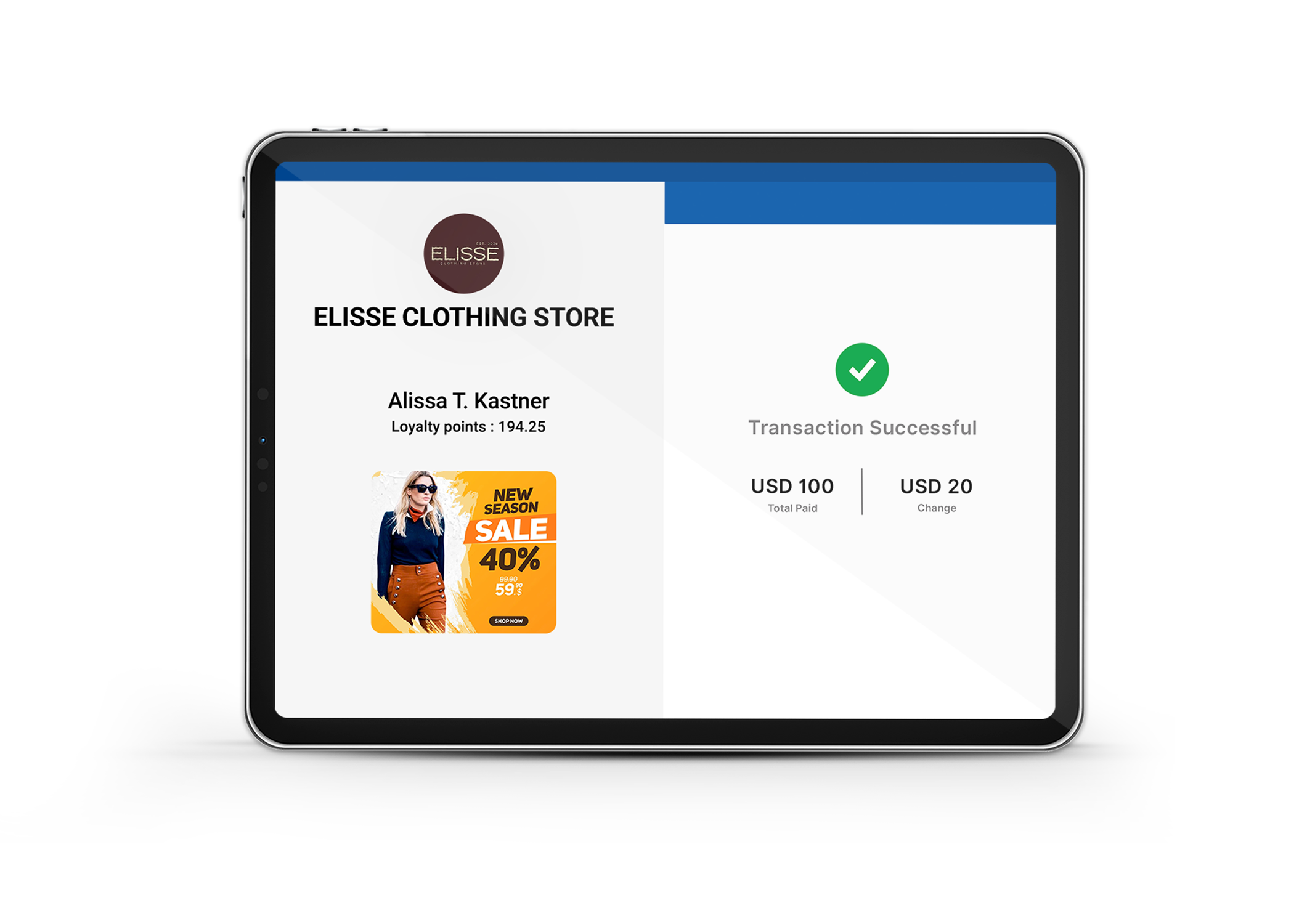
  • Display loyalty points and rewards to encourage repeat visits
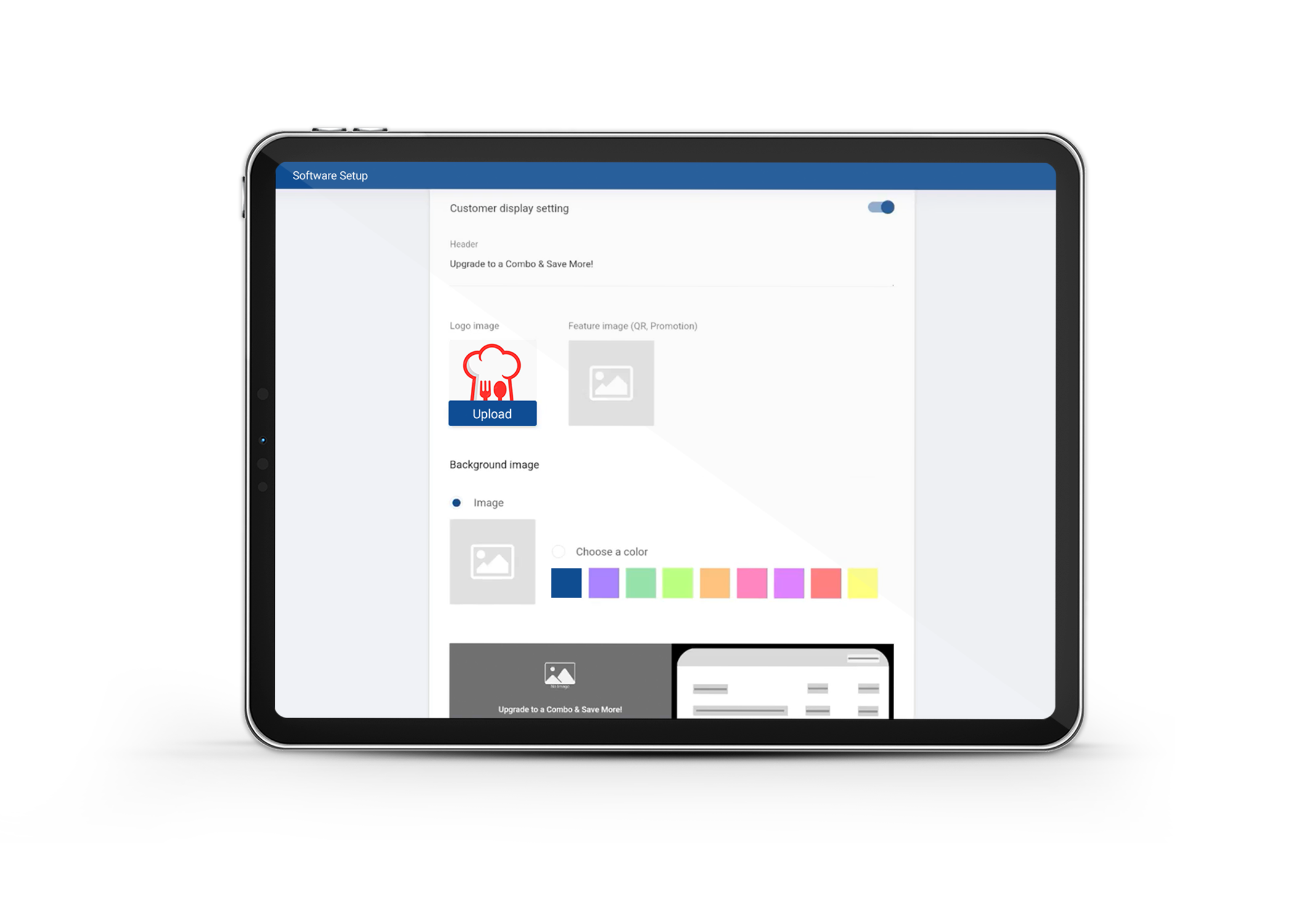
  • Display your business logo and promotional banners
  • Improve customer experience at checkout
  • Simple, clean, and easy-to-read interface
  • Simply install on Android tablet or phone and set up the customer display
Real-Time Billing Display

Real-Time Billing Display

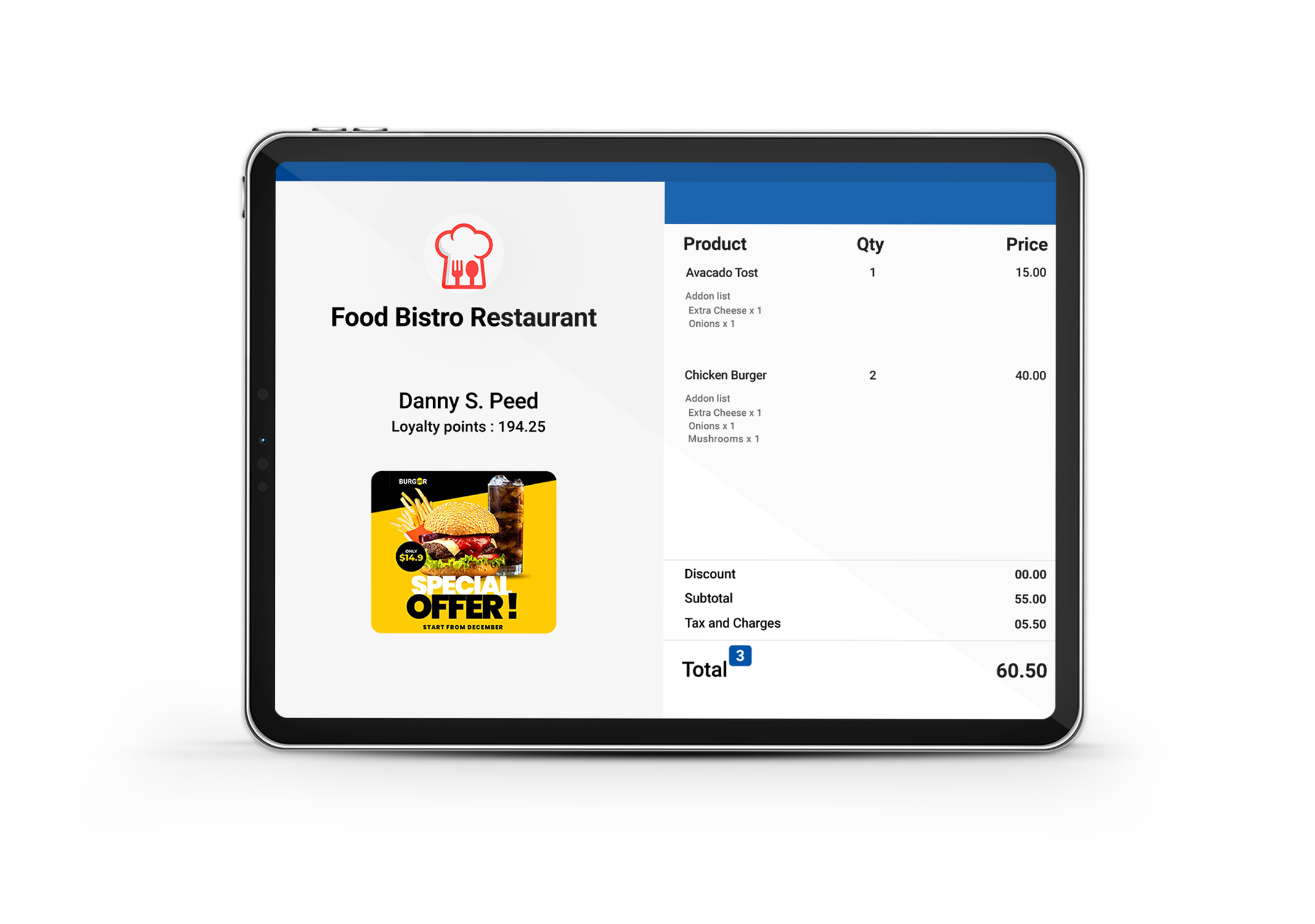
  • Show items update instantly on the Customer Display as they’re added in SalesPlay POS.
  • Customers get a clear view of item details, discounts, taxes, and the final total in real time.
Promotional Banner Display

Promotional Banner Display

  • Show your brand, offers, loyalty rewards, or messages on the customer-facing screen.
  • Use this space to highlight promotions or seasonal deals during billing.
Business Logo Support

Business Logo Support

  • Upload your store logo to deliver a clean, branded checkout experience.
  • Present a polished look that strengthens your branding at the counter.
Dark Mode Support

Dark Mode Support

  • Switch to a clean, eye-friendly dark mode theme.
  • Ideal for environments with low light or for businesses wanting a modern, minimal visual style.

Get Started

SalesPlay Customer Display is a complementary app to SalesPlay POS, please install this app
and follow the step-by-step guide.

SalesPlay POS

SalesPlay POS

Seamless Billing, Inventory, CRM and Analytics platform

Download on Google Play
Customer Display

Customer Display

Displays live order details to customers at checkout.

Download on Google Play

FAQs

What is a customer display screen?

A customer display screen is a secondary screen placed facing the customer that shows order details during billing. It helps customers clearly see items, prices, and totals.

Why do businesses use a customer-facing display?

Businesses use customer-facing screens to increase transparency, reduce billing mistakes, and provide a more professional checkout experience.

How does a customer display work with a POS system?

The customer display links to the POS and mirrors billing activity as items are added or removed. Customers see everything live.

Do you need special hardware for a customer display?

Most systems only need a tablet or secondary screen. No complex installation is required. SalesPlay Customer Display works on standard Android tablets, making setup easy and affordable.

Is a customer display important for small businesses?

Yes. Even small shops benefit from transparency, fewer disputes, and a modern checkout experience. SalesPlay Customer Display helps small businesses offer the same level of professionalism as large retailers.