

SalesPlay POS
Seamless Billing, Inventory, CRM and Analytics platform

Run your grocery business smarter with SalesPlay POS. Manage sales, inventory, customers, and daily operations in one powerful solution. Sell faster, stay in control, and make smarter business decisions as you grow.


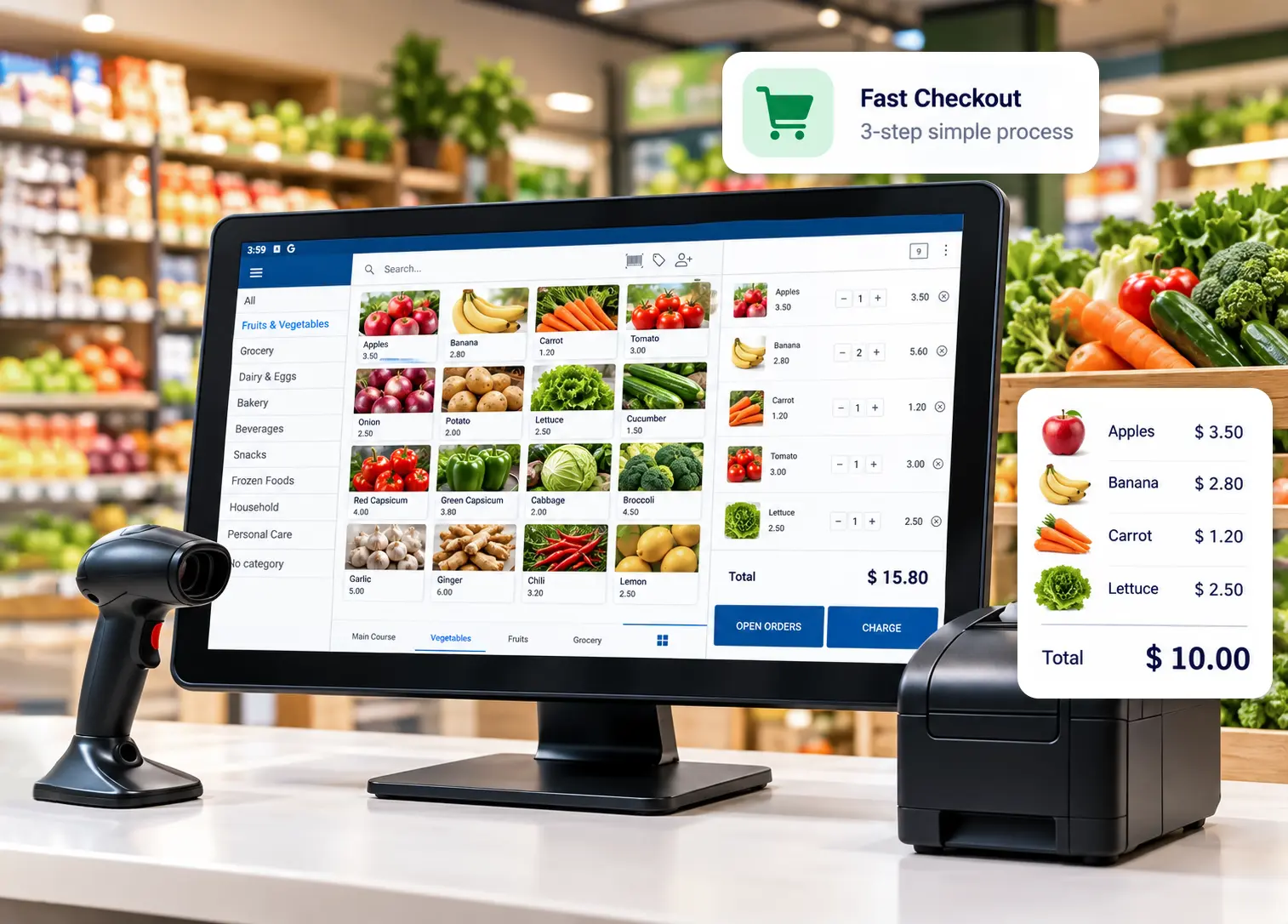
Everything You Need for Your Grocery Business

Track stock levels, manage purchase orders, and receive low-stock alerts to maintain the right inventory.

Speed up checkout with barcode scanning, weighing scales, and flexible payment options for smoother transactions.

Easily organise products with categories, subcategories, variants, and composite products.
Manage multiple outlets from one central Back Office and monitor operations across all locations.

Manage customer profiles, loyalty points, discounts, and promotions to build stronger customer relationships.

Monitor sales, inventory, taxes, profitability, and other key metrics through detailed business reports.
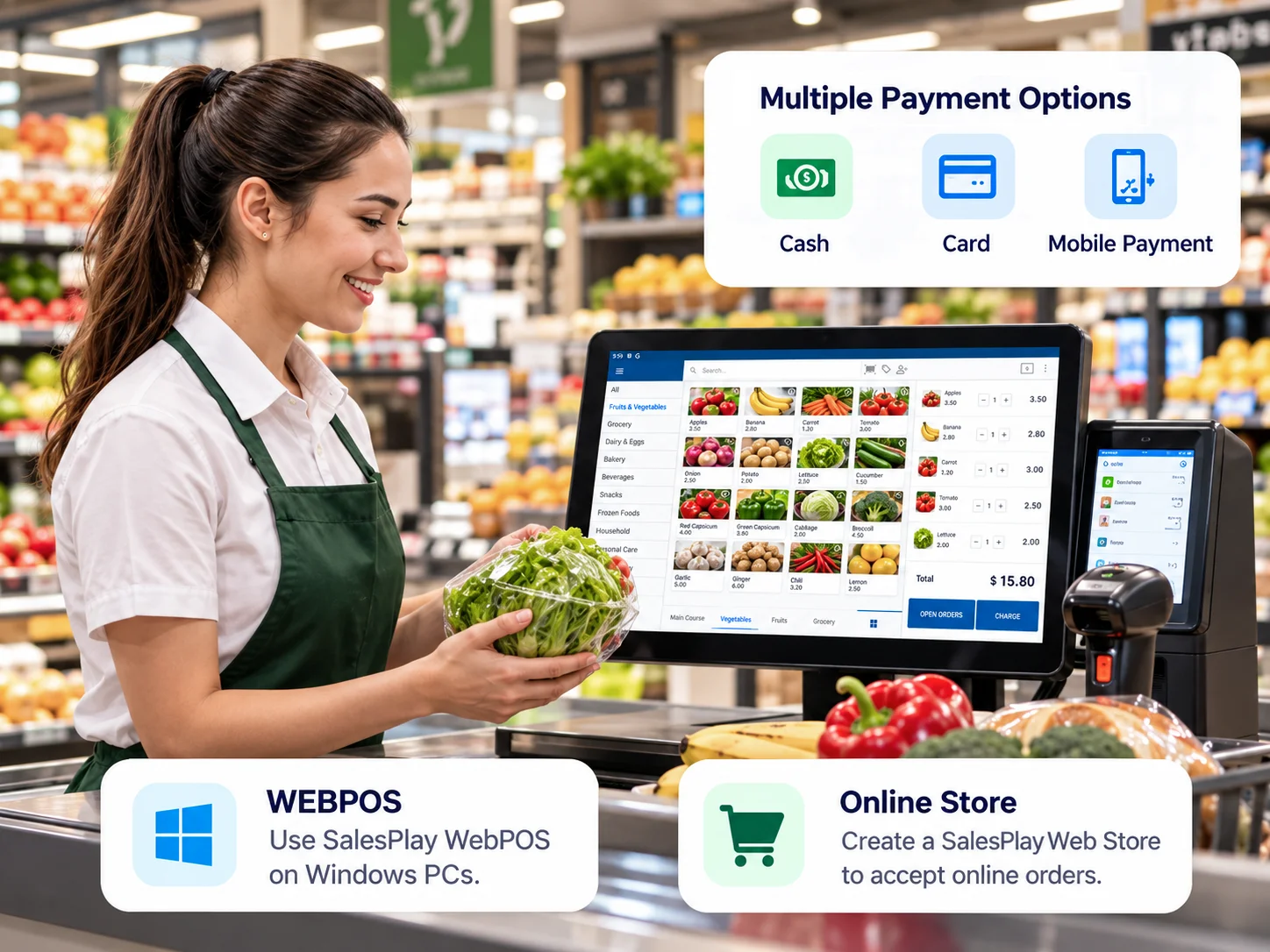
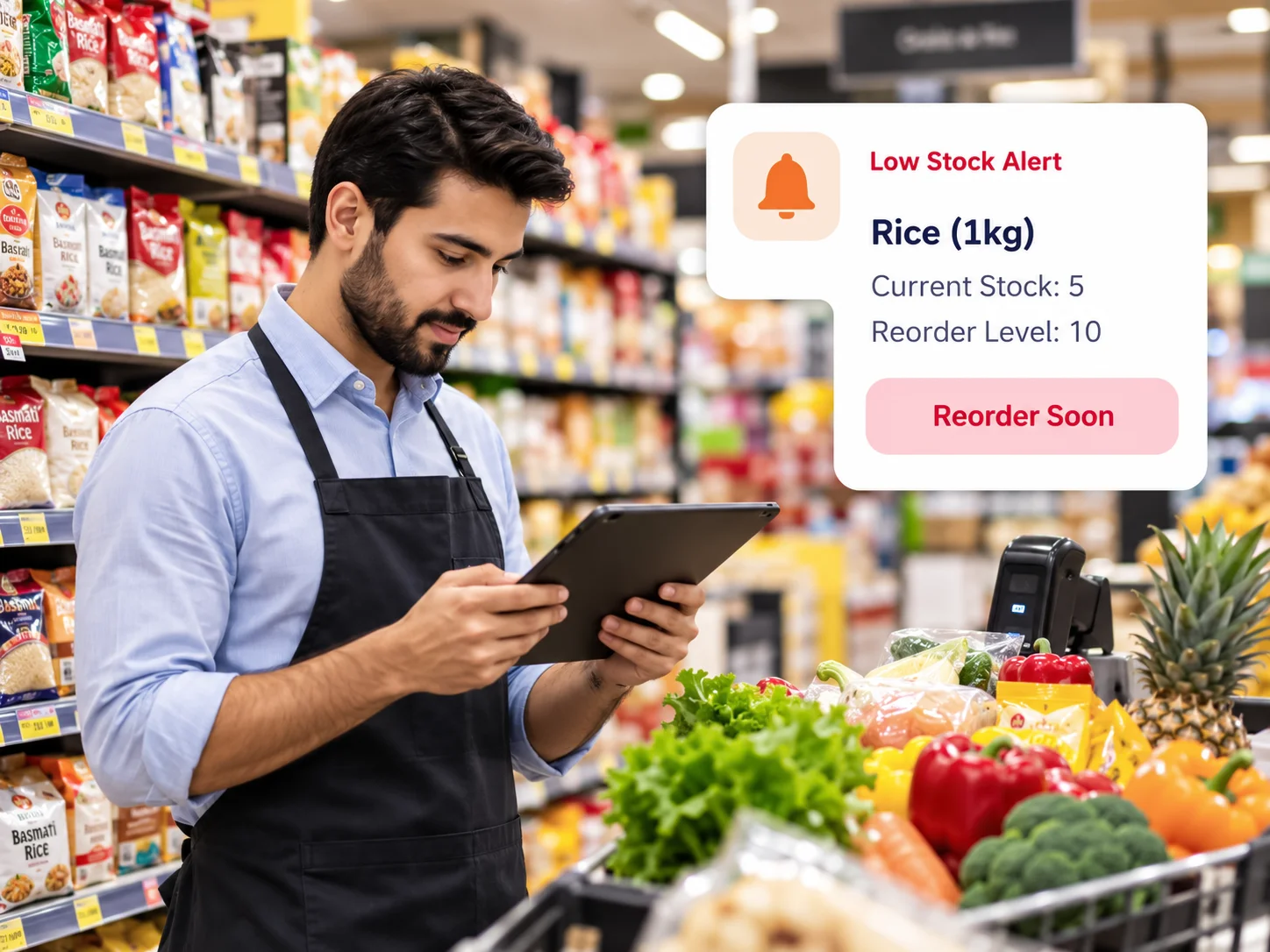
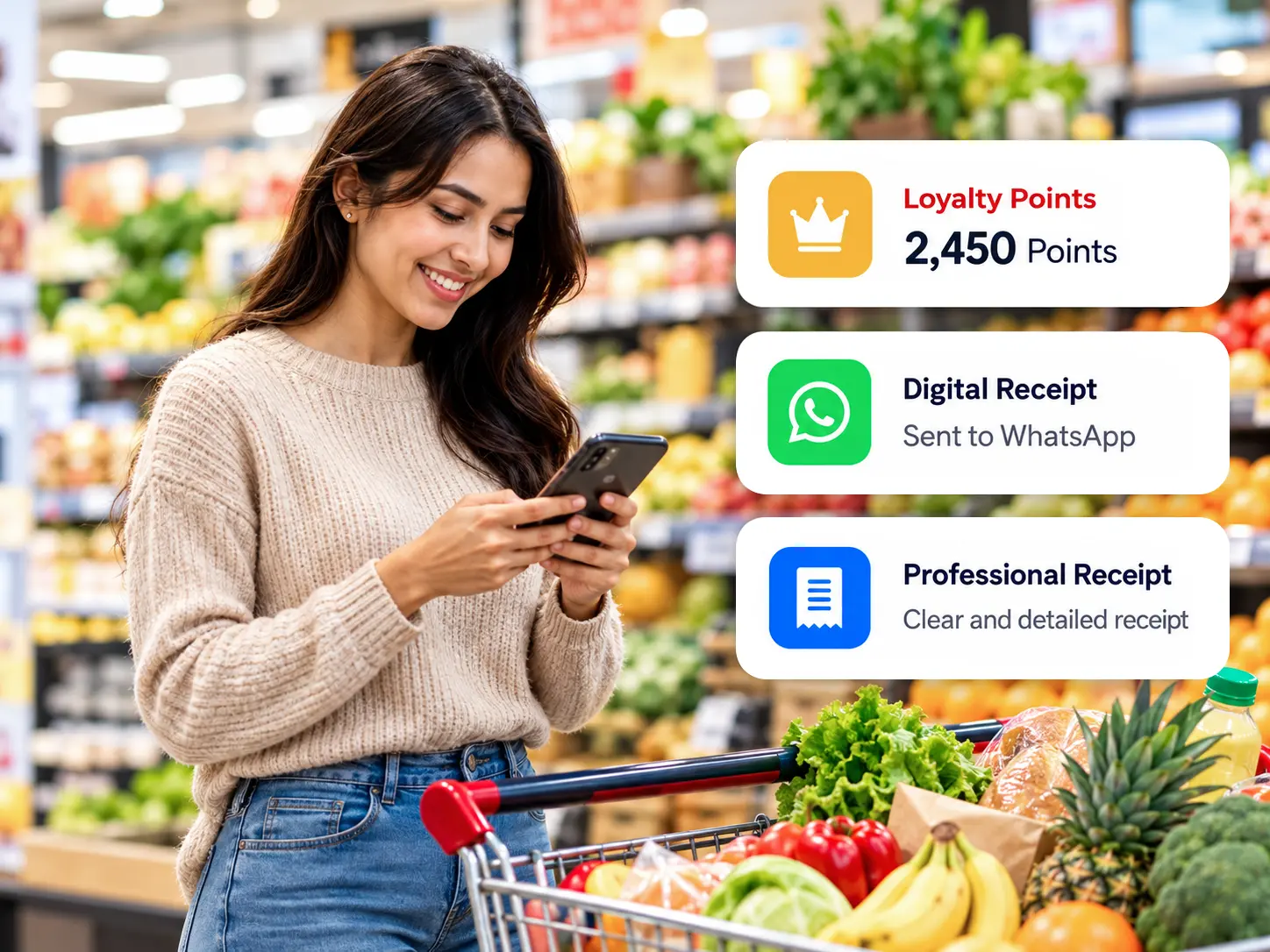
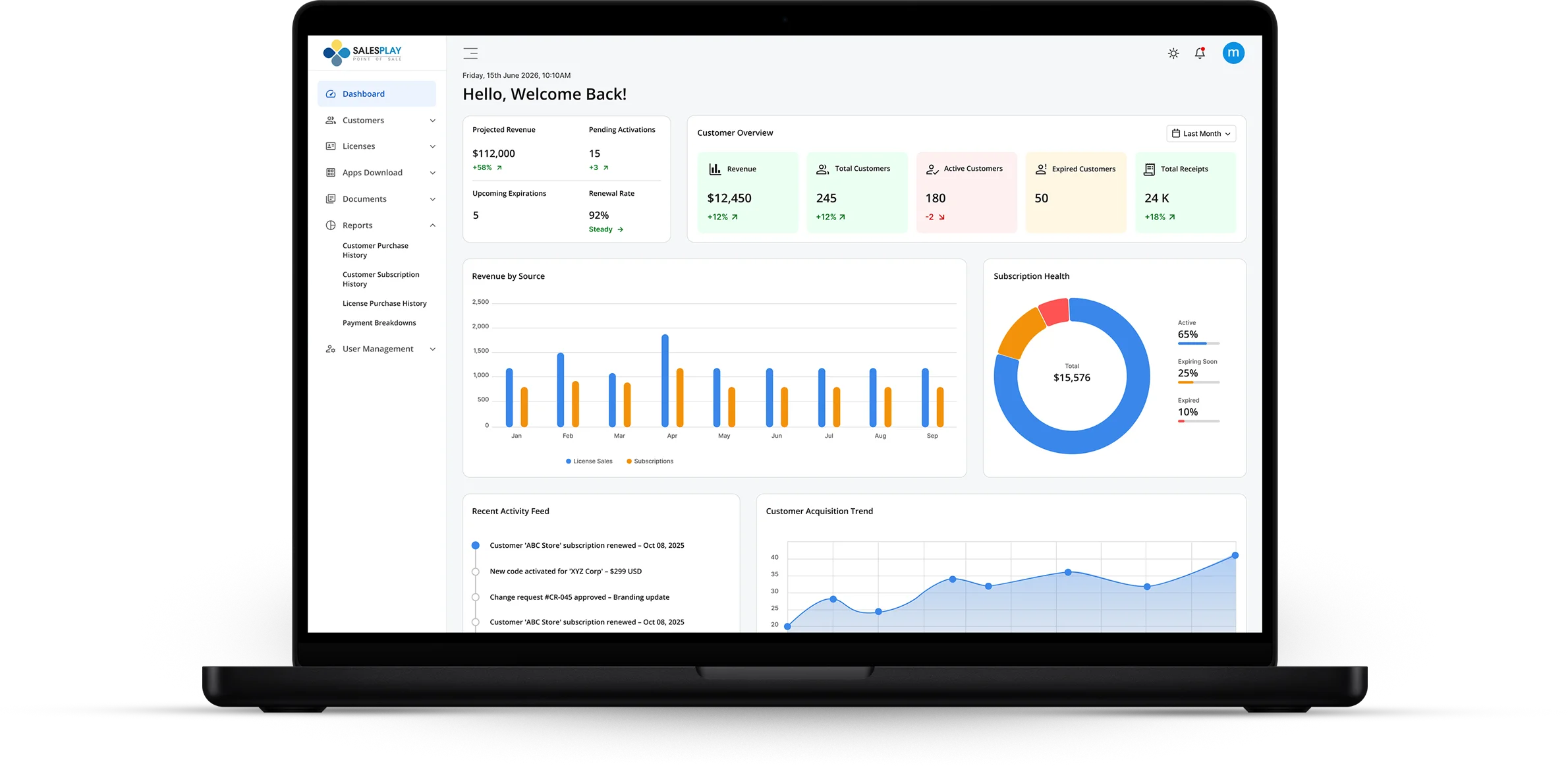
Sell faster, control inventory, build customer loyalty, and understand your business-all from one powerful platform. Start using SalesPlay POS and bring your grocery business operations together with one complete solution.
Seamless Billing, Inventory, CRM and Analytics platform

Monitor sales, gross profit, net profit, taxes, and other business information.

SalesPlay can be used by a wide range of businesses, including grocery stores, supermarkets, mini-marts, convenience stores, boutiques, and other retail businesses with similar sales and inventory requirements.
Yes. SalesPlay supports multi-store management, allowing you to manage and monitor multiple outlets from a central Back Office while keeping track of sales, inventory, and business performance.
Yes. SalesPlay supports barcode scanners and weighing scales, helping businesses identify products quickly, speed up billing, and accurately sell products based on weight.
Yes. You can create and print barcode labels for your products, making it easier for staff to scan and identify products during checkout.
Yes. If you are switching from another POS system, you can export available product, category, and customer data from your existing system and prepare it for import into SalesPlay using the supported Excel or CSV format.
This can help reduce the amount of manual data entry required when moving to SalesPlay.
Yes. You can manage stock levels, purchase orders, goods receiving, stock transfers, stock counts, stock adjustments, purchase returns, suppliers, reorder levels, and inventory reports from SalesPlay.
Yes. SalesPlay includes customer loyalty features that allow you to manage customer profiles, use customer barcodes, issue loyalty cards, manage loyalty points, allow point redemption and top-ups, and create discounts and promotional offers.
You can use the SalesPlay Web Store to create an online sales channel, manage online orders, and share your Web Store URL with customers through your website, social media, or messaging platforms.
Yes. SalesPlay provides 50+ reports covering sales, products, inventory, taxes, profitability, and other areas of your business.
You can also use the SalesPlay Dashboard App on Android and iOS to get a quick overview of your business performance.
Yes. SalesPlay AI allows you to ask questions about your business data and get AI-powered analysis. You can explore sales and business performance through insights, charts, and graphs, helping you understand your data and make more informed decisions.