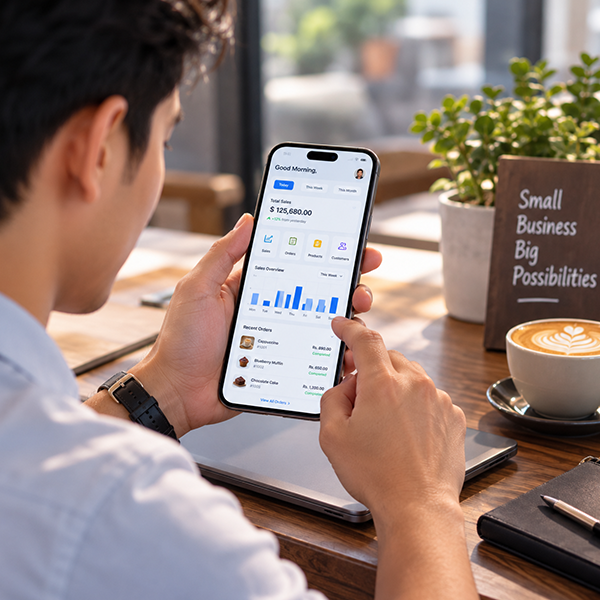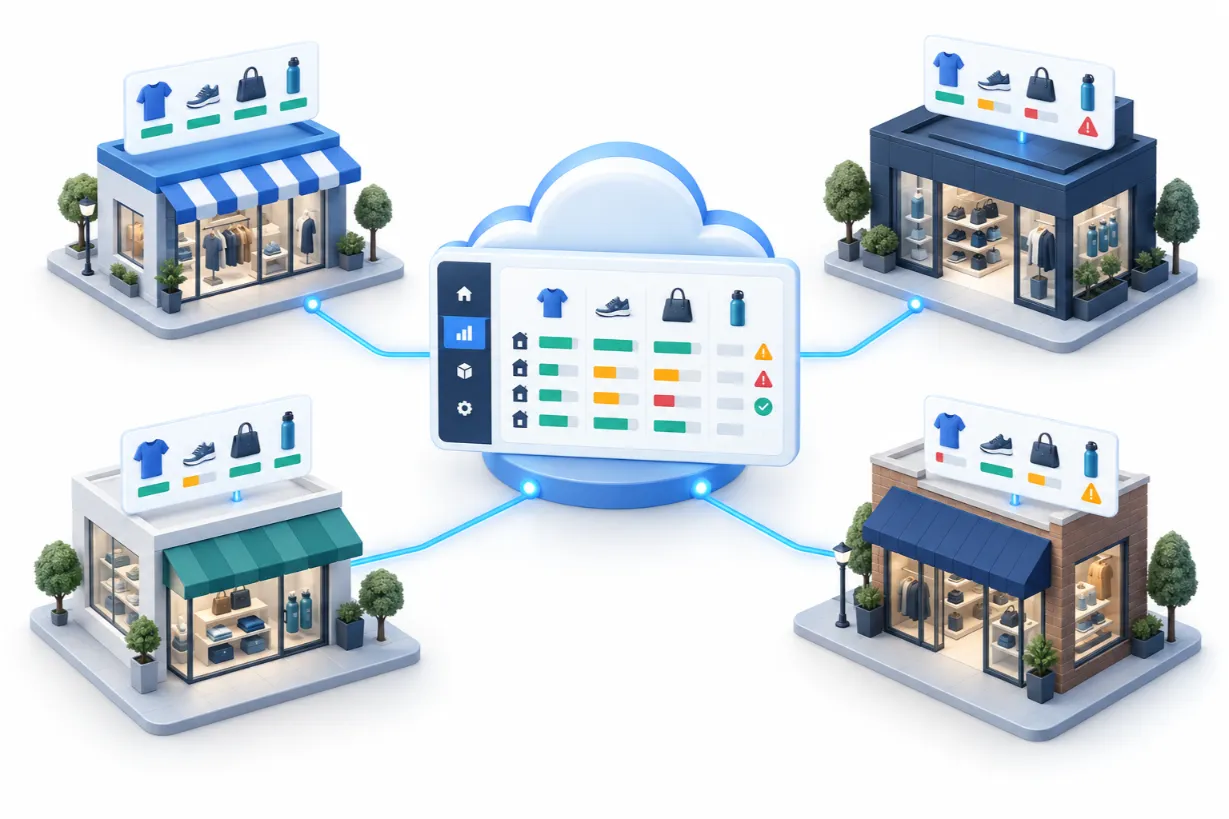

Running a modern retail store, restaurant, or small business means drowning in data. Between tracking daily inventory, monitoring employee performance, and digging through complex reports, business owners spend countless hours trying to make sense of their numbers.
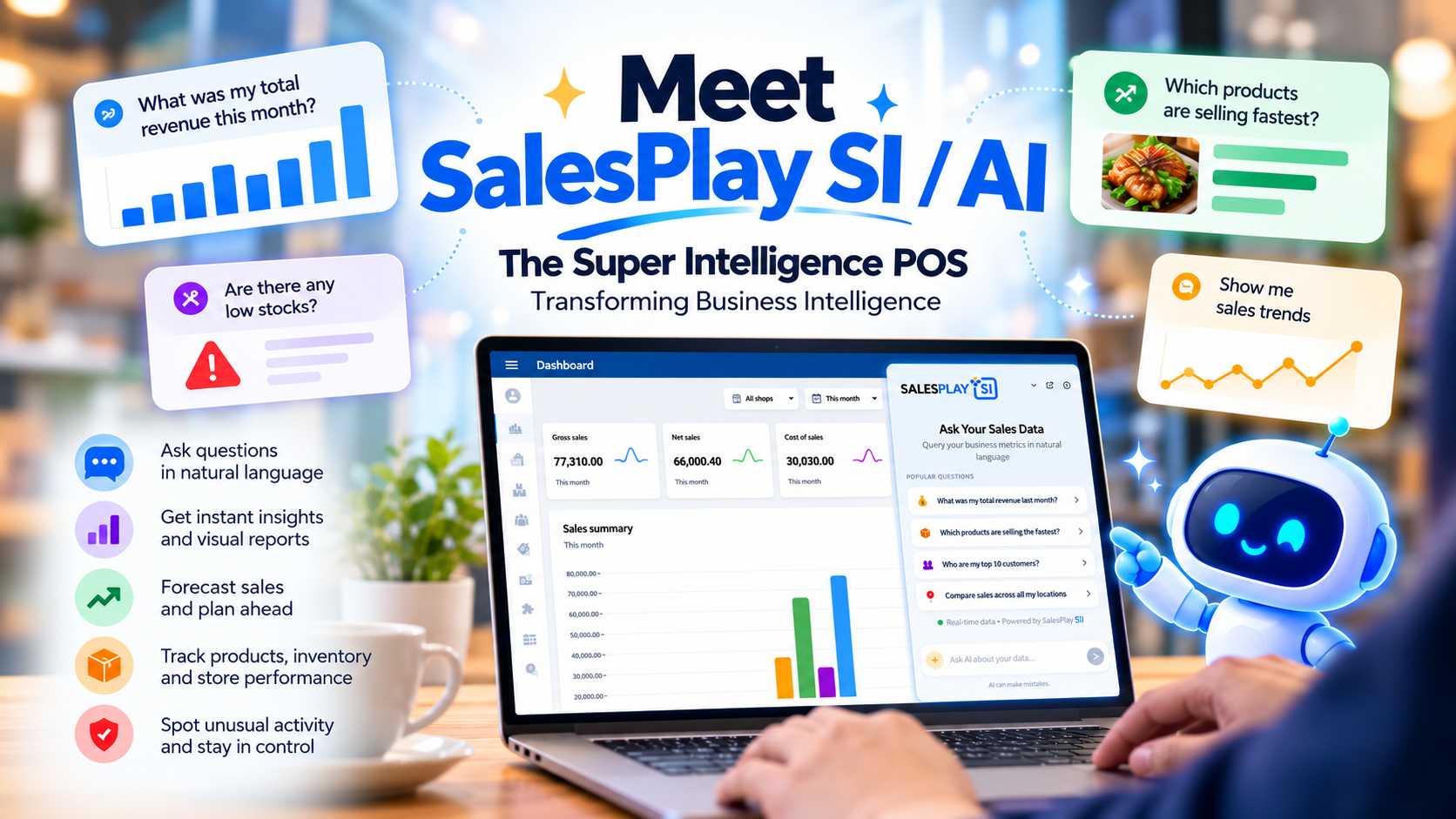
Enter SalesPlay AI / SI—a next-generation Super Intelligence (SI) POS assistant built right into your Point of Sale system. Designed to eliminate manual data crunching, SalesPlay SI allows you to interact with your business metrics using simple, natural-language conversations.
Whether you are looking to forecast sales, spot suspicious cashier behavior, or generate custom visual reports, SalesPlay AI / SI turns raw data into actionable intelligence instantly.
What is SalesPlay AI / SI (Super Intelligence POS)?
SalesPlay AI / SI is an advanced artificial intelligence and Super Intelligence business intelligence feature integrated directly into the SalesPlay POS Backoffice Web Portal.
Instead of navigating rigid, complex spreadsheets or learning technical reporting tools, you can type questions in your preferred language. The Super Intelligence engine instantly parses your POS database to deliver precise answers and generate dynamic charts or grpahs.
Key Capabilities: What Can You Do with SalesPlay AI / SI?
SalesPlay SI goes far beyond traditional static reports by offering proactive, conversational business intelligence.
Example Questions You Can Ask SalesPlay SI
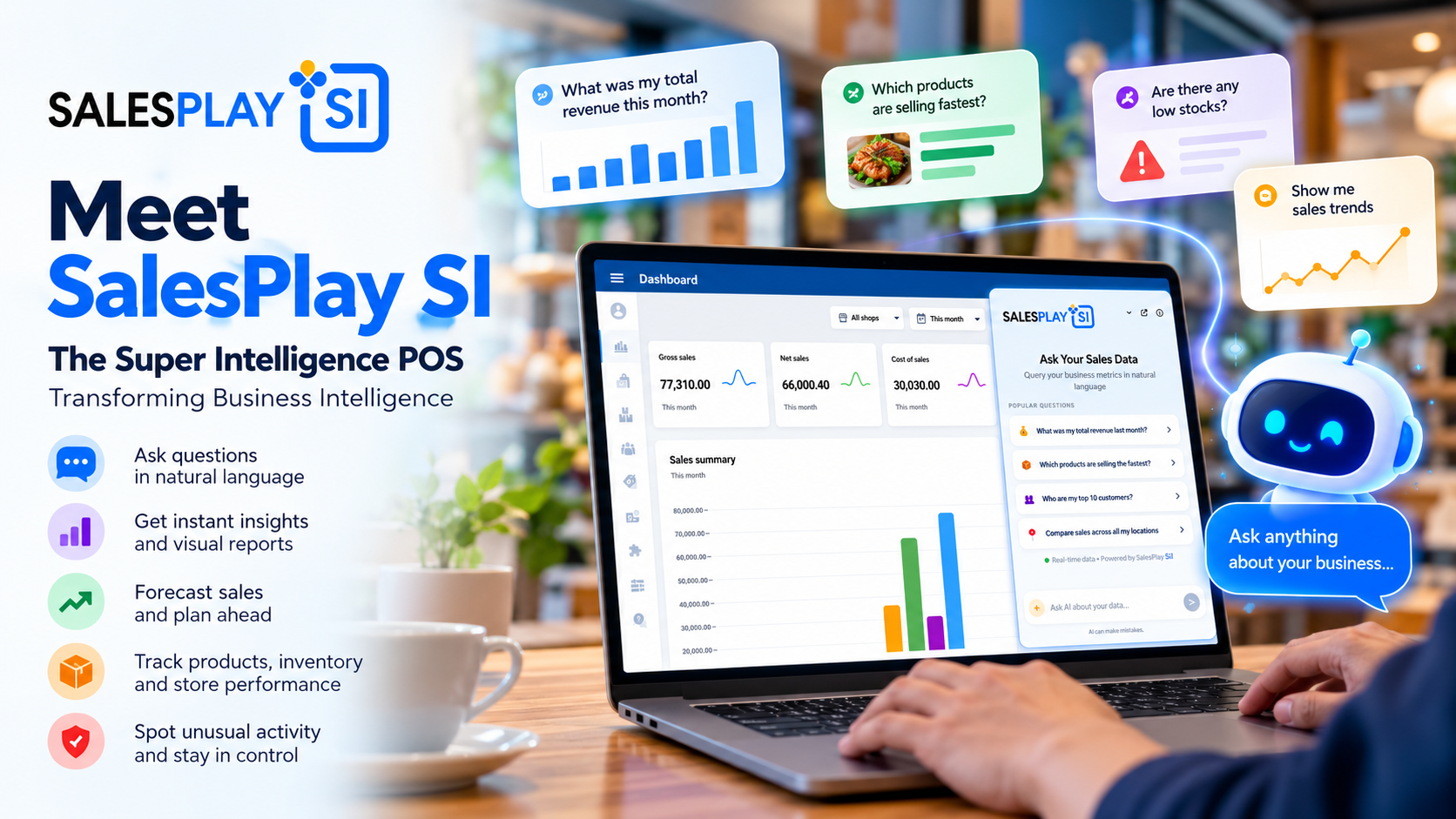
You can query your SalesPlay data just like you would talk to a human business consultant. Popular questions include:
How to Access SalesPlay AI / SI in 3 Simple Steps
Getting started with your Super Intelligence assistant takes only a few seconds:
For a larger workspace and deep-dive analytics, you can click "Open SalesPlay AI" for an expanded dashboard experience.
Transform Your Business Data Today
Stop wasting hours on manual reporting and data analysis. Upgrade your retail or restaurant management with a system that thinks ahead.
Frequently Asked Questions (FAQ)
SalesPlay AI / SI is a Super Intelligence-powered business intelligence assistant built into SalesPlay POS that answers natural-language questions about your sales, products, inventory, customers and trends.
No technical experience is required. You simply type questions in plain English or your preferred language, and the Super Intelligence engine does the analysis for you.
It is accessible directly from the bottom-right corner of the Dashboard inside the SalesPlay Backoffice Web Portal.