SalesPlay WebPOS

Windows POS Software for PC & Laptop

SalesPlay WebPOS lets you turn your existing Windows desktop or laptop into a complete point-of-sale system. Sell products, manage orders, accept payments, track stock, and monitor your business, all from one easy-to-use system.

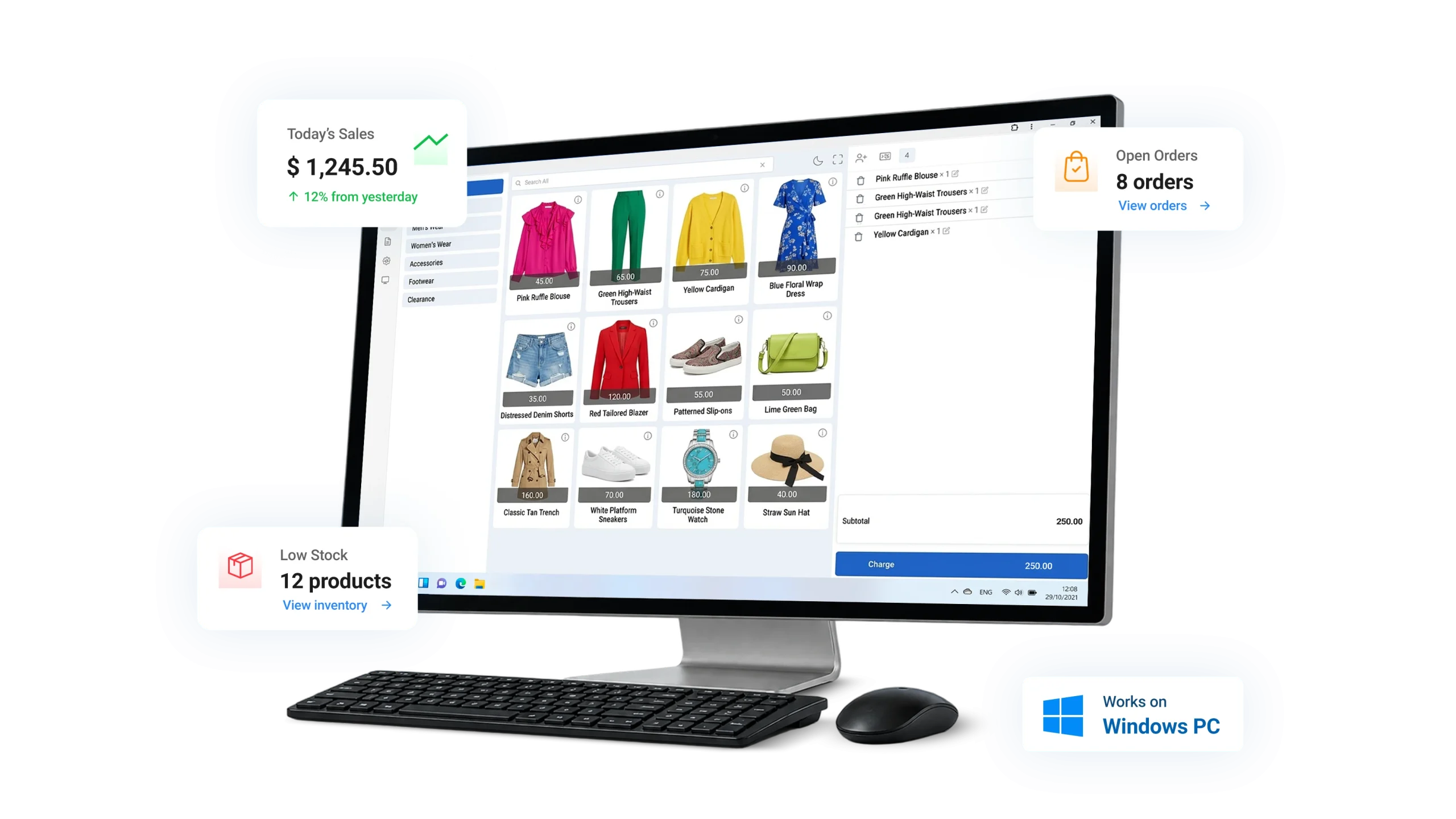
Everything You Need for Faster Checkout

A complete POS solution designed for retail, hospitality and growing businesses.

Fast & Easy Checkout

Add products, scan barcodes, use Quick Cash, and more for a smooth checkout experience.

Flexible Daily Operations

Day/Dark mode, Offline mode and product variants to suit your business.

Cash & Shift Management

Manage petty cash, expenses, shifts and employee time clock.

Works With Your Existing Hardware

Use your current Windows PC with common POS devices.
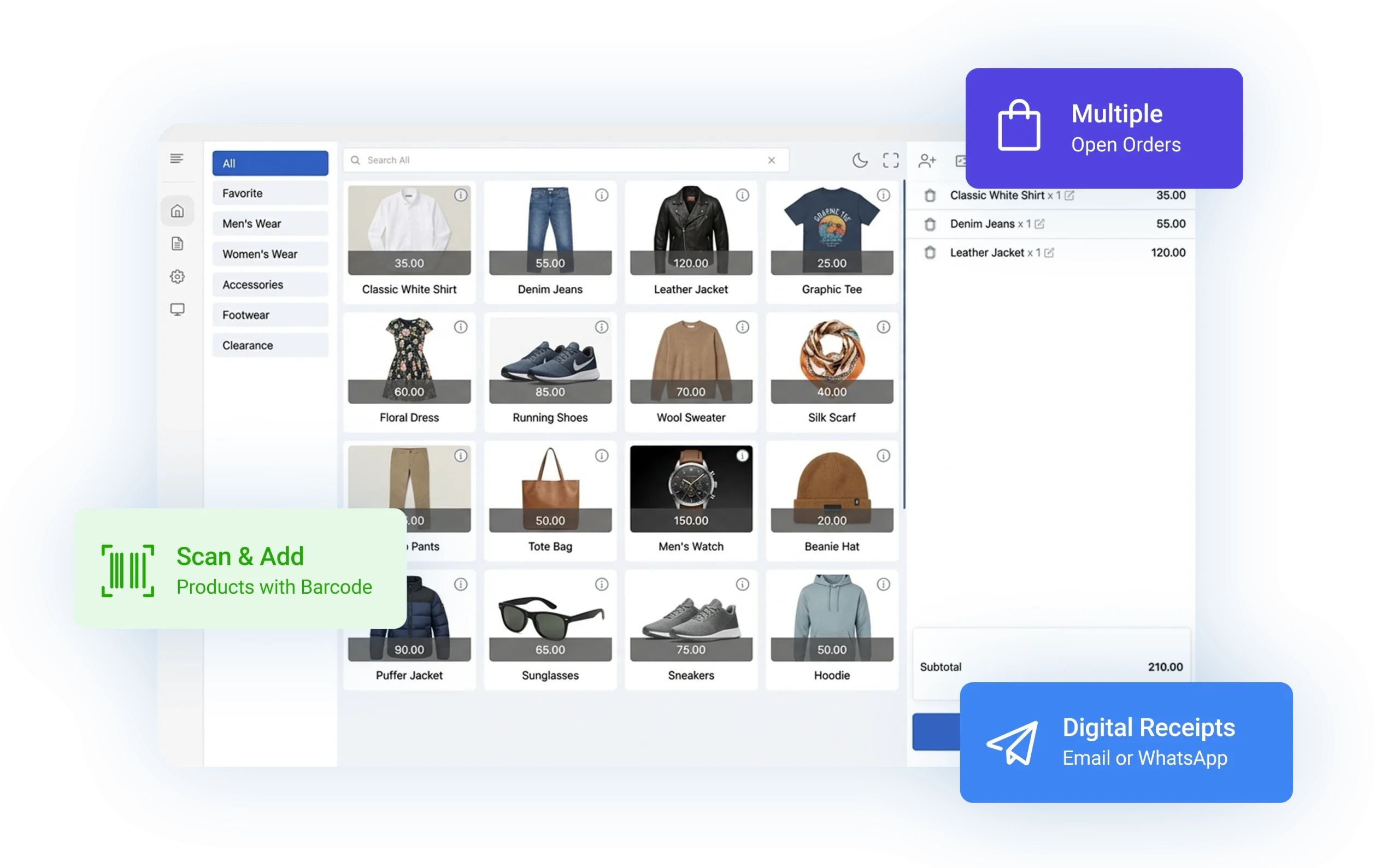
Make Checkout Faster and Easier

Make Checkout Faster and Easier

SalesPlay WebPOS provides a simple and flexible checkout experience designed for fast daily operations.
  • Add products quickly using a barcode scanner
  • Use the Retail Layout for efficient product selection
  • Use Quick Cash for faster cash payments
  • Work in full-screen mode on larger displays
  • Email, WhatsApp or send receipts to customers digitally
  • Manage multiple Open Orders at the same time
Built for Fast, Flexible Business Operations

Built for Fast, Flexible Business Operations

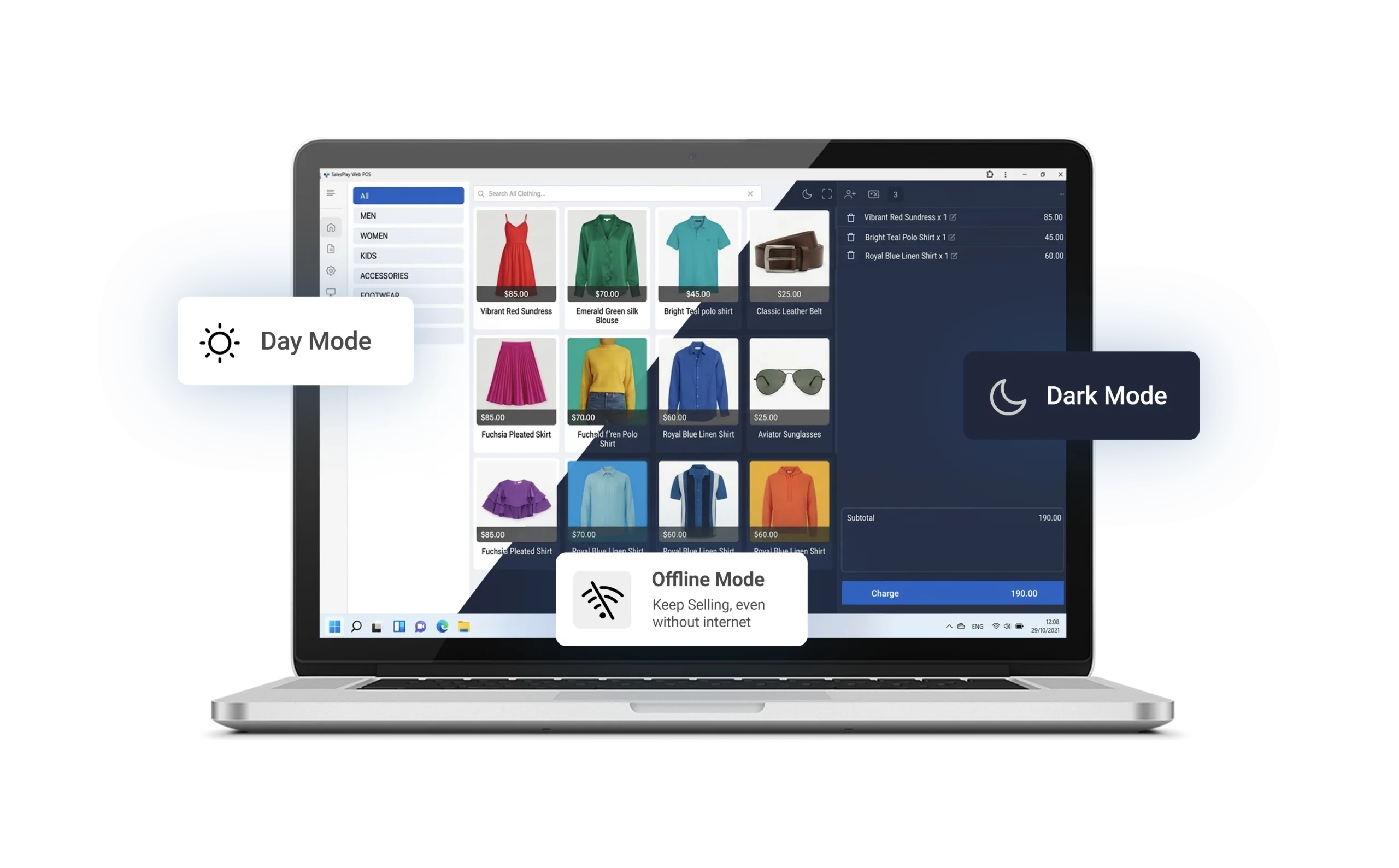
Designed for efficient daily operations on a larger Windows screen, making it easy to manage products, orders, and payments.
  • Work comfortably with Day Mode or Dark Mode
  • Continue billing with Offline Mode
  • Scan products quickly using a barcode scanner
  • Manage large product catalogs with Product Variants, including sizes and colors
Manage Cash and Employee Shifts

Manage Cash and Employee Shifts

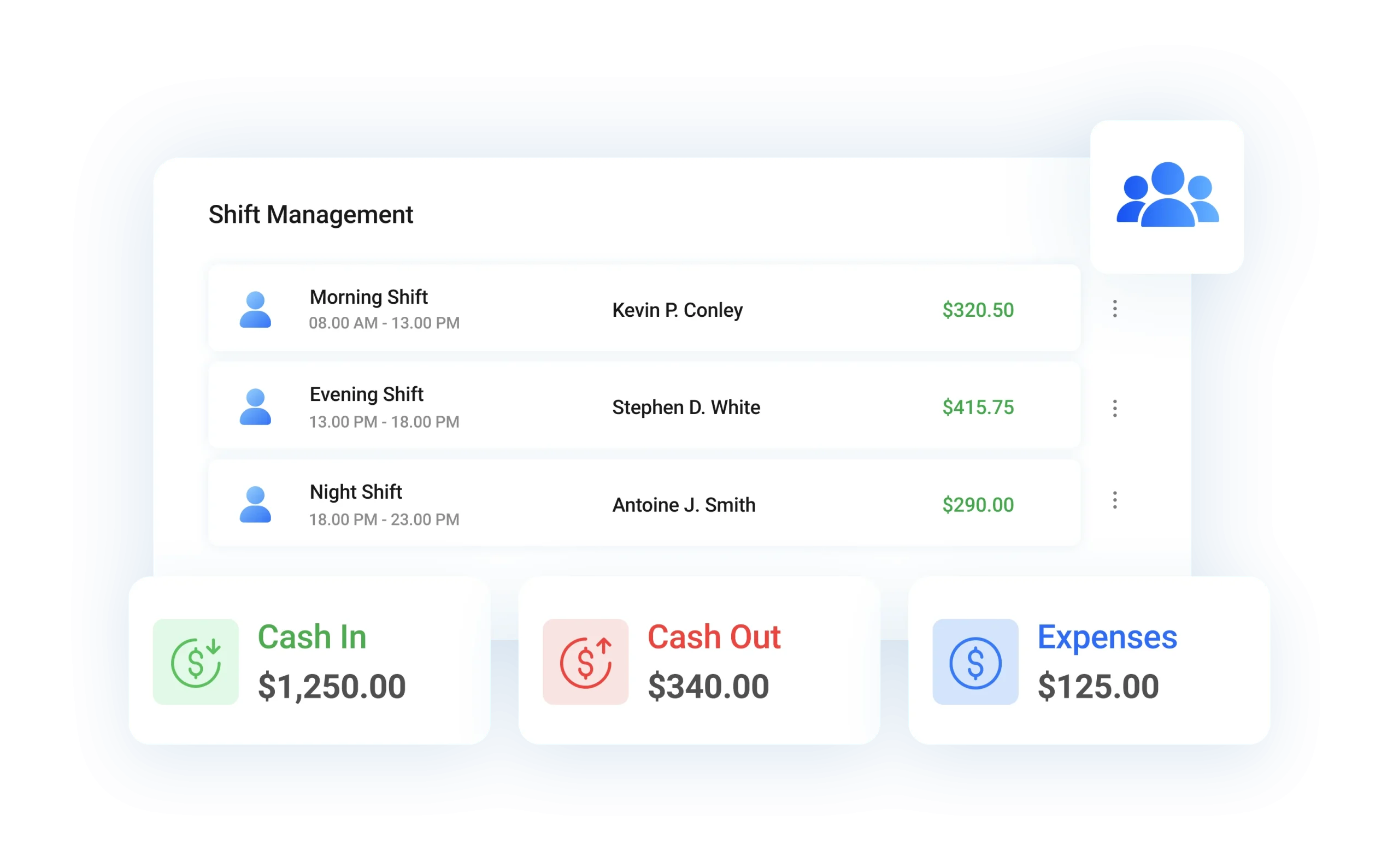
SalesPlay WebPOS gives you tools to manage daily cash operations more clearly.
  • Record petty cash and expenses
  • Track cash-in and cash-out transactions
  • Use Shift Management to monitor each shift
  • Track employee clock-in and clock-out times with Time Clock
Cloud Backoffice Web Portal

Cloud Backoffice Web Portal

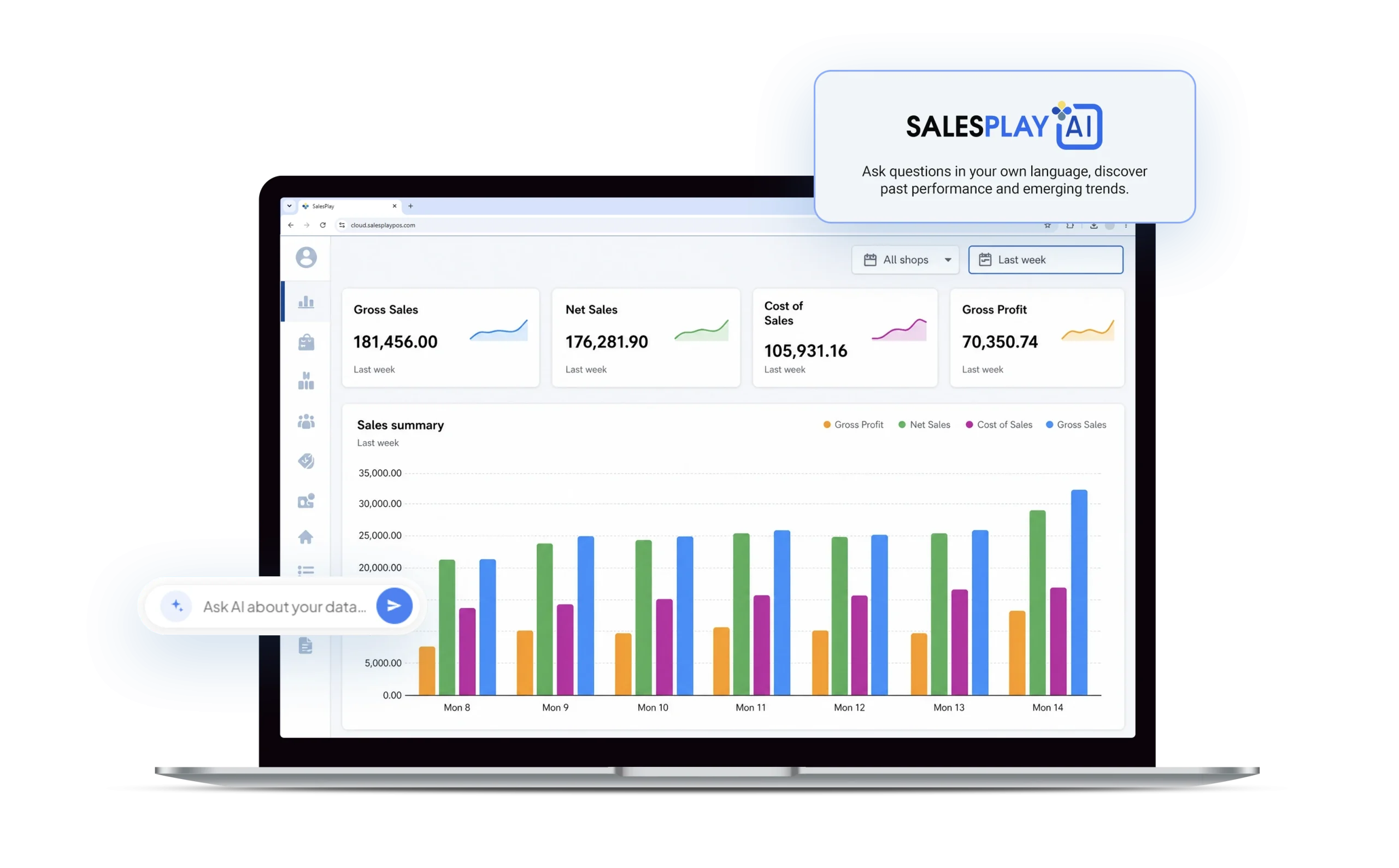
SalesPlay WebPOS comes with a powerful Cloud Backoffice Web Portal, giving you complete control of your business from a PC or mobile device.
  • Manage products, inventory, customers, users, promotions and settings
  • Monitor sales and business performance in real time
  • Access reports and analytics
  • Create users, assign roles, and set access permissions
  • Give business partners, managers, accountants, and warehouse teams backoffice access
  • Use SalesPlay AI to get quick insights from your sales and inventory data
Monitor Your Business from Your Mobile

Monitor Your Business from Your Mobile

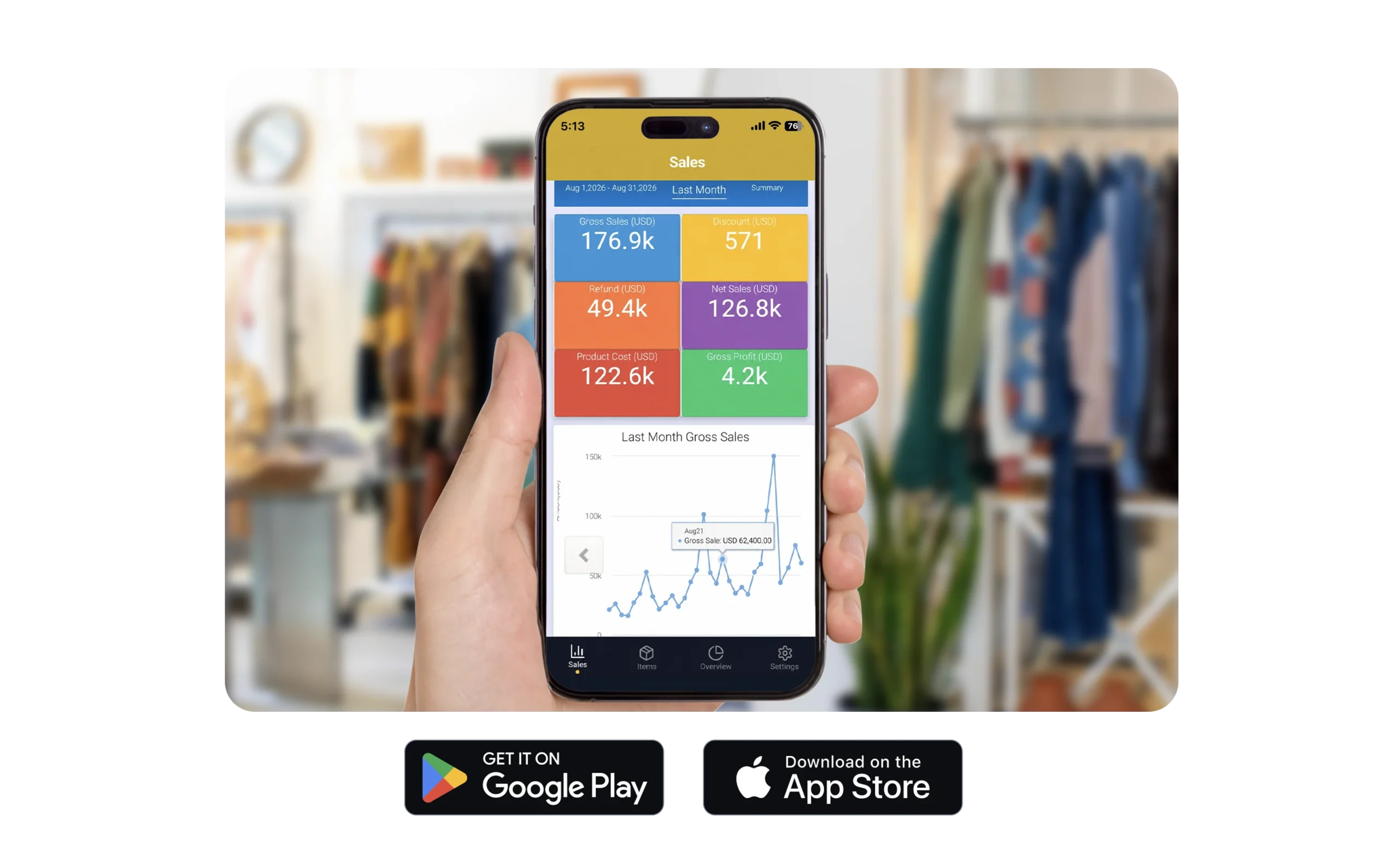
SalesPlay WebPOS works together with the SalesPlay Dashboard App, available on Android and iOS. Business owners, partners, and decision-makers can check live sales, revenue, and business performance from their mobile devices - anytime, anywhere, even when they are overseas.
  • Live sales & revenue
  • Inventory status
  • Top products
  • Business performance
  • Multiple store locations

FAQs

What is SalesPlay WebPOS?

SalesPlay WebPOS is a point-of-sale solution that lets you turn a Windows desktop or laptop into a complete POS system for selling products, managing orders, processing payments, managing inventory, and more.

What businesses can use SalesPlay WebPOS?

SalesPlay WebPOS can be used by businesses across various industries, including retail shops, supermarkets, grocery stores, clothing and fashion stores, convenience stores, gift shops, pet shops, cafés, restaurants, and multi-branch businesses.

Can I use any Windows PC or laptop with SalesPlay WebPOS?

Not every device. Your Windows PC or laptop should meet the minimum system requirements, including Windows 8 or newer, an Intel Core i3 processor, 8GB RAM, and SSD storage.

Can I use SalesPlay WebPOS alongside my Android POS in the same shop

Yes. You can use SalesPlay WebPOS and Android POS together in the same shop, allowing you to operate multiple POS terminals and manage them through the same Backoffice.

Can I continue selling if my internet connection is unavailable?

Yes. SalesPlay WebPOS supports Offline Mode, allowing you to continue billing during internet interruptions.

Do I need a dedicated POS terminal to use SalesPlay WebPOS?

No. You can use your existing Windows desktop or laptop as your POS, helping reduce your initial POS hardware investment.

What POS hardware is supported?

SalesPlay WebPOS can work with common POS accessories such as barcode scanners, receipt printers, cash drawers, kitchen/order printers, keyboards, and mice.

Does SalesPlay WebPOS include inventory and business management?

Yes. Through the Cloud Backoffice Web Portal, you can manage products, inventory, customers, users, promotions, settings, reports, and business performance.

Can I monitor my business from my mobile phone?

Yes. The SalesPlay Dashboard App for Android and iOS lets business owners and decision-makers monitor live sales, revenue, and business performance from anywhere.

Can SalesPlay AI be used with SalesPlay WebPOS?

Yes. SalesPlay AI is available through the Cloud Backoffice and provides quick insights from your sales and inventory data to help you understand your business performance.