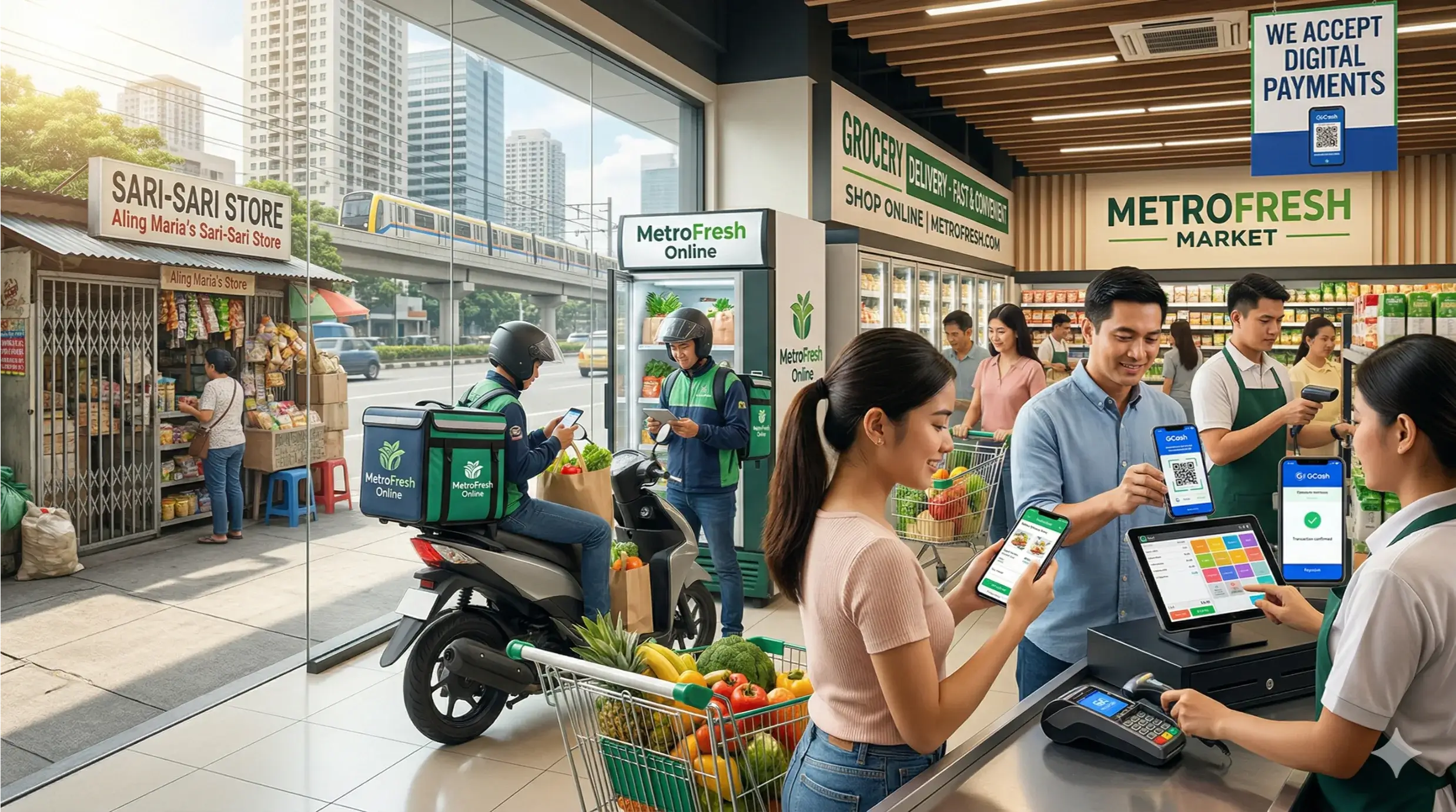

Running a small business means wearing every hat. You're managing staff, serving customers, chasing suppliers, and trying to make sense of your numbers - often all at once. The businesses that scale successfully are those that stop managing operations manually and start letting technology do the heavy lifting.
Back office software for small business is the engine behind that shift. When integrated with a Point of Sale (POS) system, it gives you a centralised view of every part of your operation - from inventory and payroll to customer loyalty and financial reporting - in real time, from any device.
This guide explains what back office software does, why it matters for your specific industry, which features to prioritise, and how to evaluate the right solution for where your business is today and where you want it to go.
What you will learn: What back office software is and how it connects to your POS · Key features that drive efficiency and profitability · Industry-specific use cases for restaurants, retail, fashion, and grocery · How to choose the right solution for your small business
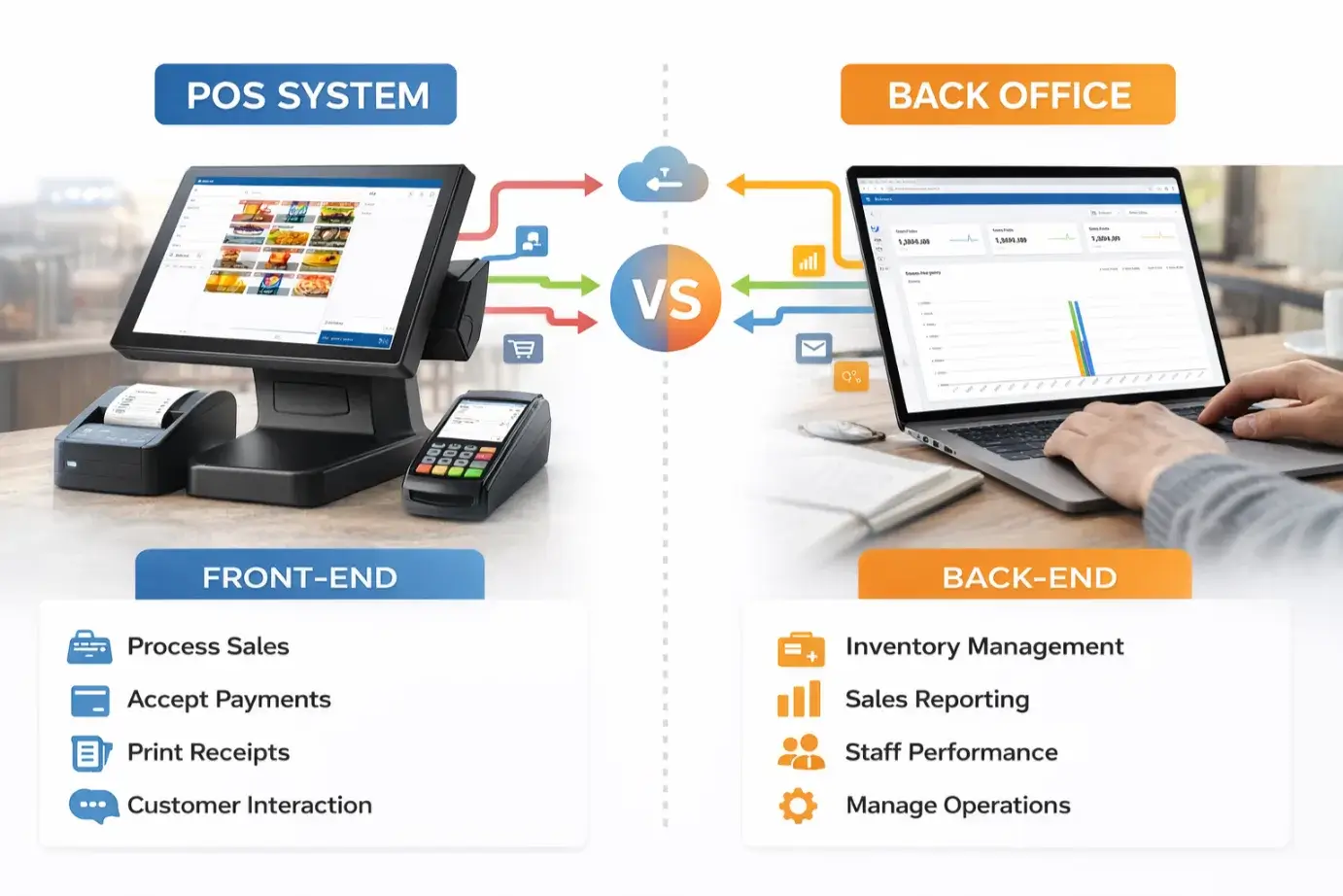
Back office software is the administrative layer of your business technology stack. While your POS system handles the customer-facing side - processing sales, printing receipts, accepting payments - back office software manages everything that happens behind the scenes.
Think of it as your business control room. It aggregates data from your POS and other systems to give you accurate, up-to-date information on inventory levels, staff performance, cash flow, supplier costs, and customer behaviour - all from a single dashboard.
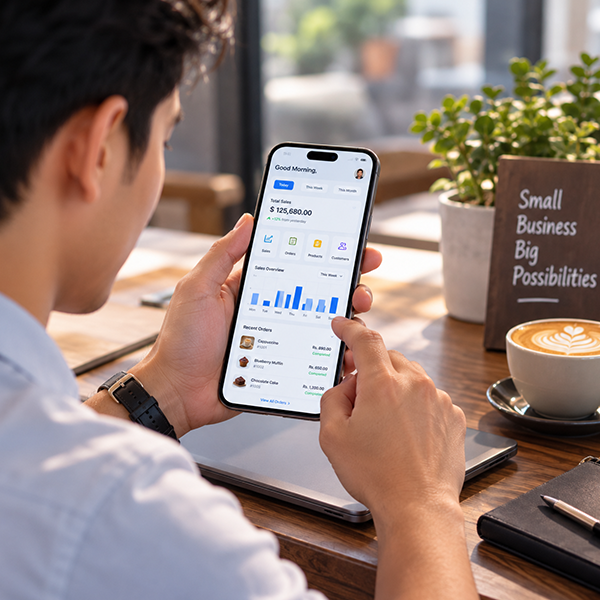
For small businesses, the most powerful back office platforms are cloud-based, meaning you can monitor and manage your operations from any device, anywhere. Whether you are in the shop, at home, or across multiple locations, your data is always accessible and always current.
Many small business owners rely on spreadsheets, paper records, or disconnected software tools to manage their operations. This approach is not only time-consuming - it is expensive. Manual processes introduce errors, create blind spots, and slow down the decisions that determine whether a business grows or stagnates.
Back office software for small business addresses these problems directly:
The result is not just greater efficiency. It is a fundamentally more profitable and resilient business.
Not all back office platforms are equal. When evaluating solutions, the following capabilities are non-negotiable for small business owners who want to scale.
Real-time inventory tracking is the foundation of any effective back office system. You should be able to see current stock levels across all locations, set automated reorder points, manage product variants (size, colour, flavour), and run stock valuations at the click of a button. Advanced platforms also support composite products - useful for restaurants managing recipes or retailers bundling products.
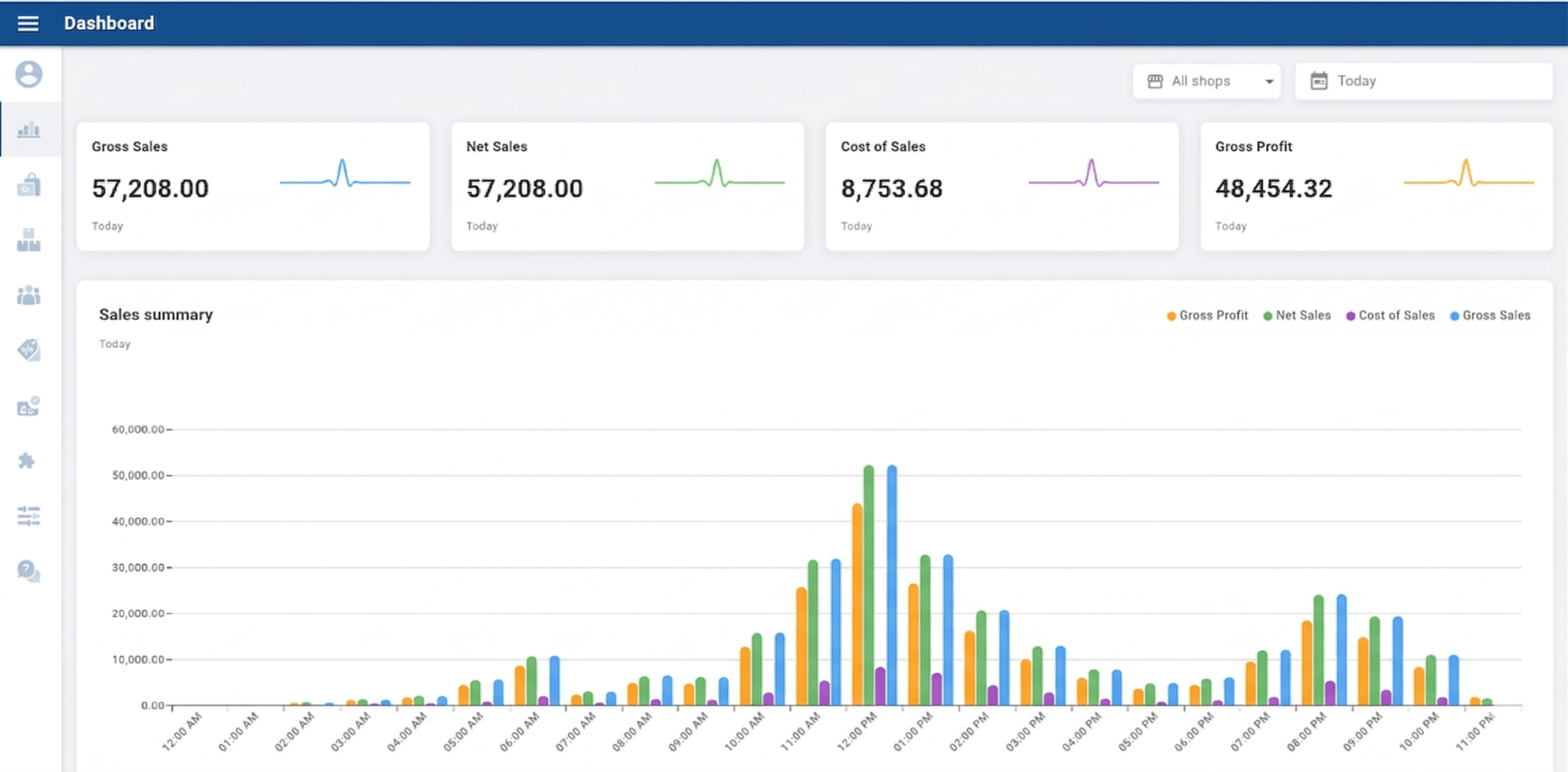
Your back office should turn your POS transaction data into actionable insight. Look for dashboards that show sales by product, category, time period, and staff member. The ability to identify top-selling items, slow movers, and peak trading hours allows you to optimise purchasing, staffing, and promotions with confidence.
Labour is typically a small business's largest cost. Back office software should track employee clock-ins and clock-outs, manage shift scheduling, monitor cash drawer activity, and control user permissions so staff only access what they need. This level of oversight improves accountability and reduces shrinkage.
Understanding your customers is a competitive advantage. A back office CRM captures purchase history, tracks loyalty points, and enables targeted promotions — all without the need for a separate marketing platform. When your POS and CRM share the same data, your customer communications become more relevant and more effective.
Manual bookkeeping is one of the most common pain points for small business owners. The right back office platform integrates directly with accounting software such as QuickBooks and Xero, automatically syncing sales, payments, and tax data. This saves hours each week and eliminates the errors that come with re-keying financial information.
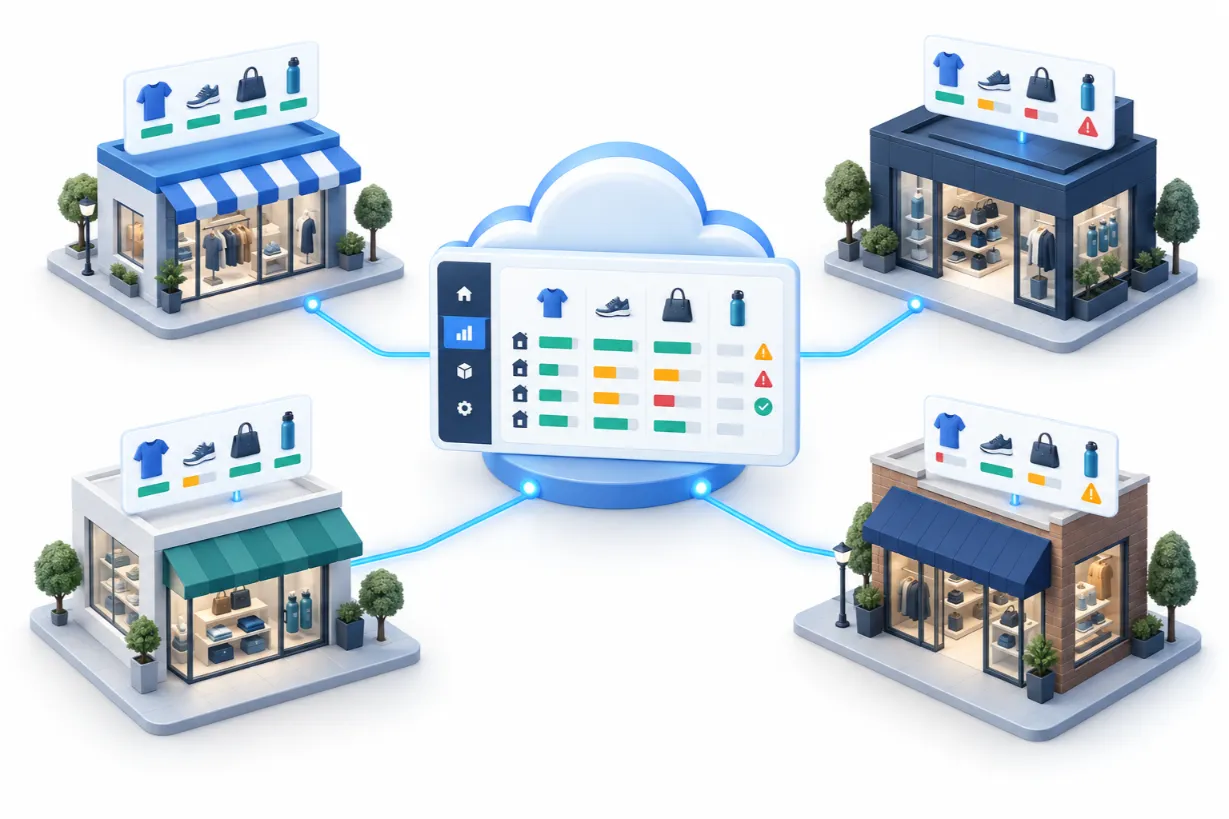
If you operate more than one site - or plan to - your back office system must support centralised management across all locations. This includes consolidated reporting, shared product catalogues, and unified customer data, regardless of where a sale takes place.
The specific value of back office software varies by sector. Here is how it addresses the operational realities of four common small business types.
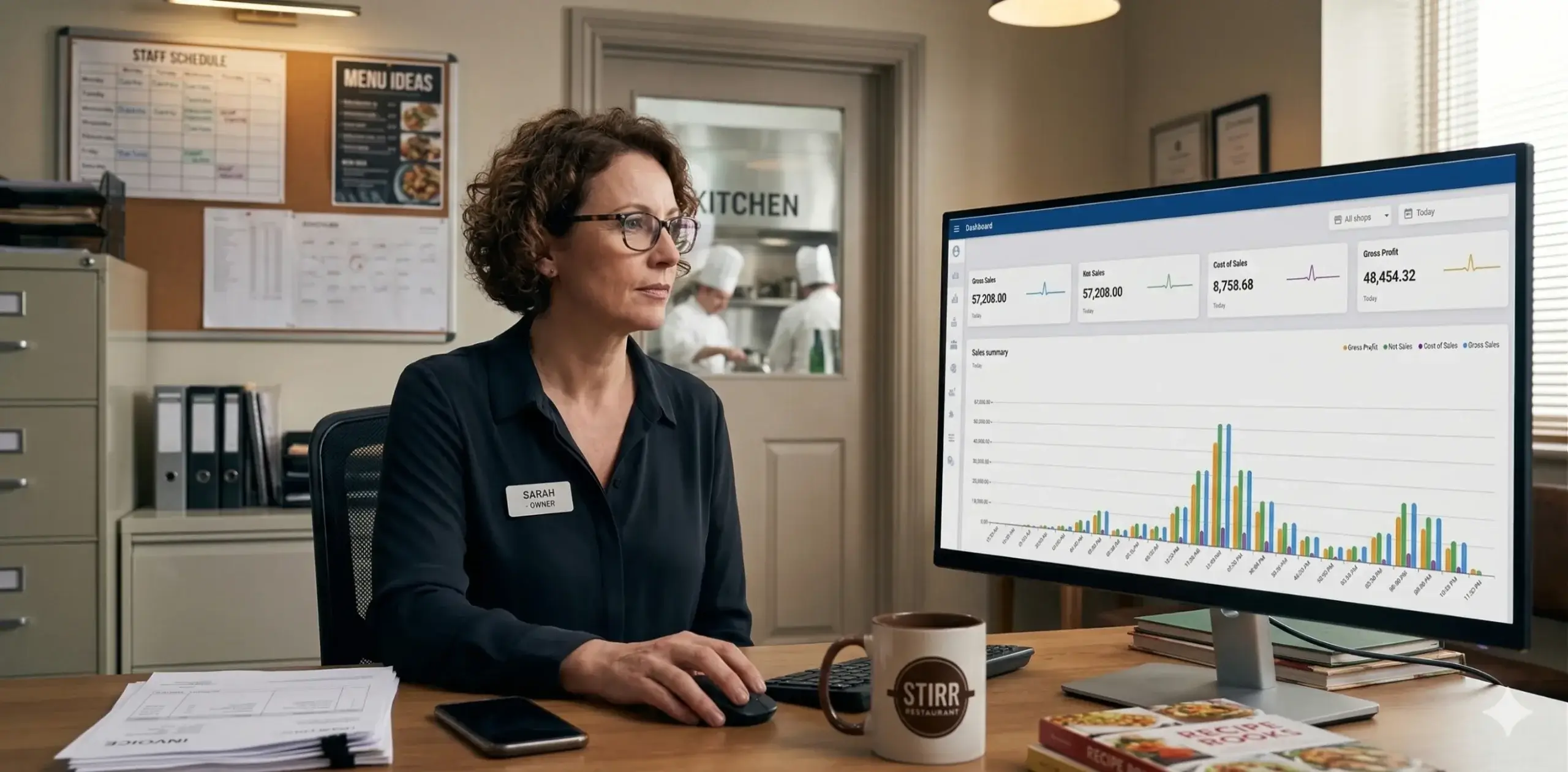
A busy restaurant or cafe generates an enormous amount of operational data every day - covers served, ingredients consumed, waste levels, staff hours, payment methods, and peak ordering times. Without a back office system, this data either goes uncaptured or requires significant manual effort to compile.
With a POS-integrated back office, a restaurant owner can track ingredient-level stock depletion in real time, identify which menu items carry the highest margins, manage kitchen order accuracy via KOT (Kitchen Order Tickets), and reconcile end-of-day cash and card payments automatically. The result: less waste, lower food costs, and faster, more informed menu decisions.
Retail businesses live and die by stock management. Overstocking ties up working capital; understocking loses sales and damages customer trust. Back office software gives retail owners a live view of stock levels across all product lines, triggers purchase orders before items run out, and identifies slow-moving products before they become a markdown problem.
Integrated CRM features allow retailers to reward loyal customers with points, personalised discounts, and exclusive promotions — increasing repeat purchase rates without the overhead of a separate loyalty platform.
Fashion retail is among the most operationally complex small business categories. A single garment may have dozens of variants across size, colour, and style - each requiring its own stock unit, price point, and reorder threshold. Back office software with robust variant management eliminates the spreadsheet chaos that typically accompanies a fashion range.
Seasonal buying decisions also become far more data-driven. When you can see precisely which styles, colours, and sizes sold through last season - and at what margin - your next buying round becomes an exercise in evidence, not guesswork.
Grocery businesses handle thousands of SKUs, perishable stock, and high transaction volumes. Back office software provides barcode-driven stock updates, supplier management, and expiry date tracking - critical capabilities for a category where margins are tight and waste is costly.
For multi-site grocery operators, centralised pricing and promotion management ensures consistency across locations without the manual overhead of updating each site individually.
| Capability | Spreadsheets | Back Office Software |
|---|---|---|
| Real-time stock visibility | Manual updates only | Automatic, live sync |
| Sales reporting | Hours of data entry | Instant dashboards |
| Multi-location management | Separate files per site | Centralised, unified view |
| Payroll and shift tracking | Manual timesheets | Automated time clock |
| Accounting integration | Re-keying data manually | Direct sync to QuickBooks / Xero |
| Customer loyalty | Separate spreadsheet | Built-in CRM and points engine |
| Scalability | Breaks under complexity | Designed to grow with you |
On-premise software - installed on a single device in your back office - was once the only option. Today, cloud-based back office software has become the clear choice for small businesses, for several reasons.
With a growing number of platforms on the market, choosing the right solution requires clarity on your own priorities. Ask yourself these questions before committing to any platform:
The most effective solutions are those where the POS and back office are designed as a single, integrated system - not two separate products bolted together. Unified platforms eliminate sync errors, reduce onboarding friction, and give you a single vendor relationship to manage.
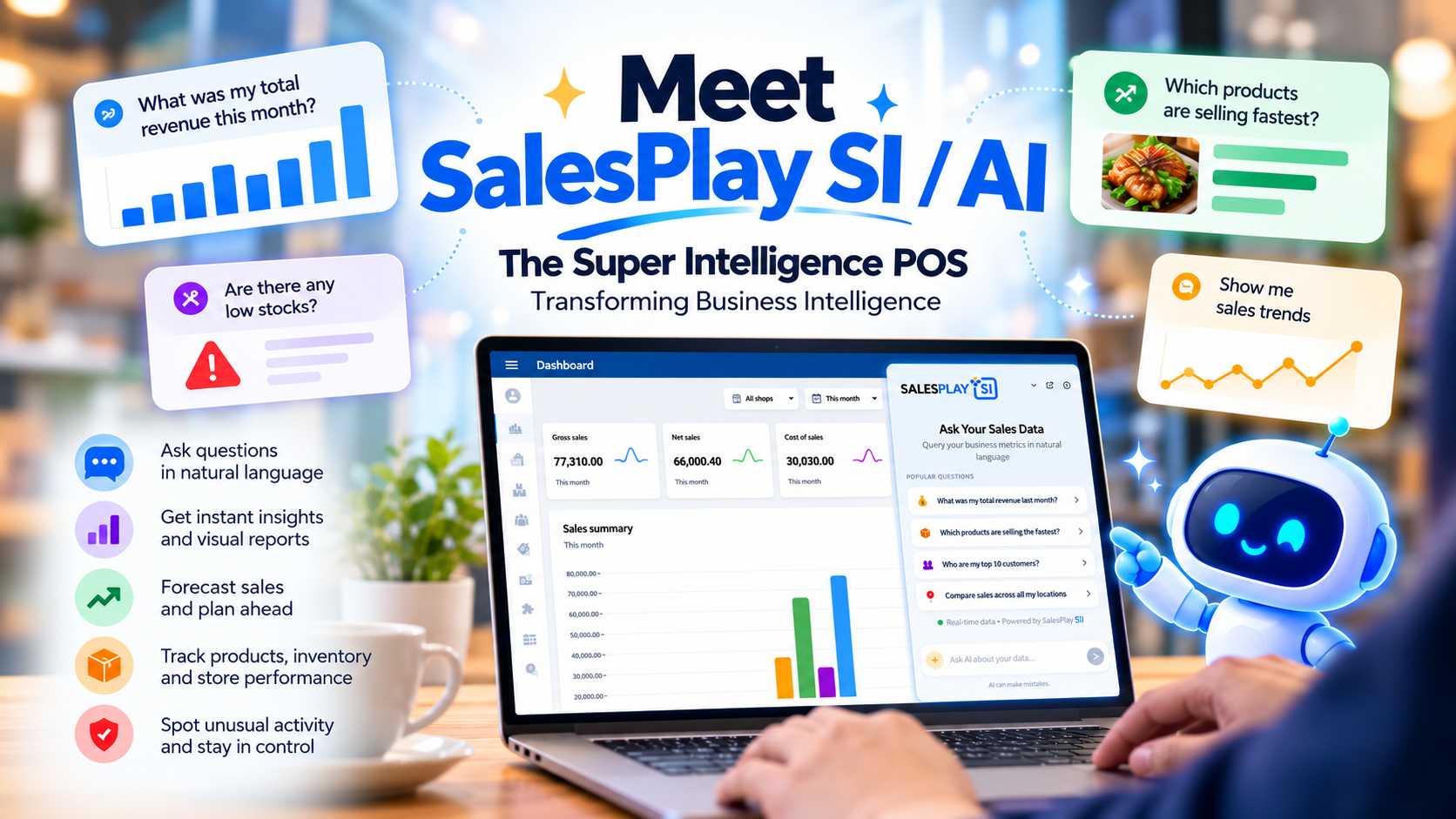
Understanding which features actually move the needle separates useful back office software from an expensive dashboard. SalesPlay is built around the operational realities of small and medium businesses - which means every capability has a practical purpose, whether you run a single cafe or a multi-location retail operation.
SalesPlay handles everything from basic product setup to complex catalogue management. You can add products with full detail - name, category, description, price, and images - and create variants for items that come in multiple sizes, flavours, or configurations. Composite and combo products let you bundle items for promotions or meal deals.
For businesses with large catalogues, bulk upload via spreadsheet makes initial setup and ongoing updates fast and reliable. On the inventory side, categories and subcategories keep your product library organised, while modifier and measurement options give customers the ability to customise orders - essential for food and beverage operators.
SalesPlay supports the full range of transaction types you encounter in a busy operation. Open orders allow staff to hold and recall receipts mid-service - critical for table-service environments. Shift management tracks employee activity and cash drawer reconciliation, giving you a clear end-of-day picture without manual counting.
On the payments side, customers can split bills across cash, card, and digital wallets, and SalesPlay supports alternative currencies for businesses serving international customers or operating in multi-currency markets. Tax management is equally flexible - you can include, exclude, or layer taxes on individual receipts, and apply automatic charges based on order type: dine-in, takeaway, or delivery.
For hospitality businesses, SalesPlay offers both standard and graphical table layouts, allowing front-of-house staff to assign tables, track order progress, and manage room allocation from a live floor plan. QR code ordering enables customers to place orders directly from their phones - reducing staff workload during peak periods and improving order accuracy at the same time.
Controlling who can see and do what inside your system is a basic requirement for any multi-staff operation. SalesPlay user roles and permissions framework lets you define access levels by employee and location, protecting sensitive financial data and preventing unauthorised discounts or voids. Low stock alerts and login notifications keep you informed of critical events across your business - even when you are not on-site.
SalesPlay integrates directly with QuickBooks and Xero for streamlined financial reporting, eliminating the need to manually export and re-key sales data into your accounting platform. For more complex operations, a range of hardware add-ons extends the system's capabilities: KOT and BOT devices improve kitchen and bar communication, customer-facing displays support the checkout experience, and embedded barcode scanning speeds up product identification and stock management.
Promotional tools - including discount scheduling, loyalty point systems, and campaign planning based on customer purchase history - sit inside the same back office environment, so your marketing activity is always informed by live sales data rather than historical guesswork.
The bigger picture: The value of SalesPlay feature set is not any single capability in isolation - it is the fact that product data, sales activity, inventory levels, customer behaviour, and financial reporting all live in the same system. That integration is what turns operational data into genuine business intelligence.
Back office software earns its place in a small business when it changes the quality of the decisions you make — not just the speed at which you make them. SalesPlay is built with that goal in mind.
For small business owners who have grown used to making decisions by instinct or end-of-month reports, the shift to real-time, centralised data is often the single biggest operational upgrade they experience.
Back office software is a management platform that handles the administrative and operational functions of a business - including inventory, payroll, reporting, and customer management - and integrates with your POS system to provide a unified view of your business in real time.
A POS system processes sales. Back office software analyses them. Without back office capability, you are collecting data at the point of sale but not converting it into the operational intelligence that drives better decisions. The most effective approach is a unified platform where both functions are built into the same system.
Yes. Reputable cloud-based platforms use encryption, role-based access controls, and redundant storage to protect your business and customer data. Cloud storage is typically more secure than data held on a single on-premise device.
Absolutely. Multi-location management is one of the primary use cases for back office software. A centralised platform lets you manage inventory, pricing, promotions, and user permissions across all your sites from a single dashboard, ensuring consistency without logging into each location separately.
Pricing varies by platform and the features included. Many providers - including SalesPlay - offer a free tier for single-location businesses, with subscription plans scaling as you add locations, users, or advanced features. Expect to pay anywhere from free to several hundred dollars per month for a fully featured multi-site solution.
Back office software benefits any business that handles physical stock, employs staff, processes payments, and serves repeat customers. Restaurants, cafes, retail stores, grocery outlets, fashion boutiques, salons, and distribution businesses are among the most common and highest-impact use cases.
Back office software is no longer a luxury reserved for large enterprises. For small businesses competing in a demanding market, it is the operational infrastructure that separates those who grow from those who grind.
By automating administrative tasks, centralising your data, and giving you real-time visibility into every corner of your business, the right back office software pays for itself - in time saved, errors avoided, and decisions made with confidence.
If you are ready to move beyond spreadsheets and disconnected tools, SalesPlay offers a complete POS and back office solution built for small business owners who are serious about growth. Start for free today and see the difference centralised, real-time management makes.