Grocery POS software is a specialized point-of-sale system designed specifically for grocery stores and supermarkets. Unlike general retail systems, grocery POS software is built to handle high-volume transactions, barcode scanning, perishable items, pricing variations, and fast checkout requirements.
At its core, the system records every sale made at the checkout counter. However, modern grocery POS software does much more than process payments. It automatically updates inventory levels, generates sales reports, manages suppliers, tracks product performance, and helps store owners understand customer buying behavior.
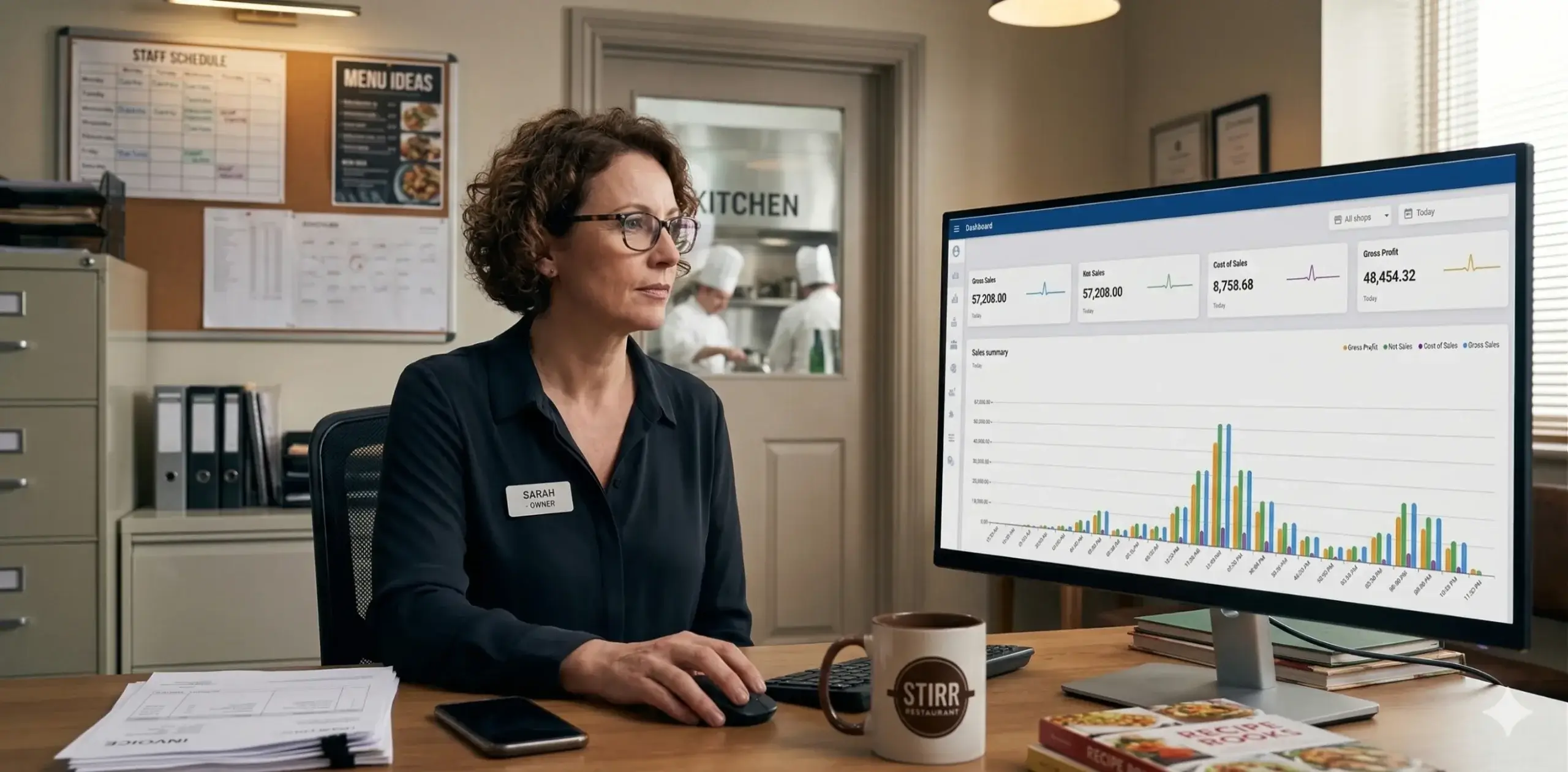
Instead of relying on manual calculations or spreadsheets, grocery store owners can manage their entire business from one centralized dashboard.
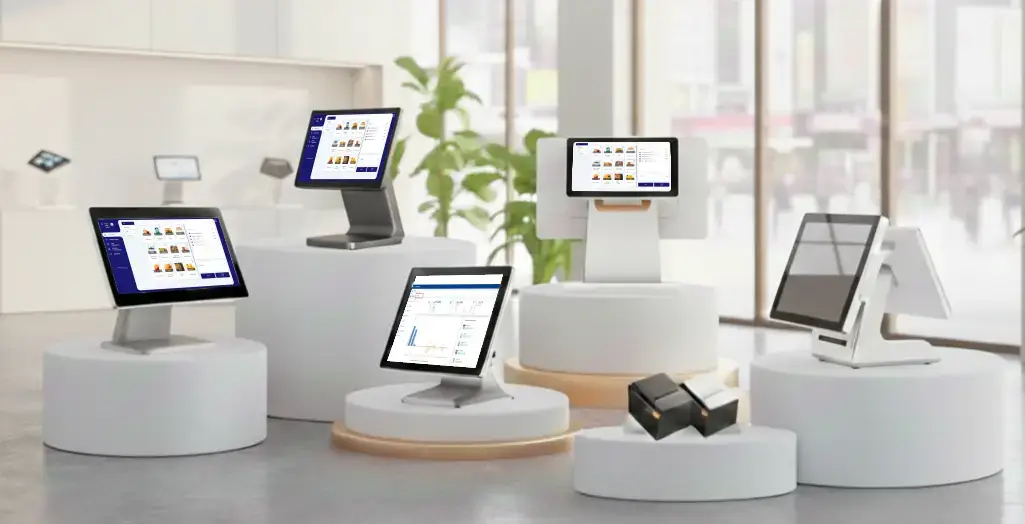
A grocery POS system connects several components that work together to manage store operations. These typically include:
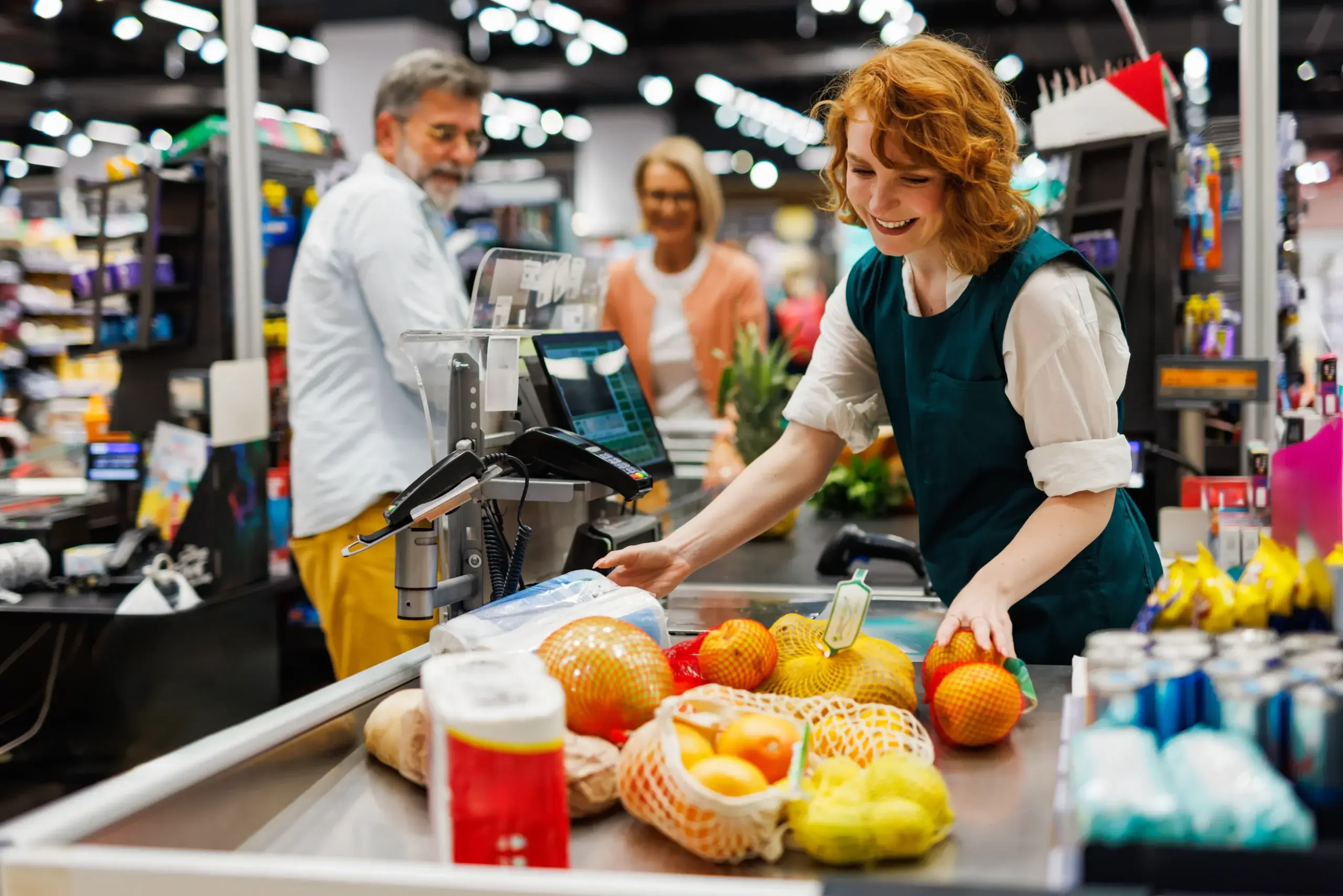
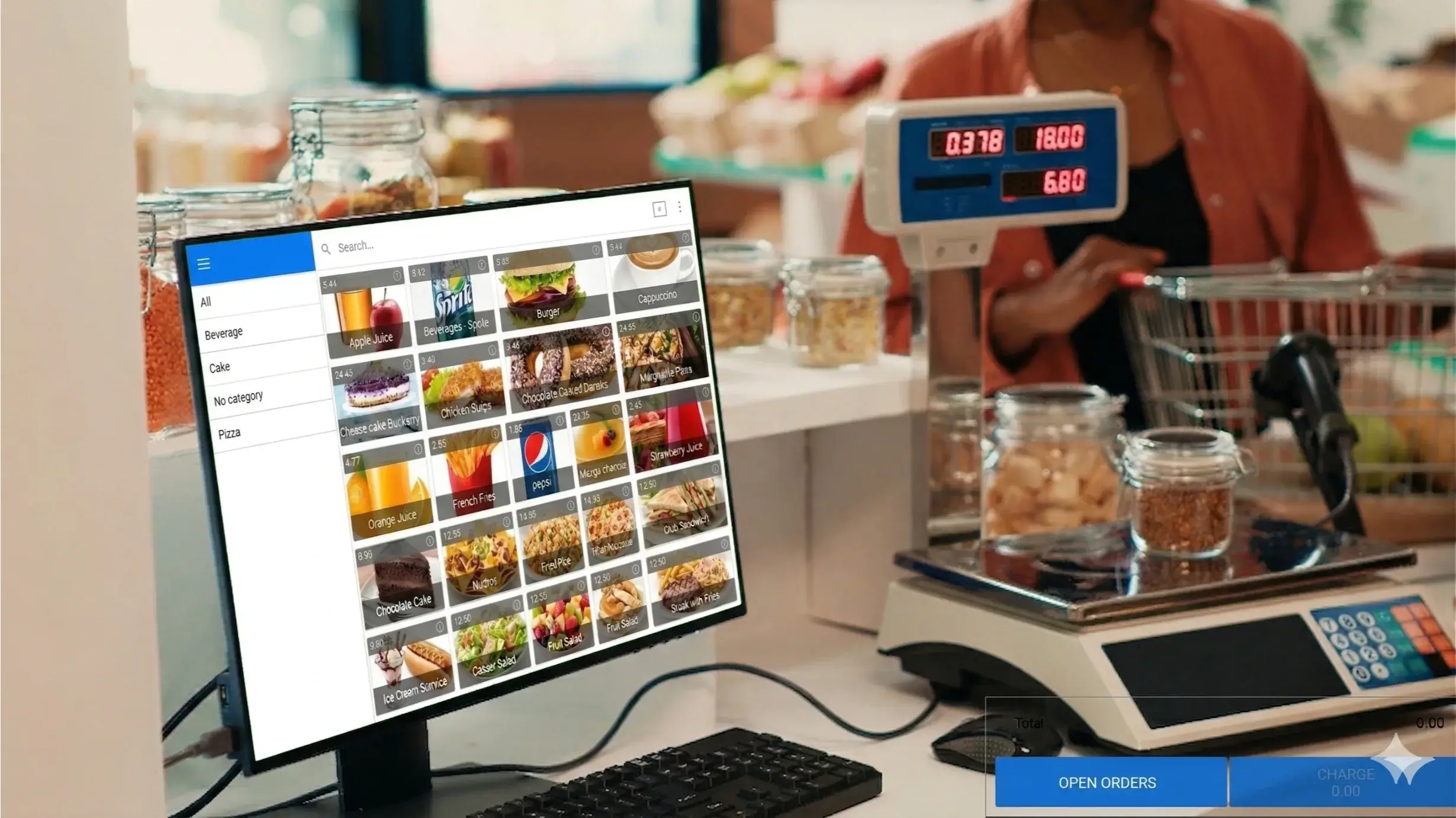
When a cashier scans a product barcode, the system instantly retrieves product information such as price, description, and available stock. After the transaction is completed, the inventory quantity is automatically reduced, and the sale is recorded in the system.
Store owners can then access real-time reports showing daily sales, popular products, profit margins, and inventory levels.
Modern grocery stores require more than basic billing. A reliable grocery POS system includes features that support fast operations, accurate inventory management, and better customer service.
Speed is critical in grocery stores, especially during busy hours. Grocery POS software allows cashiers to scan products quickly, apply discounts automatically, and process payments within seconds.
This reduces long queues, improves customer satisfaction, and minimizes billing errors.
Common billing features include:

Inventory management is one of the most important functions of a grocery store. Grocery POS software automatically tracks stock levels as products are sold, received, or returned.
This helps store owners avoid stockouts, reduce overstocking, and maintain accurate inventory records.
Key inventory capabilities include:
Real-time inventory visibility allows store managers to make better purchasing decisions and reduce waste.
Grocery stores often carry thousands of products with different prices, sizes, and variations. Managing these items manually can be time-consuming and error-prone.
Grocery POS software simplifies product management by allowing store owners to:
This ensures accurate pricing and consistent product information across the store.
Understanding sales performance is essential for business growth. Grocery POS software generates detailed reports that help store owners analyze trends and make data-driven decisions.
Common reports include:
These insights help businesses identify opportunities, reduce losses, and improve profitability.
Customer loyalty is a key factor in long-term success for grocery stores. Grocery POS software allows businesses to track customer purchases and create loyalty programs that encourage repeat visits.
Customer management features may include:
By understanding customer preferences, grocery stores can provide personalized offers and improve customer satisfaction.
For businesses operating multiple locations, managing each store separately can be challenging. Grocery POS software allows store owners to monitor and control all branches from a single dashboard.
Multi-store features typically include:
This ensures consistency across stores and simplifies business management.
Implementing grocery POS software provides several operational and financial advantages for store owners.
Quick billing reduces waiting time and improves customer satisfaction. A smooth checkout process encourages customers to return and recommend the store to others.
Automated inventory tracking reduces manual errors and ensures accurate stock records. This helps prevent lost sales due to stock shortages and reduces excess inventory costs.
With better insights into sales trends and product performance, store owners can make smarter pricing and purchasing decisions that increase revenue and profitability.
Automation reduces the need for manual work, saving time and labor costs. It also minimizes errors that can lead to financial losses.
Real-time data and reporting provide full visibility into store performance, allowing business owners to manage operations more effectively.
Grocery POS software is suitable for a wide range of businesses, including:
Any business that sells food or household products can benefit from a dedicated POS system designed for grocery operations.
Selecting the right system is an important decision for any grocery business. Store owners should evaluate several factors before choosing a solution.
The system should be simple for staff to learn and operate. A user-friendly interface reduces training time and improves efficiency.
Choose a POS system that can grow with your business. It should support additional products, employees, and store locations as your operations expand.
Reliable software and responsive customer support are essential to avoid disruptions in daily operations.
The system should connect easily with accounting software, payment processors, and other business tools.
Consider both the initial investment and long-term value. A well-designed POS system can quickly pay for itself through improved efficiency and increased sales.
Cloud-based POS systems are becoming increasingly popular because they provide flexibility, security, and remote access.
With cloud technology, store owners can:
This modern approach allows grocery businesses to operate more efficiently and stay competitive in a fast-changing market.
SalesPlay POS is designed to help grocery stores manage sales, inventory, and customer transactions from a single platform. Instead of relying on multiple tools or manual processes, store owners can use one system to monitor performance, track stock levels, and maintain accurate records.
What makes a POS system valuable is not just the features it offers, but how consistently it supports real business operations. For grocery stores, this means handling high transaction volumes, maintaining inventory accuracy, and ensuring billing continues without interruption.
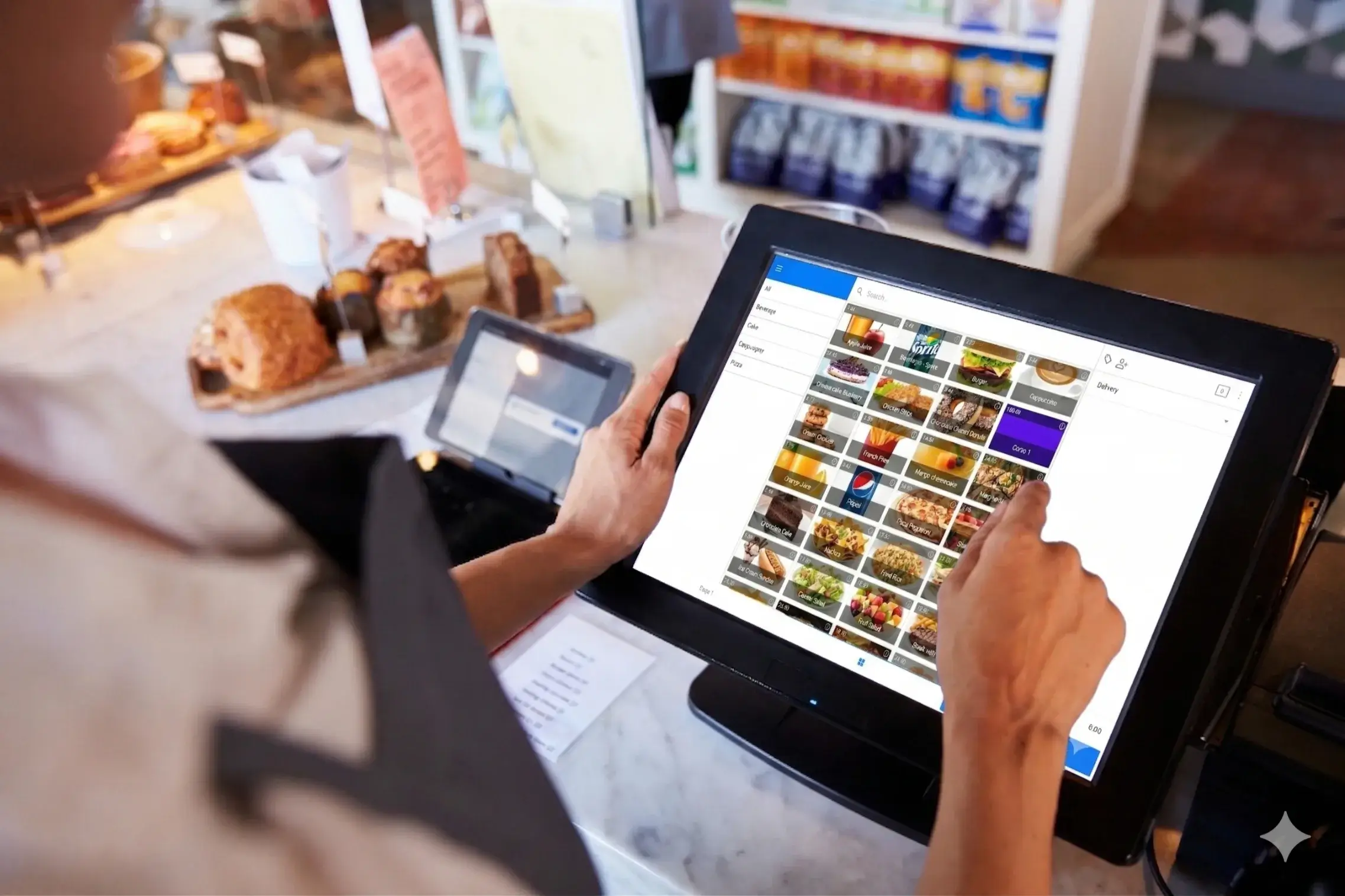
SalesPlay is commonly used by grocery stores and supermarkets that need:
Choosing the right grocery POS software is an important operational decision. By implementing a system that aligns with the needs of grocery businesses, store owners can improve efficiency, reduce manual work, and maintain better control over their operations.
A growing grocery store was facing several operational challenges. Billing during peak hours was slow, inventory records were sometimes inaccurate, and staff spent significant time manually tracking stock levels.
The store also experienced occasional internet connectivity issues, which disrupted billing and created delays for customers at the checkout counter.
These challenges affected customer satisfaction and made daily operations more difficult to manage.
To improve efficiency, the grocery store implemented SalesPlay POS. The system allowed the business to manage billing, inventory, and reporting from one centralized platform.
Staff members were able to process transactions faster, track stock levels automatically, and monitor sales performance through real-time reports. Most importantly, the store could continue billing even when the internet connection was temporarily unavailable.
After implementing the POS system, the grocery store experienced measurable improvements in daily operations:
This example demonstrates how a reliable grocery POS system can support consistent store operations, even during connectivity issues. By maintaining billing and inventory accuracy at all times, grocery businesses can improve customer service and operate with greater confidence.
Grocery POS software is a system that helps grocery stores manage sales, inventory, billing, and reporting from a single platform. It allows businesses to process transactions quickly and monitor operations in real time.
Yes. Grocery POS software automatically updates inventory whenever a product is sold, returned, or restocked. This helps prevent stock shortages and reduces manual work.
Yes. Small grocery stores and mini-marts can benefit from grocery POS software because it simplifies billing, improves inventory accuracy, and saves time for store owners and staff.
Most grocery POS systems support barcode scanning. This allows faster checkout, reduces billing errors, and improves customer service during busy hours.
Many modern POS systems include offline functionality. This means billing can continue even if the internet goes down, and data will sync automatically once the connection is restored.
The cost of grocery POS software depends on features, number of users, and hardware requirements. Businesses should choose a solution that fits their budget and operational n7. What features should I look for in grocery POS software?
Important features include inventory management, barcode scanning, sales reporting, customer management, multi-store support, and reliable customer support.
Yes. Many POS systems allow businesses to manage multiple stores from one dashboard, including tracking sales, monitoring inventory, and managing staff across locations.
Grocery POS software is an essential tool for modern grocery stores. It simplifies daily operations, improves inventory accuracy, speeds up checkout, and provides valuable business insights that support growth.
Whether you run a small neighborhood grocery shop or a large supermarket, implementing the right POS system can transform the way your business operates and help you serve customers more effectively.
Investing in reliable grocery POS software is not just a technology upgrade. It is a strategic decision that can improve efficiency, increase profitability, and prepare your business for future expansion.