A point of sale (POS) system is the technology your business uses to complete a transaction.
It’s where customers pay for their purchase, but it’s also the system that helps you track inventory, manage sales, process payments, and keep your daily operations organized.

Modern POS systems combine software + hardware, and most are cloud-based, allowing you to manage your business anytime, anywhere.
Instead of juggling spreadsheets, calculators, and separate tools, your POS system brings everything together in one place.
Every POS system follows a similar path, whether you're running a retail shop, a café, or an online store.
Here's a simple overview of what happens during a transaction:
Items are added to the cart - through barcode scanning, menu selection, or an online checkout.
Prices, taxes, discounts, and promotions apply automatically.
Inventory adjusts instantly so you always know what’s in stock.
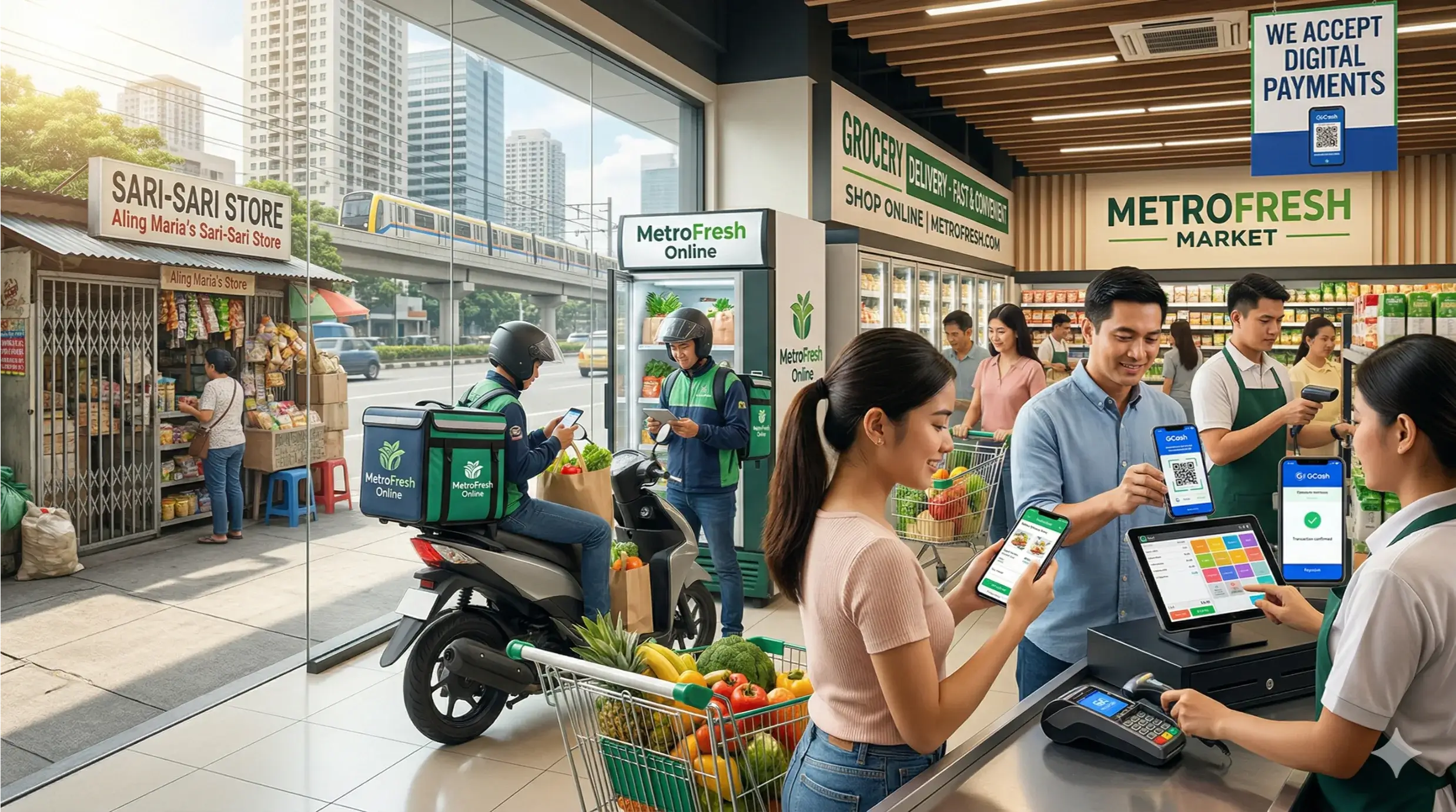
Depending on your setup, they can pay using:
Tap or chip cards
Mobile wallets
QR payments
Cash
Online payment methods
Payment links
A digital or printed receipt is generated, and the POS stores the sale information for reporting, accounting, and customer insights.
Businesses today operate across multiple channels - in-store, online, social media, and delivery platforms.
A POS system helps keep everything synced, organized, and efficient.

Here’s why businesses upgrade to modern POS systems:
A POS system automates calculations, taxes, discounts, and stock updates - preventing pricing mistakes and misplaced inventory.
Fast, reliable checkout leads to shorter lines, faster service, and happier customers.
Instant stock updates help you avoid stockouts, over-ordering, and expired items.
Track who processed sales, opened the cash drawer, or issued refunds.
This creates transparency and reduces risk.
A POS syncs sales from:
Your store
Your website
Delivery partners
Social media
Pop-ups and events
No more juggling multiple dashboards.
Understand your business performance with insights like:
Best-selling items
Busy hours
Low-stock alerts
Revenue trends
Customer behavior
Automated reports, synced accounting, and digital receipts minimize daily manual tasks.
Built-in CRM features let you track customer visits, favorites, loyalty points, and past purchases.
Cloud POS systems can scale with you - from one location to many - without complicated setups.
A modern POS system typically combines three components: hardware, software, and payment processing.
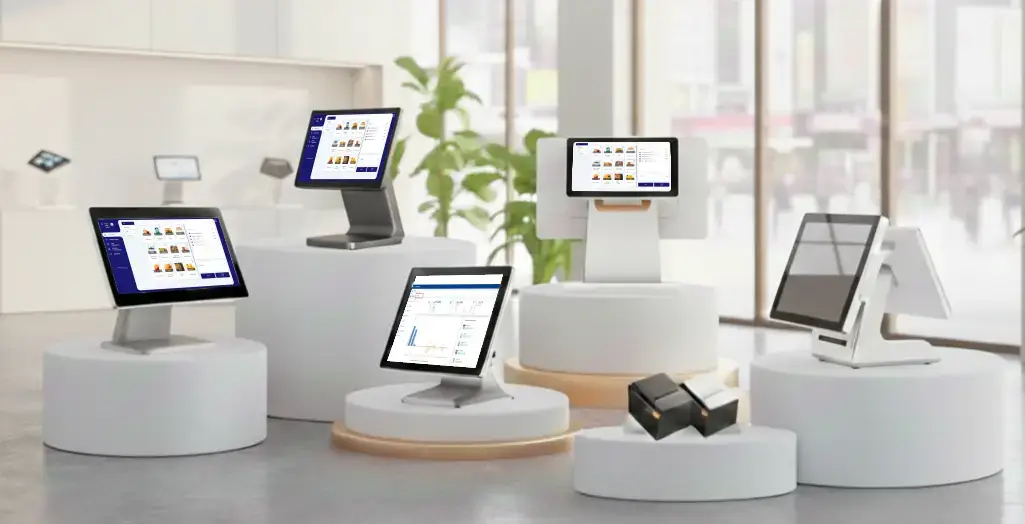
Depending on your business setup, you may use:
Tablet or touchscreen register
Card reader
Cash drawer
Receipt printer
Barcode scanner
Handheld POS device
Some businesses need minimal hardware others rely on a full countertop setup.
Your POS software is the core of your POS system. It brings all business operations together in one place and keeps everything updated in real time. Modern cloud-based platforms like SalesPlay POS make this process simple, flexible, and accessible from any device. POS software helps you manage:
Record every transaction instantly and maintain a complete sales history for reporting, reconciliation, and performance tracking.
Update stock automatically with each sale, monitor item quantities, and receive low-stock alerts. With systems like SalesPlay POS, inventory also syncs across multiple branches.
Manage in-store, online, pickup, and delivery orders from one dashboard, reducing missed tickets and manual errors.
Control user permissions, monitor staff activity, and track performance across shifts and locations.
Store customer profiles, purchase history, and loyalty information to support personalized service and targeted marketing.
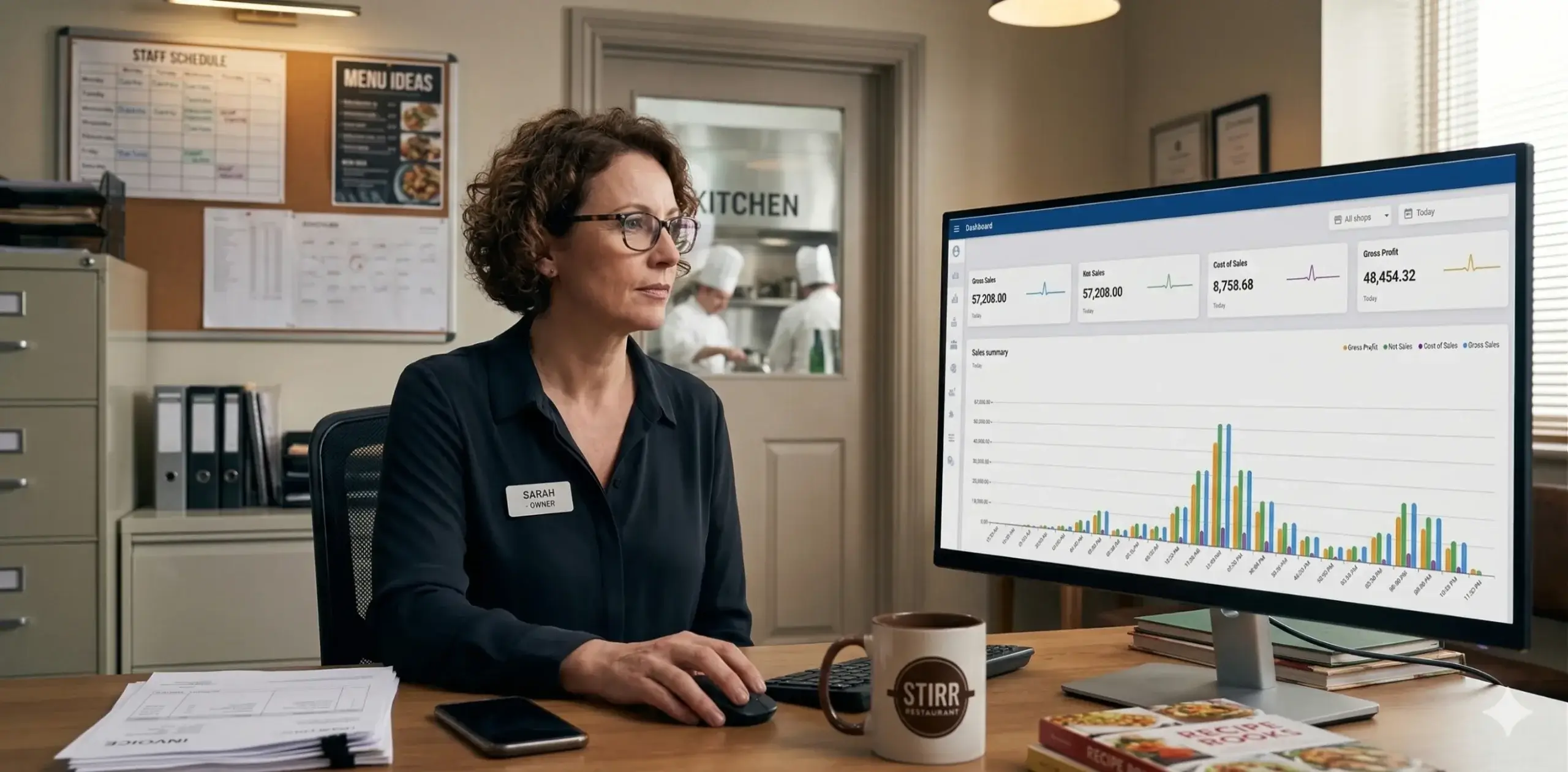
Generate clear summaries of sales, inventory movement, and staff performance. Platforms like SalesPlay POS offer real-time dashboards you can access from anywhere.
Sync items, pricing, permissions, and performance across all locations, giving you unified control even as your business grows.
Cloud-based POS software such as SalesPlay POS keeps everything synced automatically across devices and branches.
This ensures your team always works with accurate, real-time data, whether they’re on the shop floor, in the kitchen, or managing operations remotely.
POS systems support multiple payment methods such as:
Chip, tap, or swipe cards
QR and mobile wallet payments
Payment links
Online checkout
Cash
Card-not-present transactions
Payments are processed securely and deposited into your business bank account.
Your POS software is the core of your POS system. It brings all business operations together in one place and keeps everything updated in real time. Modern cloud-based platforms like SalesPlay POS make this process simple, flexible, and accessible from any device. POS software helps you manage:
Record every transaction instantly and maintain a complete sales history for reporting, reconciliation, and performance tracking.
Update stock automatically with each sale, monitor item quantities, and receive low-stock alerts. With systems like SalesPlay POS, inventory also syncs across multiple branches.
Manage in-store, online, pickup, and delivery orders from one dashboard, reducing missed tickets and manual errors.
Control user permissions, monitor staff activity, and track performance across shifts and locations.
Store customer profiles, purchase history, and loyalty information to support personalized service and targeted marketing.
Generate clear summaries of sales, inventory movement, and staff performance. Platforms like SalesPlay POS offer real-time dashboards you can access from anywhere.
Sync items, pricing, permissions, and performance across all locations, giving you unified control even as your business grows.
Cloud-based POS software such as SalesPlay POS keeps everything synced automatically across devices and branches.
This ensures your team always works with accurate, real-time data, whether they’re on the shop floor, in the kitchen, or managing operations remotely.
Streamline day-to-day retail operations with fast barcode scanning, accurate pricing, and smooth checkout. Easily manage returns and exchanges without paperwork, track real-time inventory across shelves and warehouses, and prevent stock shortages or over-ordering. Gain clear sales reports to understand best-selling items and customer buying trends.
Manage your entire food service operation from one system. Handle table layouts, dine-in, takeaway, and delivery orders effortlessly. Send orders directly to the kitchen, reduce mistakes, track modifiers, and monitor preparation times. Optimize menu performance, control ingredient inventory, and improve customer service during peak hours.
Accept payments anywhere with a reliable mobile POS designed for on-the-go selling. Sell at festivals, roadside locations, or pop-up events without complexity. Track daily sales, manage menus, and sync data automatically when you’re back online. Perfect for fast service, quick setup, and minimal hardware.
Organize appointments, service packages, and recurring customers in one place. Save customer history, track payments, and manage staff schedules efficiently. Whether you run a salon, spa, clinic, or repair service, you can simplify billing, reduce no-shows, and deliver a more personalized customer experience.
Connect your online store with your POS for seamless omnichannel selling. Automatically sync orders, payments, and inventory between your website and physical locations. Avoid overselling, manage fulfillment efficiently, and view all sales data in a single dashboard for better decision-making and growth.
Choosing the right POS system depends on how your business operates and what you need to manage every day. The best POS is one that fits your workflow, supports your team, and grows with your business. Key factors to consider include:
Different industries need different features. Retail, restaurants, and service businesses each require specialized tools.
Make sure your POS supports the payment methods your customers use tap, chip, QR, online checkout, or mobile wallets.
If you manage many products or variations, choose a POS with strong inventory tracking and real-time stock updates.
Multi-location businesses need a system that syncs products, pricing, and reports across all branches.
Compare monthly software fees, hardware requirements, and payment processing rates to find a solution that fits your budget.
Check if the POS connects with your existing tools such as eCommerce platforms, accounting software, delivery apps, or loyalty programs.
Choose a POS your team can learn quickly. Simple navigation and minimal training reduce errors and improve efficiency.
A good POS system should simplify your daily tasks, support your core operations, and scale with your long-term goals.
A POS system automates pricing, taxes, and discounts, ensuring every transaction is calculated correctly. This reduces billing errors and creates a more reliable checkout experience.
Inventory updates instantly with every sale. You always know what’s in stock, what’s running low, and what needs reordering - helping prevent stockouts and overstocking.
Modern POS systems speed up checkout with quick item lookup, barcode scanning, and contactless payments, allowing your staff to serve more customers in less time.
Shorter wait times, multiple payment options, and digital receipts create a smooth, convenient shopping experience that keeps customers coming back.
Whether you sell in-store, online, or across multiple locations, a POS system syncs everything into one dashboard. All sales, inventory, and reports stay connected.
Your POS automatically generates daily, weekly, and monthly reports. This gives you easy access to sales trends, top-performing items, and key business insights.
Cloud-based POS systems grow with your business. Add new locations, users, devices, and sales channels without complicated setups or expensive hardware.
Yes. Even very small shops benefit from using a POS system.
A POS helps automate billing, track stock as items are sold, and generate accurate daily reports - tasks that are often time-consuming when done manually. For small teams, this means fewer mistakes, faster service, and better control over cash flow. A POS system also allows small businesses to accept multiple payment methods and manage customer records from one place, making operations smoother and more professional.
Absolutely. A POS system contributes to higher profits by improving efficiency and reducing losses.
It minimizes billing errors, prevents stock shortages, identifies slow-moving products, and highlights top-selling items. This gives business owners the insights they need to optimize pricing, promotions, and purchasing decisions. By speeding up service and improving customer experience, a POS system also helps increase repeat business directly boosting revenue.
Yes. Modern POS systems follow strict security standards to protect customer payments and business data.
They use encrypted transactions, tokenization, and PCI-compliant processing to ensure card information is handled safely. Cloud-based POS systems also store data securely online, reducing the risk of local device failures or data loss. This makes POS systems a trustworthy and safe choice for businesses of all sizes.
Most cloud POS systems support offline mode, allowing you to continue billing even without an internet connection.
Sales are stored securely on the device and automatically sync to the cloud once you reconnect. This ensures uninterrupted operations during network outages - a major benefit for busy restaurants, retail stores, and mobile vendors.
Not always. Many businesses use POS software on the devices they already have.
You can run a full POS system on a tablet, smartphone, or computer without needing extra hardware. For businesses that want a more traditional setup, optional tools like card readers, receipt printers, and barcode scanners can be added later. This flexibility makes POS systems suitable for both new startups and established stores.
A POS system is more than a checkout tool it’s the operational backbone of modern businesses.
From handling payments to tracking inventory and improving customer experience, the right POS system simplifies your day-to-day work and supports long-term growth.
Thinking about upgrading your POS?
Explore your options, compare features, and choose a system that helps your business run smarter, faster, and more efficiently - wherever you sell.