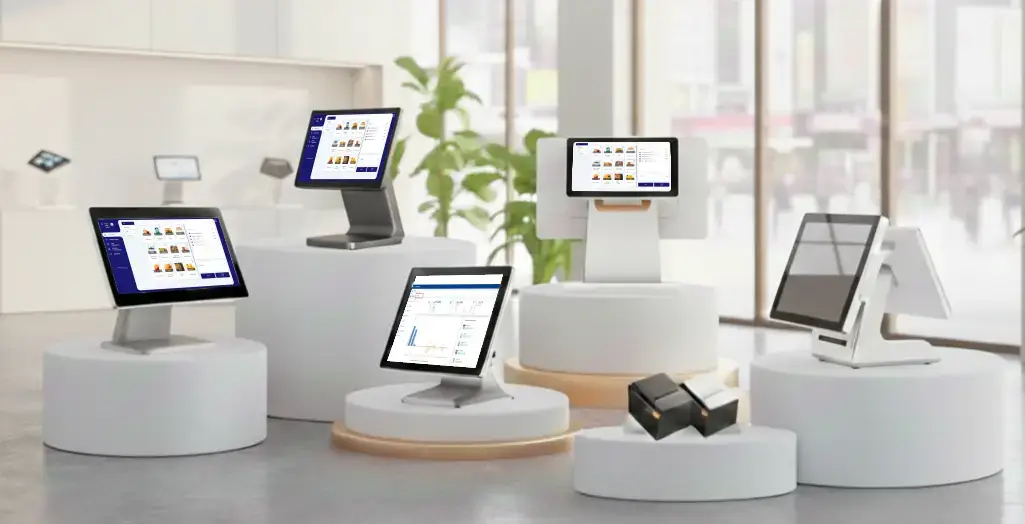
A Point of Sale system helps US businesses accept payments and manage daily operations in one place. It matters because checkout speed, accuracy, and data visibility directly affect revenue and customer trust.

This guide is for small to medium business owners in the United States. It explains how US Point of Sale systems work, what they cost, and how to choose the right one.
You will learn what features matter most, how pricing usually works, and what benefits real businesses see.
Many US businesses struggle when selecting a POS system. The market offers dozens of options, each claiming to fit every business type.
Common problems business owners face include:
Choosing the wrong POS system can slow down checkouts, confuse staff, and leave critical gaps in reporting often costing businesses more than the system itself. With SalesPlay POS, you can start for free and experience the platform in real-world conditions, backed by 24/7 customer support. Because business owners need clarity and control, not unnecessary complexity.
A good US Point of Sale system simplifies selling, not complicates it. It should handle payments, track sales, and support daily decisions with clear data.
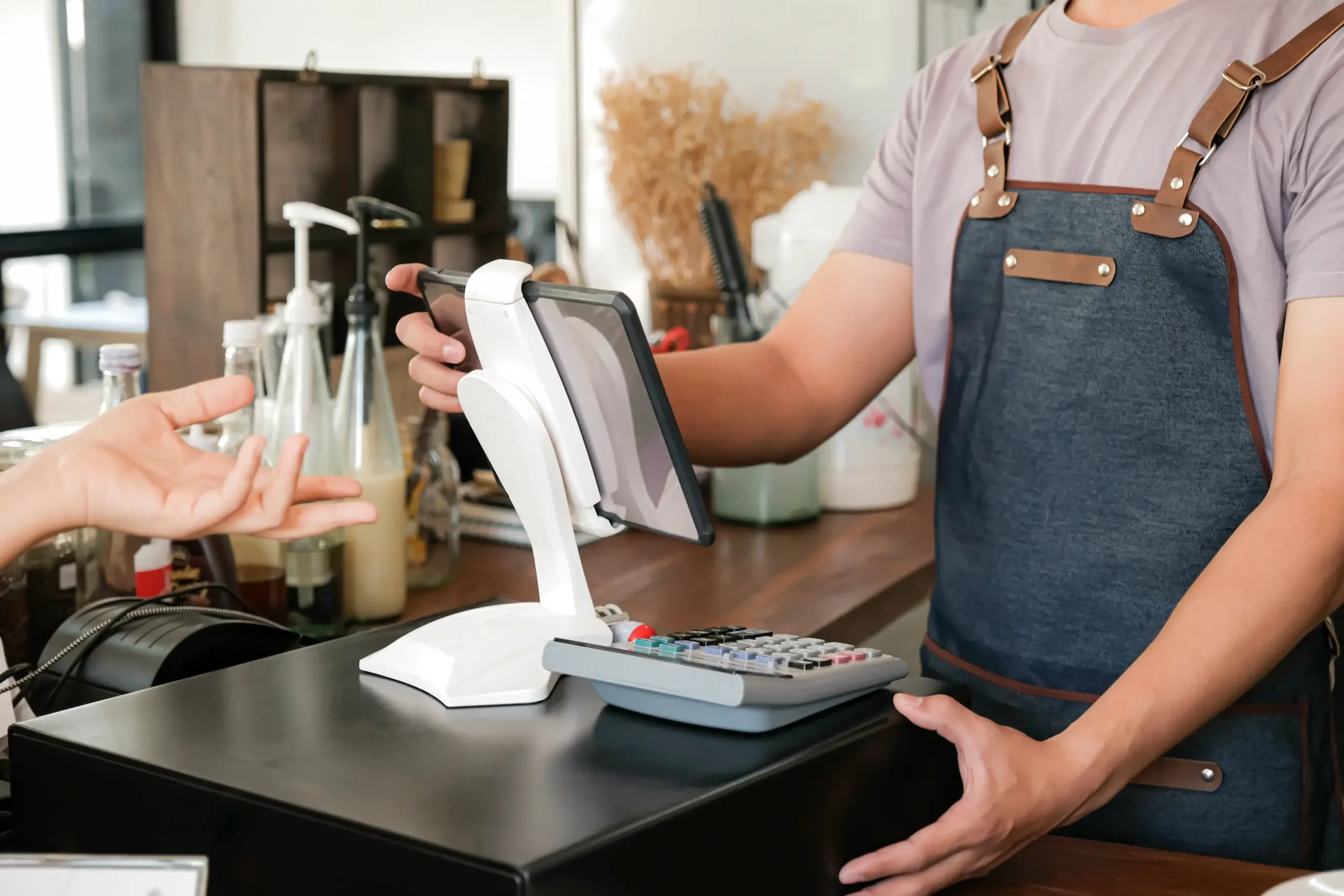
The right POS system:
Modern POS platforms, including solutions like SalesPlay POS, are designed for flexibility and clarity. They help businesses streamline operations, manage multiple stores from a centralized system, and scale with confidence. Many providers now offer free POS software with optional upgrades, allowing businesses to start small and expand as their needs grow.
A POS system follows a simple, repeatable flow during every sale. While features vary, the core process stays consistent.
Staff select items from the screen or scan barcodes. Restaurants choose menu items and modifiers.
The system calculates totals automatically. It includes prices, discounts, and US sales tax rules.
Customers pay using:
• Credit or debit cards
• Contactless payments like Apple Pay
• Mobile wallets
• Cash
US POS systems use EMV and NFC standards for secure processing.
After approval, the POS system:
• Records the sale
• Updates inventory
• Stores customer data
• Generates a digital or printed receipt
This flow reduces manual work and errors.
US POS systems support multiple payment methods. Fast, flexible payments reduce abandoned purchases.
Most systems follow PCI compliance standards. This protects card data and builds customer trust.
Inventory tools help businesses track stock in real time. Owners can set low-stock alerts and manage products across locations.
Retailers and franchises rely on this feature to avoid overstocking or lost sales.
POS reports show what is happening in the business. Common reports include:
Clear reports help owners adjust pricing, staffing, and promotions.
Many POS systems include basic CRM tools. These store customer profiles and purchase history.
Loyalty programs encourage repeat visits without complex software.
POS staff tools help track hours and performance. Managers can assign roles, control access, and review sales by employee.
This improves accountability and scheduling accuracy.
Modern POS systems connect in-store and online sales. This matters for US businesses selling through websites or marketplaces.
One dashboard reduces data conflicts and saves time.
POS hardware varies by business type and budget. Most setups include a mix of devices.
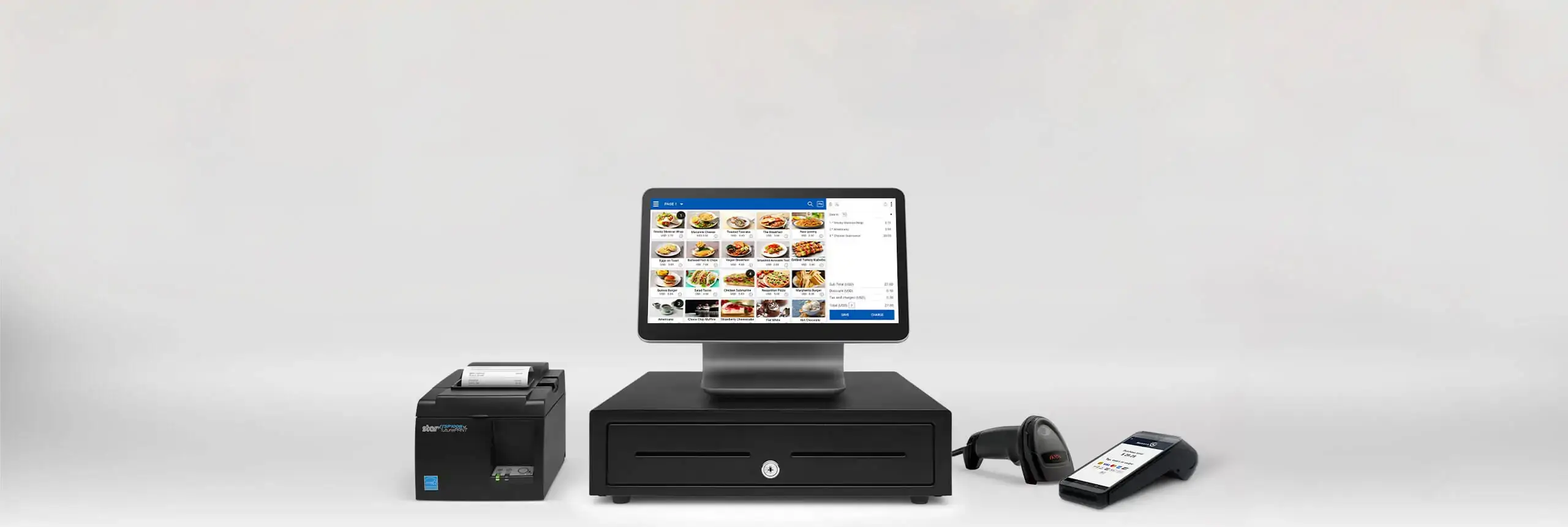
Common hardware includes:
Tablet-based setups cost less and offer flexibility. All-in-one terminals suit fixed checkout counters.
Terminal-Based POS Systems
These are fixed, all-in-one systems. Retail stores and quick-service restaurants use them often.
They offer stability but less mobility.
Tablet-Based POS Systems
Tablet POS systems run on tablets. Small businesses prefer them for affordability and ease of setup.
Many free POS plans fall into this category.
Mobile POS (mPOS)
Mobile POS systems work anywhere. Food trucks, events, and pop-up shops rely on them.
They process payments through smartphones or small tablets.
Cloud-Based POS Systems
Cloud POS systems store data online. Owners can view sales, inventory, and reports from any location.
These systems support multi location management and updates without manual installs.
Cloud POS systems store data online. Owners can view sales, inventory, and reports from any location.
These systems support multi location management and updates without manual installs.
SalesPlay POS fits well into this. It is a cloud-based POS system that works on both web and Android devices, giving businesses the flexibility to manage operations from anywhere. At the same time, SalesPlay can also run on POS terminals, making it suitable for businesses that prefer a fixed checkout setup without losing the benefits of cloud access.
POS cost in the US depends on features, scale, and payment processing.
Software Costs
Many providers offer free POS software with basic features. Paid plans usually range from low monthly fees to custom pricing.
Advanced features may include:
• Multi-location support
• Advanced reports
• API access
• Industry-specific tools
Hardware Costs
Hardware is often a one-time cost. Tablets and card readers vary by brand and capability.
Some providers bundle hardware with software plans.
Payment Processing Fees
Most US POS systems charge transaction fees. These usually include a percentage plus a small fixed amount per transaction.
Understanding these fees helps avoid surprises.
For U.S. businesses seeking flexibility, affordability, and scalability, SalesPlay POS is a practical solution:
Whether you run a small café, a retail store, or a multi-location business, SalesPlay POS combines efficiency, flexibility, and cost-effectiveness, making it a smart investment for your operations.
Benefits of Using a POS System
These benefits apply across retail, restaurants, and service industries.
A small clothing store in Texas struggled with manual inventory tracking. Staff often sold items that were already out of stock.
The owner switched to SalesPlay’s cloud-based POS system with real-time inventory alerts. The system automatically updated stock levels after each sale and sent notifications when inventory reached a predefined quantity, helping the owner reorder on time.

As the business expanded, the owner also used multi-location inventory management to track stock across multiple store locations from one cloud dashboard. This eliminated confusion between stores and ensured accurate stock visibility everywhere.
Within three months, stock errors dropped sharply. The owner also used detailed sales reports to adjust product pricing and identify top-selling items.
The POS system did not change the business model. It removed daily friction, improved visibility, and supported growth through cloud-based inventory control.
Business owners should start with their actual needs. A POS system should support daily tasks, not distract from them.
Key questions to ask:
Testing a free POS plan helps teams learn before committing.
What is a point of sales system?
A point of sales system is software and hardware that helps businesses complete sales. It records transactions, processes payments, and tracks data like inventory and customers.
How much does a POS system cost in the US?
POS cost in the US varies by features and size. Many systems offer free POS software, while paid plans charge monthly fees. Hardware and transaction fees are usually separate.
Are US POS systems secure?
Yes. Most US POS systems follow PCI compliance standards. They use encrypted payment processing and EMV chip technology to reduce fraud risk.
Can a POS system handle US sales tax?
Modern POS systems calculate US sales tax automatically. They apply state and local tax rules based on transaction location.
Is a cloud-based POS better for small businesses?
Cloud-based POS systems offer flexibility and remote access. Many small US businesses prefer them because they scale easily and update automatically.
Do POS systems support online sales?
Most modern POS systems integrate with e-commerce tools. This allows businesses to manage online and in-store sales from one system.
What is a free POS system?
A free POS system offers basic sales and reporting features at no monthly cost. Businesses usually pay only transaction fees or upgrade for advanced tools.
Can POS systems grow with a business?
Yes. Many POS platforms support multi-location management and advanced features. This helps businesses expand without changing systems.
A Point of Sale system is more than a checkout tool. It supports payments, inventory, reporting, and daily decisions.
US businesses choose POS systems that match their size, industry, and growth plans. Clear pricing, essential features, and ease of use matter most.
If you are evaluating a new POS system, start simple. Test what fits your workflow today and supports where you want to go next.