Running a successful restaurant in 2026 is a true team effort. From front-of-house servers to kitchen staff and managers, every role must work in sync to deliver a smooth, memorable dining experience.
Modern Point-of-Sale (POS) systems like SalesPlay POS have become essential in 2026. They replace manual processes with fast, accurate, and connected workflows that help staff serve guests better, reduce mistakes, and work with confidence especially as customer expectations and operational complexity continue to rise.
This in depth guide explains how restaurant staff use a POS system in 2026 from ordering and payments to kitchen coordination and performance reporting.
Key Takeaways: How Restaurant Staff Use POS Systems in 2026
POS systems connect servers, kitchen staff, and managers in real time
Mobile POS, KOT tablets, and QR ordering speed up service and reduce errors
Proper setup and staff training are critical for success in 2026
Real-time reports help restaurants optimize menus, staffing, and profitability
What Is a POS System for Restaurants in 2026?
A restaurant POS system in 2026 is the central operating system of a restaurant. It handles far more than billing it connects the dining area, kitchen, and management team into one unified platform.
For restaurant staff, a POS system enables them to:
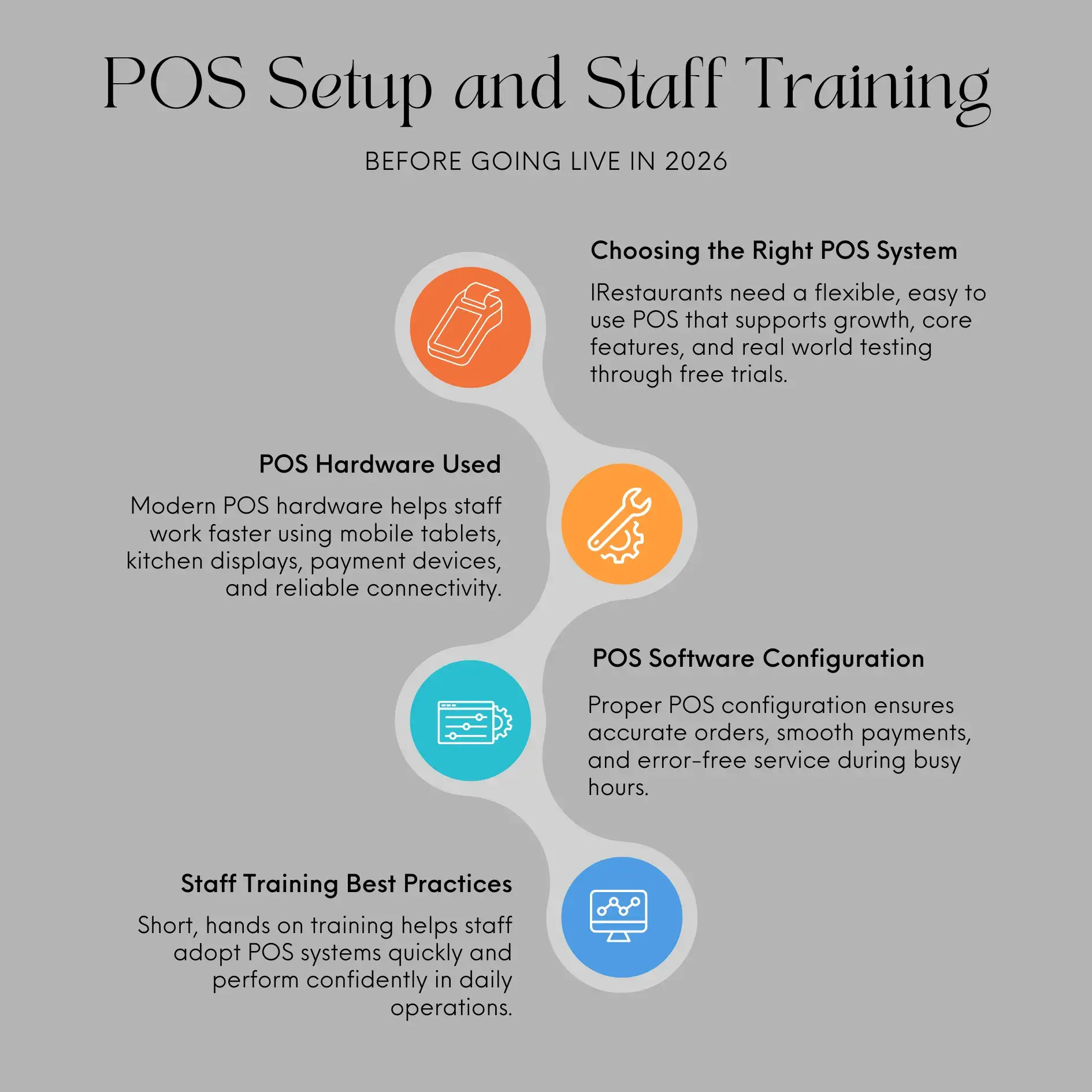
Before Going Live in 2026: POS Setup and Staff Training
1. Choosing the Right POS System
In 2026, restaurants must choose POS systems that support growth and flexibility.
Key considerations include:
Restaurant type: Quick-service, casual dining, fine dining, or multi-branch
Core features: Tableside ordering, QR ordering, KOT displays, modifiers
Ease of use: Simple interfaces reduce onboarding time
Scalability: Ability to add outlets, devices, and staff
Free trial or demo: Essential for testing real workflows
SalesPlay POS continues to offer a free trial, allowing restaurants to validate performance before committing.
2. POS Hardware Used by Restaurant Staff in 2026
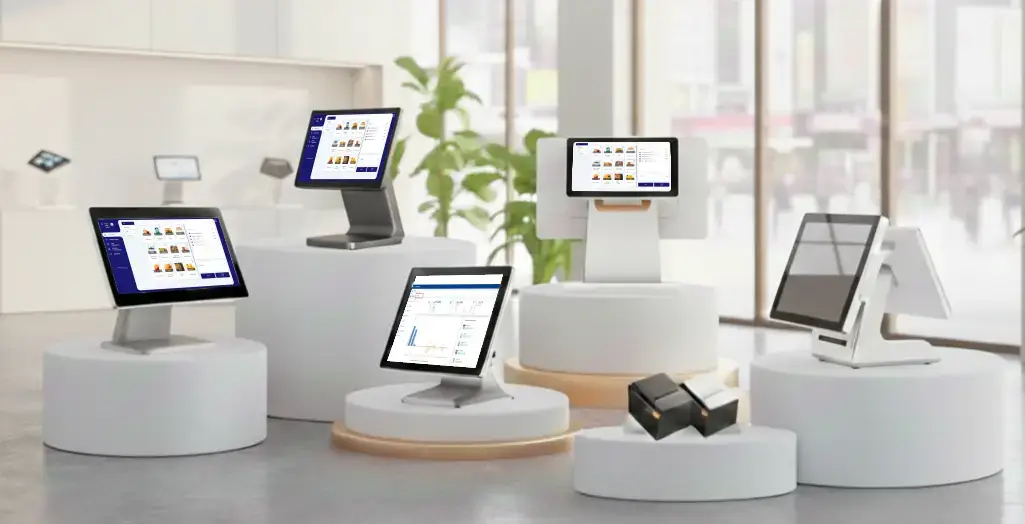
A modern restaurant POS setup typically includes:
Mobile POS tablets: For tableside ordering and payments
KOT (Kitchen Order Ticket) tablets: For kitchen stations
Card readers: Supporting chip, tap, and mobile wallets
Receipt printers & cash drawers: For hybrid payment environments
Reliable networking: For smooth device syncing
These tools help staff work faster and reduce physical movement during peak hours.
3. POS Software Configuration
Before staff start using the POS system, managers configure:
Menus: Categories, pricing, modifiers, combos, and multi-course options
User roles: Permissions for servers, kitchen staff, and managers
Table layouts: Digital floor plans reflecting the actual restaurant layout
Payment methods: Cash, card, mobile wallets, vouchers, and tips
A well-configured POS minimizes errors during live service in 2026’s high-demand environments.
4. Staff Training Best Practices in 2026
Even with advanced technology, training remains essential.
Best practices include:
Hands-on practice with real POS devices
Mock service scenarios (split bills, refunds, modifiers)
Quick-reference guides or built-in tutorials
A supportive learning culture that encourages questions
SalesPlay POS is designed to be intuitive, making training easier for both new and experienced staff.
Daily Operations: How Restaurant Staff Use POS Systems in 2026
1. Order Taking and Entry
In 2026, order-taking is faster and more flexible:
Tableside ordering: Servers enter orders directly on mobile POS devices
QR ordering: Guests scan QR codes and place orders themselves
Instant kitchen routing: Orders appear immediately on KOT screens
Accurate modifiers: Dietary needs and custom requests are clearly recorded
This significantly reduces miscommunication between front-of-house and kitchen teams.
2. Table and Course Management
POS systems help staff manage dining flow efficiently:
Track table status (occupied, reserved, available)
Manage multi-course meals with proper timing
Split bills by seat, item, or percentage
Sync with reservation tools where integrated
These capabilities improve table turnover and guest satisfaction.
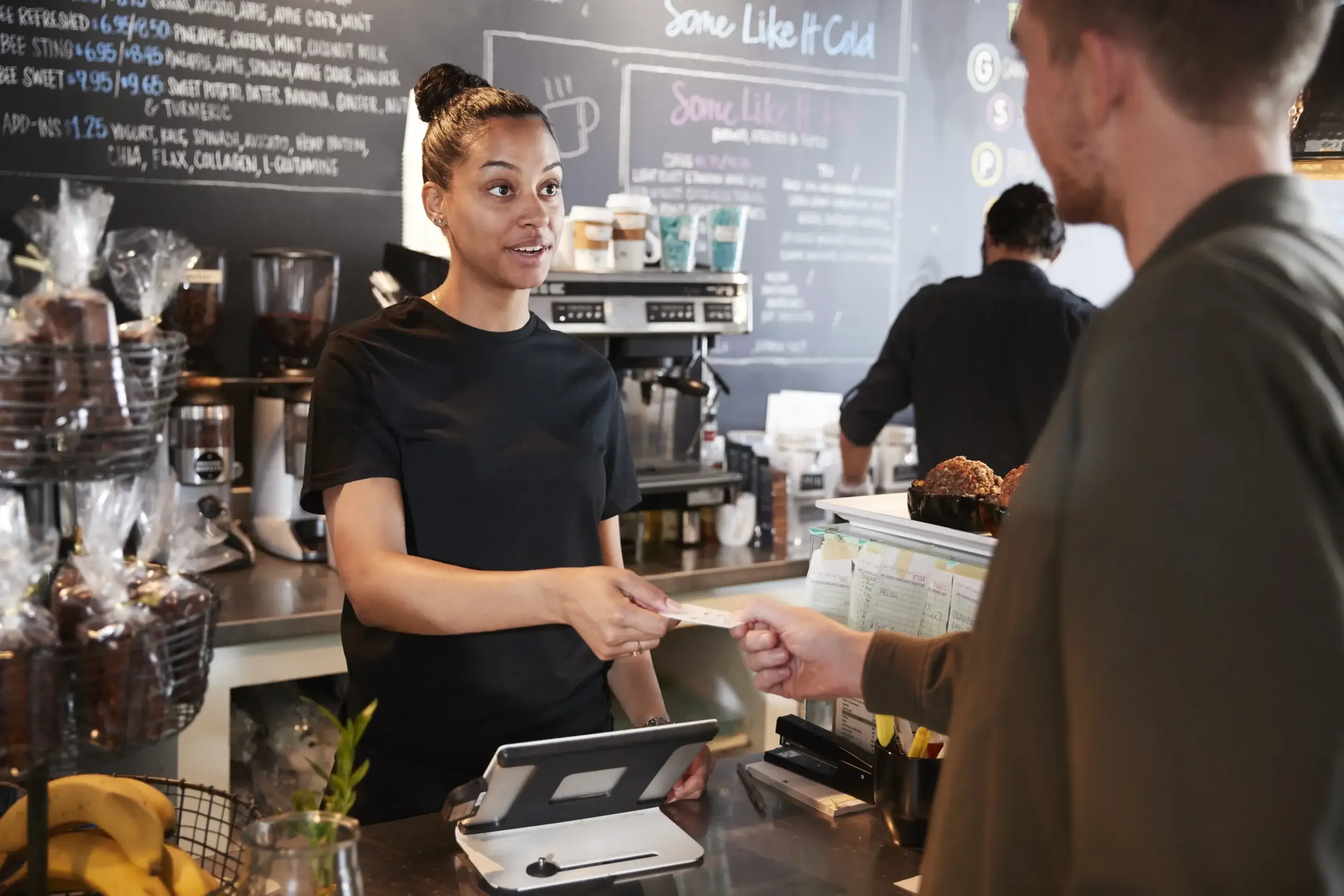
3. Payment Processing in 2026
Modern POS systems now support highly flexible payments:
Cash, cards, and mobile wallets
Tableside payments for faster checkout
Digital or printed receipts
Automated tips and service charges
With SalesPlay POS, transactions remain fast and secure even during peak hours or offline situations.
4. Kitchen Operations with KOT Tablets
Kitchen staff rely heavily on KOT systems in 2026:
Orders route automatically to the correct station
Items are prioritised by preparation time and course
Status updates show “preparing” or “ready”
Paper tickets are fully eliminated
This leads to faster preparation, fewer errors, and smoother service coordination.
5. Manager Tools and Reporting
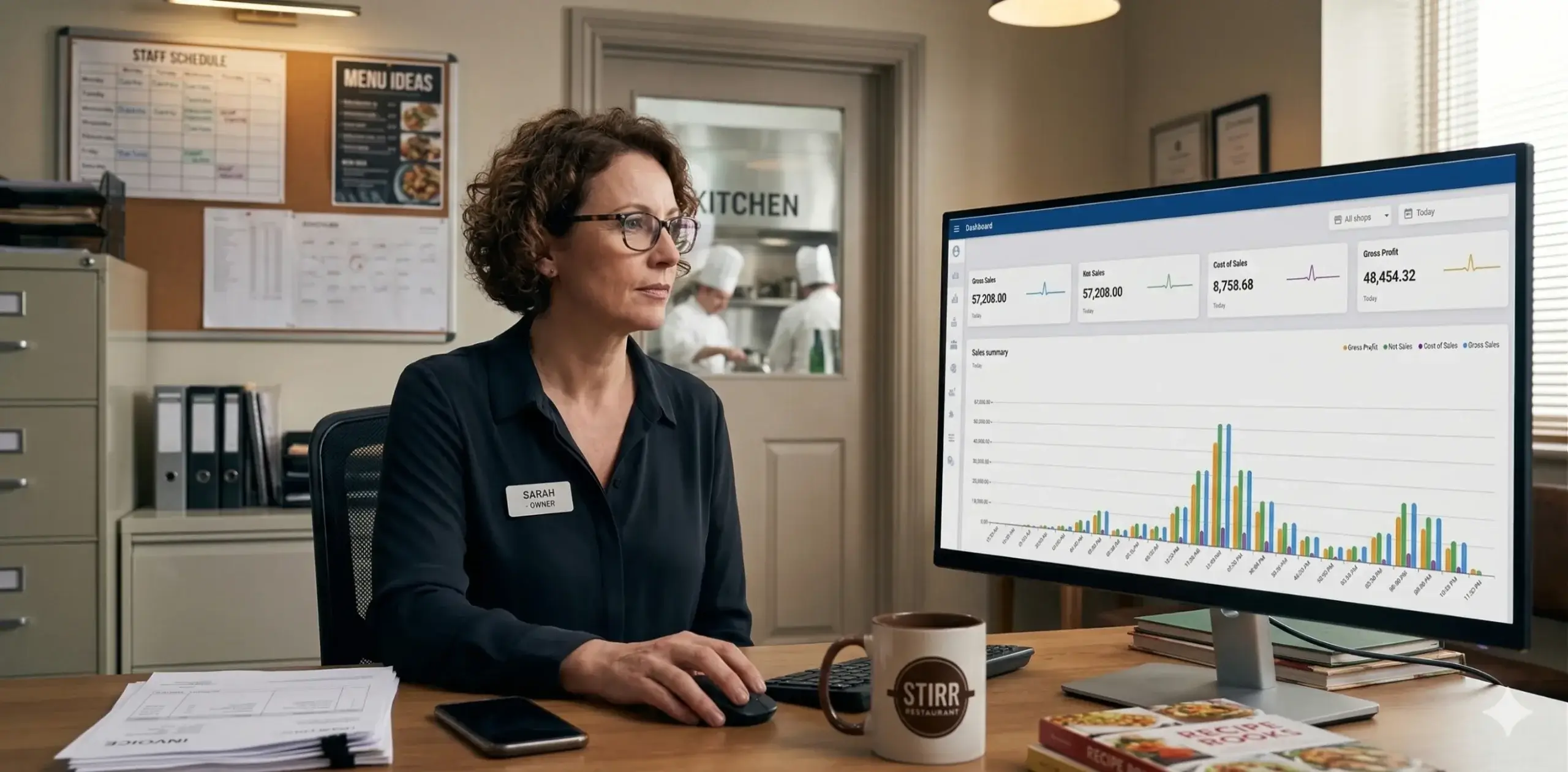
Managers use POS dashboards to:
Monitor daily and hourly sales trends
Track staff performance and upselling
Analyse top-performing and low-performing menu items
Review inventory usage and food cost patterns
Real-time analytics empower data-driven decision-making, which is critical in 2026’s competitive restaurant landscape.
Benefits of POS Systems for Restaurant Staff in 2026
Faster service: Reduced movement and shorter wait times
Higher accuracy: Clear digital orders minimise kitchen mistakes
Better teamwork: Seamless coordination between teams
Improved guest experience: Smooth ordering and checkout
Clear performance insights: Staff understand expectations and results
5 Practical Tips for Restaurant Staff Using POS Systems
Keep up with regular training and system updates
Use modifiers and notes carefully to avoid kitchen errors
Track personal sales and performance metrics
Encourage QR ordering during busy periods
Share feedback with management for continuous improvement
FAQs: How Restaurant Staff Use POS Systems in 2026
1. Do restaurant staff need special training to use a POS system?
Yes. While POS systems in 2026 are more intuitive, structured training ensures staff can confidently handle orders, payments, and exceptions. SalesPlay POS supports role-based access to simplify learning.
2. Can guests place orders themselves using QR codes?
Yes. QR ordering is widely adopted in 2026, allowing guests to browse menus and place orders that sync instantly with the POS and kitchen.
3. How do KOT tablets improve kitchen efficiency?
KOT tablets display orders instantly at the correct station, reducing delays, improving accuracy, and eliminating handwritten tickets.
Yes. Offline mode ensures orders and payments continue and sync automatically once connectivity is restored.
6. How does a POS system help restaurant managers?
Managers gain real-time insights into sales, inventory, and staff performance, enabling smarter scheduling, pricing, and menu decisions.
Final Thoughts: POS Systems Are Essential in 2026
In 2026, a modern POS system is no longer optional it’s a critical operational foundation.
Platforms like SalesPlay POS empower restaurant teams to work faster, reduce errors, and deliver consistent service. With mobile POS, QR ordering, KOT integration, tableside payments, and real-time analytics, restaurants can stay competitive, profitable, and ready to scale.
Ready to future-proof your restaurant operations? Explore SalesPlay POS and see how it supports restaurant success in 2026 and beyond.
We use cookies to ensure that we give you the best experience on our website. If you continue to use this site we will assume that you are happy with it.